
Single-photo face swap
Swap faces in real time from a single photo, with the page describing one-photo and one-click face swap workflows.

Magicam is a real-time face swap and voice change tool for live streams, video recording, and conferences, with a built-in virtual camera and Pro upgrade.
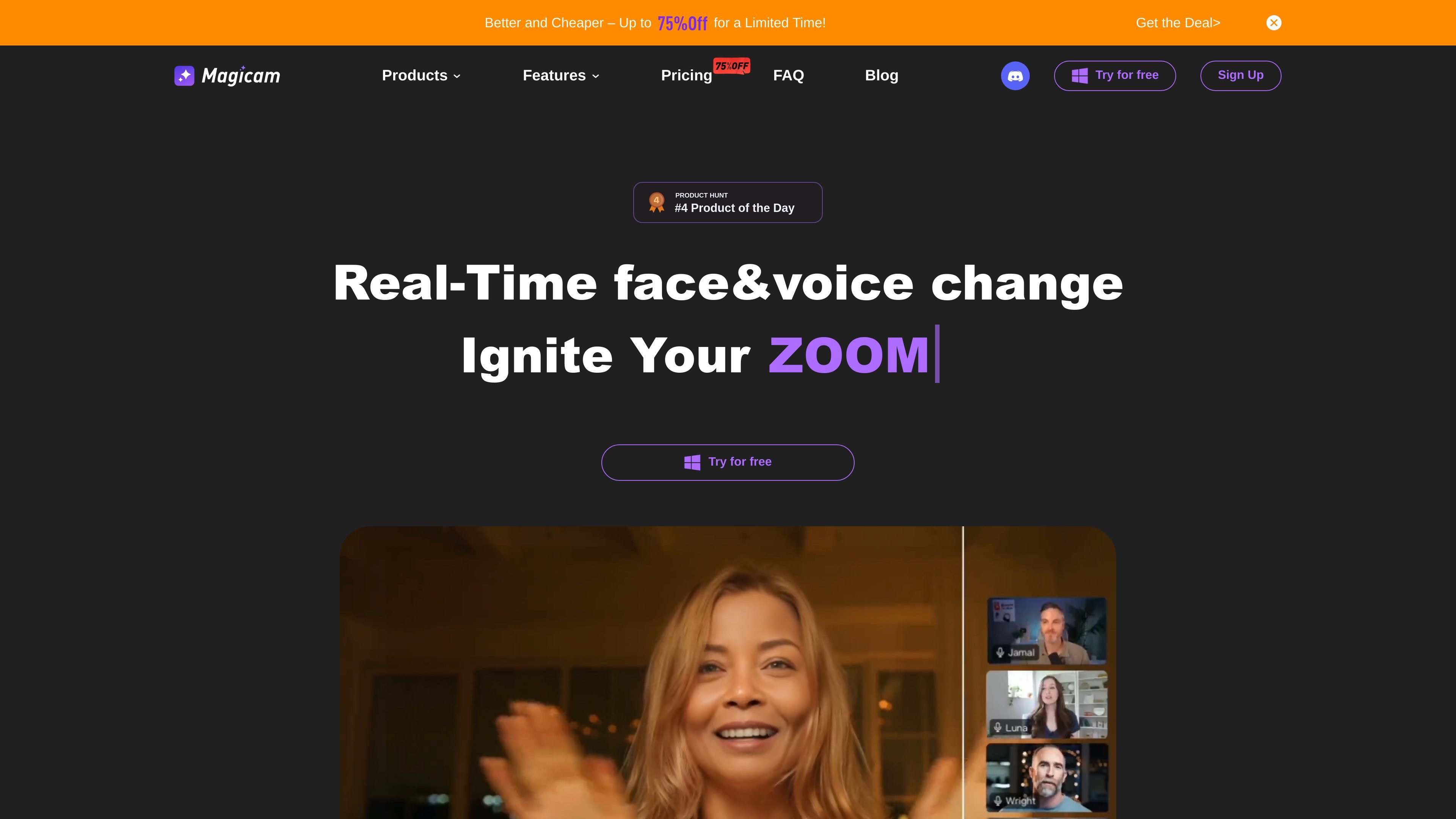
Magicam is a face-swap and voice-change tool built for real-time use in live streams, video recording, and conference-style settings. The site positions it around changing a person’s face and voice together, with a workflow centered on using a single photo and one-click swapping.
The homepage highlights both a Free version and a Pro upgrade. It also lists support for a built-in virtual camera and compatibility with Zoom or Twitch, suggesting a workflow aimed at creators who want to apply face changes inside live-call and streaming setups.
Swap faces in real time from a single photo, with the page describing one-photo and one-click face swap workflows.
Change both face and voice in the same session, letting creators alter appearance and audio together during live use or recording.
Use the tool for high-quality live streams and video creation, with the site emphasizing real-time operation and high-definition output.
Adjust tuning and quality settings in the Pro tier, including advanced tuning mode and higher-resolution face swap support.
Run the tool as a built-in virtual camera and embed it in Zoom or Twitch, based on the compatibility notes shown on the home page.
Upload faces without a stated limit on the home page and use unlimited face swap duration in the Free version listing shown there.
Apply a face swap during a live stream when you need the effect to appear in real time rather than being edited afterward.
Use the built-in virtual camera to present a changed face inside calls or broadcasts that run through Zoom or Twitch.
Create short-form or long-form clips with face and voice changes already applied, using the site’s video recording workflow.
Use the tool in conference-style settings when you want a different on-screen appearance for demonstrations or internal creative setups.
Try face swapping with a single photo and one-click workflow when you want a low-friction starting point before adjusting quality settings in Pro.
Magicam is a real-time face and voice change tool for live streams, video recording, and meetings. It supports face swapping from a single photo and includes voice-changing features, with the app processed locally according to the site’s FAQ.
The site says Magicam works for conferences, live streaming, and video recording. It also mentions compatibility with Zoom or Twitch through an embeddable virtual camera.
Magicam’s FAQ says it processes data locally without uploading it to the cloud. It also recommends a computer with a dedicated graphics card, preferably an RTX 2070 or higher, for better performance.
The pricing section on the home page shows a Free version and a Pro subscription, but the dedicated pricing page returned a server error in the provided sources. The exact plan details visible on the home page include Pro pricing and several included features, but broader pricing information is limited.

VIDEOAI.ME is an AI video generator for spokesperson videos, ads, explainers, and social content from a script without filming.

Official HeyGen API docs for AI avatar videos, video translation, lipsync, and interactive video-agent sessions via API, MCP, and CLI workflows.

艺映AI is a free AI video creation tool for text-to-video, image-to-video, and video-to-video creation for short social and promo clips.

Clipia.ai is an AI image and video generation platform for presentations, agent workflows, and developer integrations, with shared credits.

TapNow is a web-based AI visual creation platform for businesses, creators, and teams with image and video generation, editing, planning, and collaboration tools.

Kits AI is an AI music production platform for voice cloning, vocal generation, and vocal processing. Free plan, paid tiers, and Windows app.