
Text-based music generation
Generate songs from text prompts, including a text-to-song flow and a text-to-instrumental flow shown on the homepage and pricing page.

MakeBestMusic is a web-based AI music generator for royalty-free songs, instrumentals, voice covers, and mastering from text or audio. Free and paid plans.
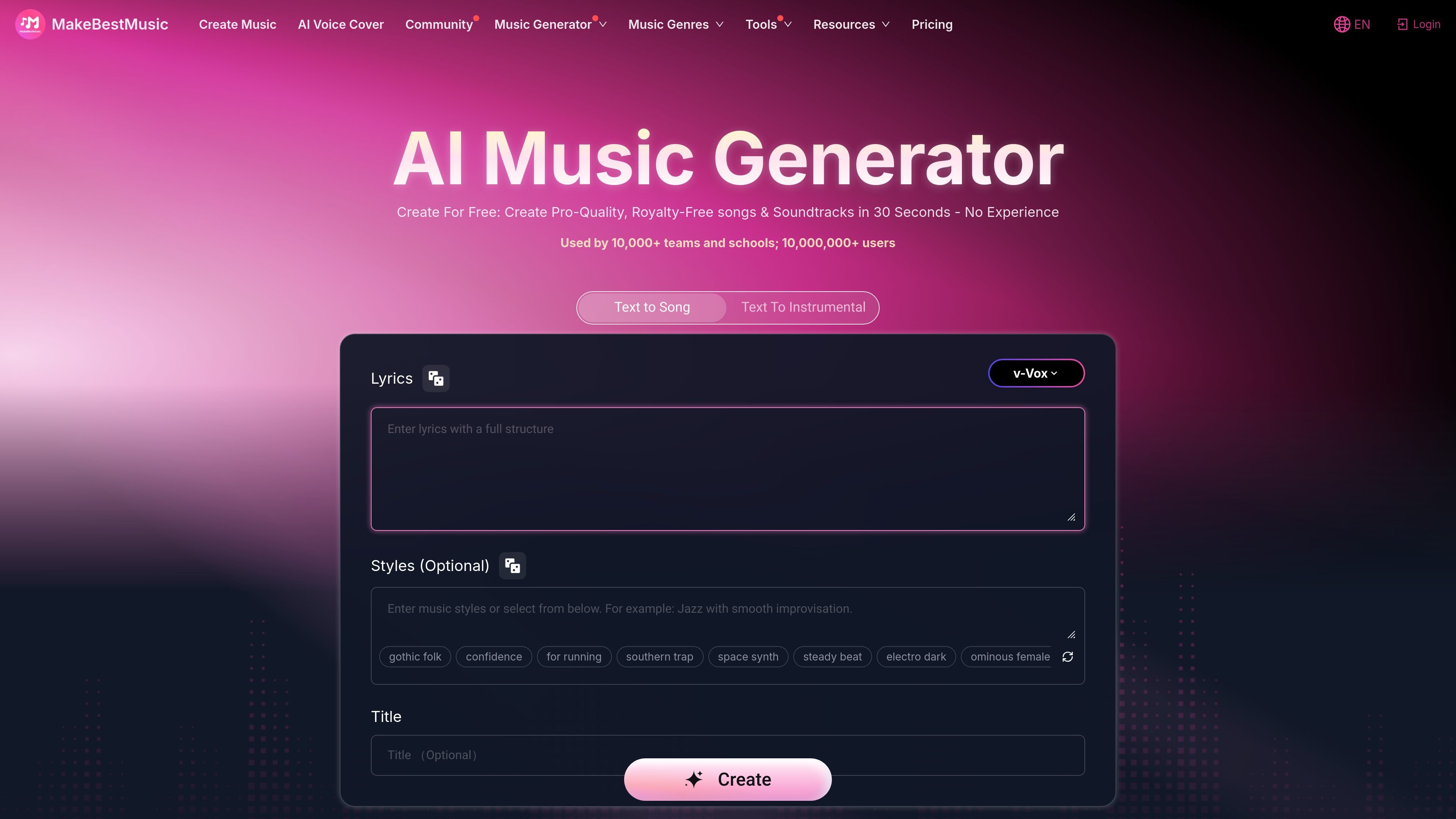
MakeBestMusic is an AI music creation platform for generating royalty-free songs, soundtracks, instrumentals, and voice covers from text or existing audio. The homepage frames it as a free-to-start tool for creating pro-quality music in about 30 seconds, while the pricing page shows both free and paid tiers.
The product is organized around separate workflows for creating music, covering vocals, and mastering audio. Users can generate songs with lyrics, make instrumental tracks, upload audio for AI voice covers, and access exports and commercial-use features through paid plans.
Generate songs from text prompts, including a text-to-song flow and a text-to-instrumental flow shown on the homepage and pricing page.
Create music with vocals or instrumentals, with the homepage highlighting songs and soundtracks and the pricing page listing AI singing and instrumental creation.
Use AI voice cover tools to upload an existing track and apply custom or public voice models, with key shifting controls available on the voice cover page.
Work with plan-based exports and downloads, including MP3 and WAV downloads on paid tiers and high-quality audio exports on the pricing page.
Access mastering and stem-related workflows from the product family, with the pricing page listing music stem extraction and the app pages including an AI mastering tool.
Choose among multiple music models and styles, with the pricing page listing several named music models and access to 100+ styles on paid plans.
Turn a short prompt into a full song or instrumental when you need a fast starting point for a track, soundtrack, or demo.
Upload an existing vocal track and apply a different voice model when you want a cover version or voice transformation.
Use the mastering tool to polish a track after generation or after importing audio that needs a finishing step.
Choose a paid plan when you need downloads, commercial licensing language, or higher monthly credit limits for ongoing production work.
Use the platform’s separate workflows to test different ideas quickly before deciding whether to keep a song as-is, remake it, or cover it in another voice.
You can start with the free tier, then move to a paid plan if you need more credits, more downloads, or features such as commercial licensing and higher export limits.
The site supports text-to-music creation, text-to-instrumental generation, AI voice covers, music stem extraction, and AI mastering, with the exact options varying by plan and product page.
The pricing page states that subscribers own the copyright to the songs they create and can use them on platforms such as YouTube and Spotify.
The voice cover page accepts MP3 and WAV files up to 7 minutes and 30 MB, while the pricing page also mentions high-quality audio exports and MP3/WAV downloads on paid plans.
The site presents separate workflows for creating music, making voice covers, and mastering audio, so users can choose the tool that best matches their task instead of using one single generator for everything.

AI Song Maker is a web-based AI music generator for songs from text, lyrics, or audio, with vocal removal and track editing tools.

AI Song Maker is a web-based AI music generator that turns text or lyrics into songs, with vocal removal, track extension, and section replacement.

Kits AI is an AI music production platform for voice cloning, vocal generation, and vocal processing. Free plan, paid tiers, and Windows app.

LALAL.AI is an AI audio processing platform for stem separation, voice cleanup, and voice transformation, with browser upload, preview, and download.

Lyrica is a collaborative lyric writing platform designed to streamline the songwriting process with integrated AI assistance for inspiration and refinement.

ElevenMusic is a web-based music platform to discover tracks, remix music, and create original songs with prompt-led mood tags and account-based saving.