
Natural-language workflow creation
Users type what they want in plain language, and Awish turns the request into a workflow. This reduces the need to configure every step manually.

Awish is an AI no-code automation platform that turns natural-language requests into workflows across connected apps—no manual setup.
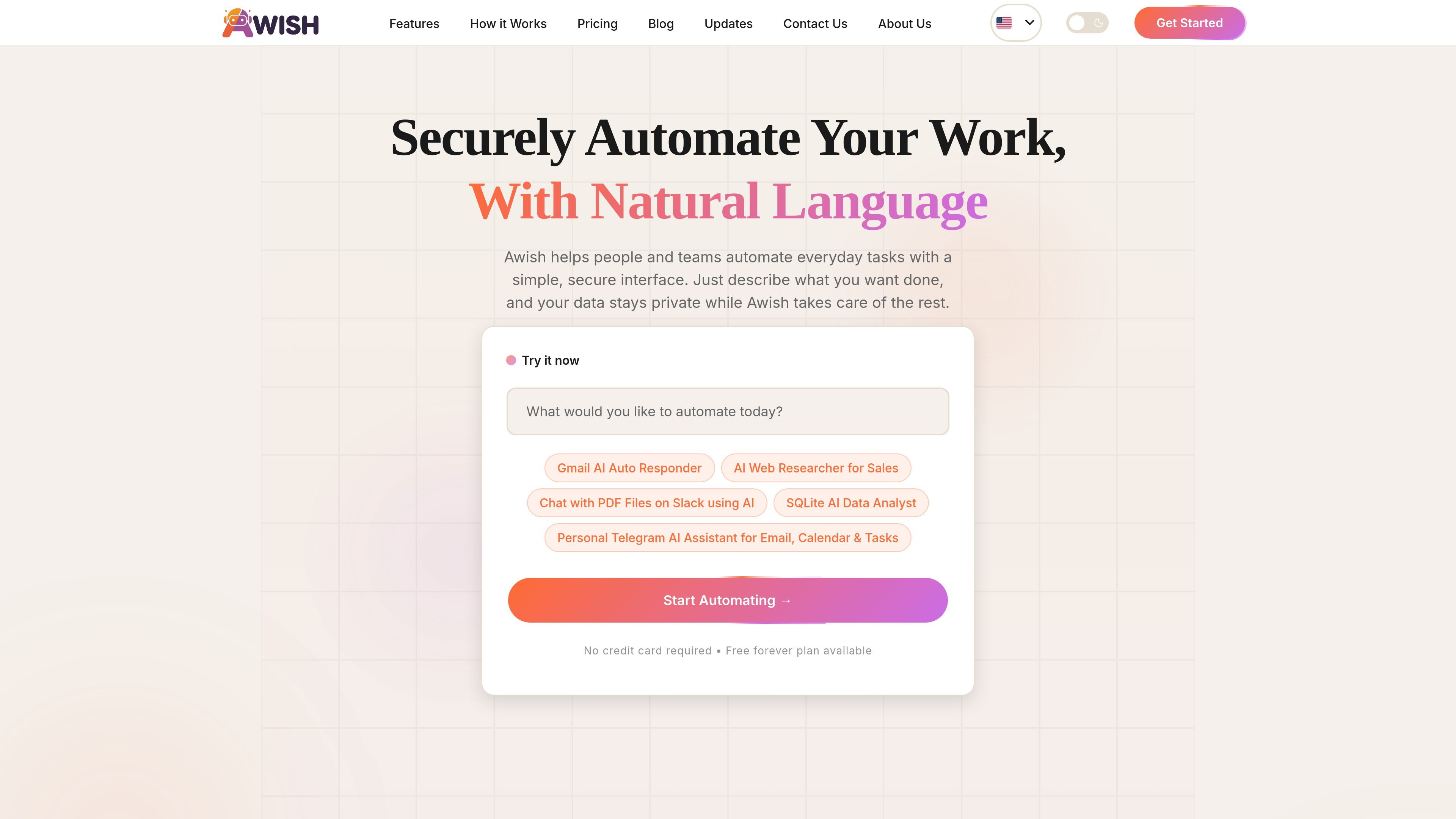
Awish is an AI automation platform that lets users build workflows by describing tasks in natural language. It is positioned as a no-code product for individuals, creators, small businesses, and enterprises that want to automate repetitive work across connected apps.
The site shows an agent-style flow: a user writes a request, Awish identifies the intent, recommends apps, requests permission to connect them, and then generates an editable workflow. Published examples include lead routing, weekly reporting, AI-based chat assistants, and research-style automations.
Awish also emphasizes a permission-first approach. The homepage says integrations happen only with user approval, and the pricing page shows a free plan alongside paid tiers that add more channels, history, analytics, team workspaces, priority support, and enterprise controls.
Users type what they want in plain language, and Awish turns the request into a workflow. This reduces the need to configure every step manually.
Awish selects tools from connected apps and proposes a workflow plan before execution. The homepage shows the agent detecting intent, choosing apps, and asking for approval to connect them.
The product asks for permission before connecting services and emphasizes that integrations happen only with user approval. The homepage also states that data stays private while automations run.
Automations can be updated after they are live by chatting with Awish. The homepage shows examples of pausing a workflow, changing a trigger, and asking the bot to refine a setup.
Awish supports running and monitoring automations with status updates, run counts, and success information shown in the product examples. The pricing page also includes workflow history and analytics on paid plans.
The pricing page describes team workspace options, from up to 5 seats on Standard to up to 20 seats on Premium, with enterprise features such as SSO, audit logs, and RBAC.
Route new leads into messaging and reporting tools from a single prompt. The homepage example shows a workflow that sends new leads to Slack, notifies a user on WhatsApp, and creates a weekly report in Google Sheets.
Set up an AI assistant that handles routine communication tasks in chat apps. The site highlights examples such as a personal Telegram assistant for email, calendar, and tasks, plus AI responders inside messaging workflows.
Turn ad hoc research or data tasks into repeatable automations. The homepage surfaces an AI web researcher for sales and a SQLite AI data analyst as example workflows.
Review, pause, and revise live automations without rebuilding them from scratch. The product examples show users changing triggers, pausing workflows, and asking Awish to refine automations by chat.
Adopt a shared automation setup for a small team or larger organization. The pricing page adds team workspaces, priority support, advanced analytics, and enterprise governance features for more structured deployment.
Awish is designed so users can describe a task in natural language, then review and approve the workflow before it runs. The source also says automations can be refined by chat after they are created.
The pricing page includes a Free plan, and the site says you can start for free without a credit card. Paid plans add more channels, workflow history, analytics, team workspaces, and higher limits.
The site positions Awish for both individuals and businesses. The homepage highlights personal productivity use cases, while the pricing page adds team workspace, priority support, advanced analytics, and enterprise options.
Awish supports natural-language workflow creation across connected apps. The homepage shows examples such as lead routing, status updates, reporting, and chat-based automations, but the source does not provide a full public list of every supported app or action.

Goldfish is an AI memory app for macOS that helps you reply, write, summarize, and continue with context already on your Mac. It stores memory locally and writes in your tone.

ArtDeck is a visual reference board app for iPhone, iPad, and Mac. Collect mixed references on one canvas and study them with ToolBox lenses. Offline, optional iCloud sync, one-time purchase.

Biji is a versatile platform designed to enhance productivity through innovative tools and features.

Malyatko is a baby tracker for feeding, sleep, growth, teething, and milestones. Use it on iPhone, Apple Watch, and widgets offline, with iCloud sharing.

Codex Plugins bundle reusable skills, app integrations, and MCP servers into workflows you can install in the Codex app or use from Codex CLI.

Struere turns spreadsheet data into structured operational software with dashboards, alerts, and automations for teams replacing manual spreadsheet workflows.