
Two-sided recording on Mac
Records your microphone and the system audio at the same time, so both sides of a call are captured without installing a virtual audio driver.

MeetingMemo is a private Mac meeting recorder that captures calls locally, transcribes on-device, and generates summaries without uploading audio.
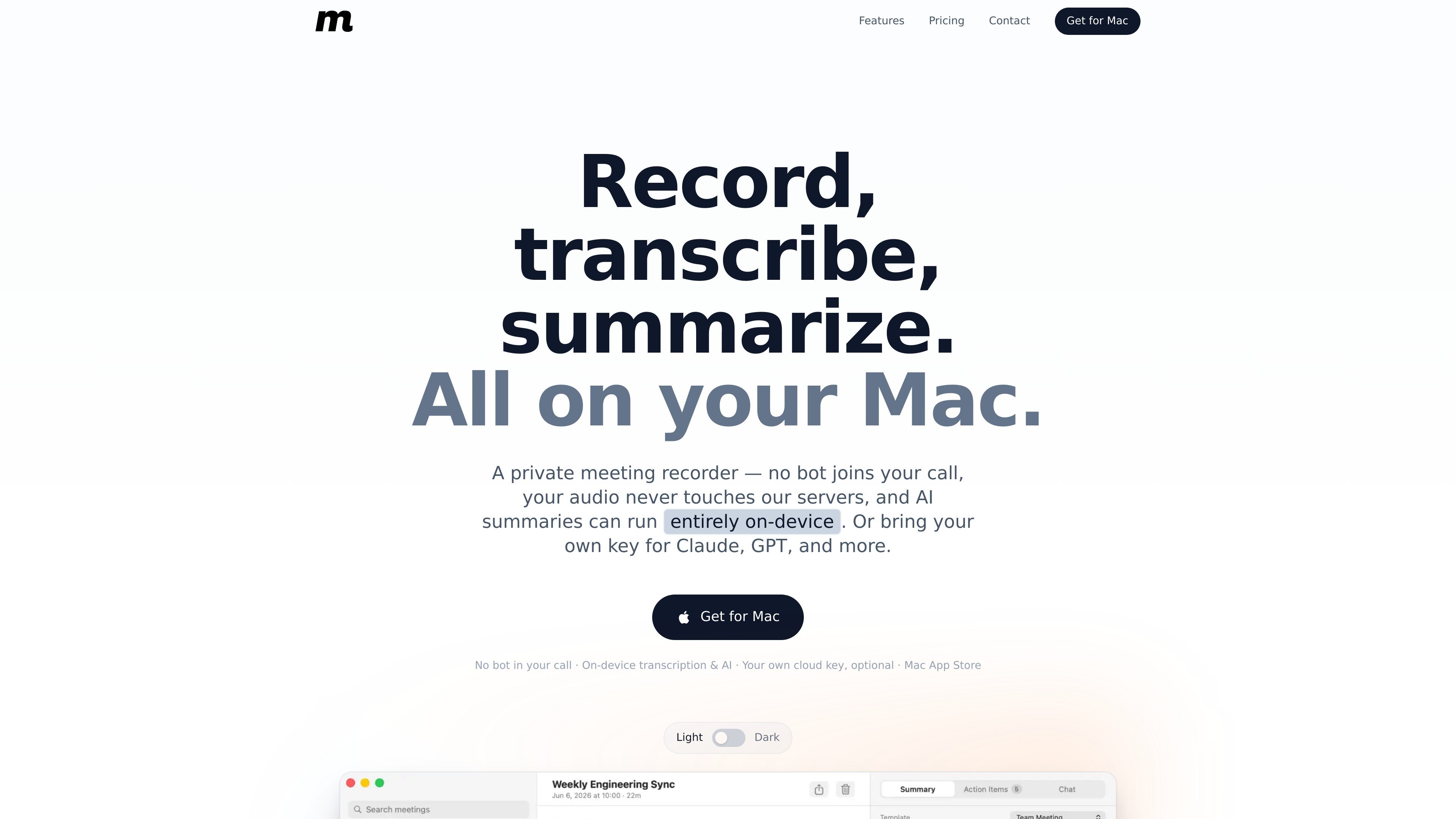
MeetingMemo is a native Mac meeting recorder built to keep recording, transcription, and summarization on your device. It captures your microphone and system audio together, transcribes the conversation locally, and can generate summaries and action items without sending audio to a MeetingMemo server.
The app is aimed at people who want a local-first workflow for calls in Zoom, Teams, Google Meet, FaceTime, and similar apps. Optional AI features run either on-device through Ollama or through your own cloud AI key, while iCloud sync is limited to your private iCloud account.
Records your microphone and the system audio at the same time, so both sides of a call are captured without installing a virtual audio driver.
Transcribes speech locally using Apple SpeechTranscriber or WhisperKit, with live text appearing as the meeting happens.
Runs AI summaries, action items, and chat on-device with Ollama, or connects to your own cloud AI key for providers such as Anthropic, OpenAI, and Gemini.
Uses 18 built-in meeting templates and can choose a format based on your calendar and the conversation, with the option to switch and regenerate later.
Reads your calendar locally to name meetings, link recordings, and surface attendee names, while prompting you before a recording starts.
Syncs meetings, transcripts, action items, chat, and audio across your Macs through your private iCloud, with offline use still supported.
Use MeetingMemo when you want a full meeting record from a Zoom, Teams, Google Meet, or FaceTime call without adding a visible bot to the session.
Use the app when you need live transcripts while the call is in progress and want the transcript generated locally on your Mac.
Use on-device AI or your own provider key to create summaries and action items while keeping audio on your device.
Use calendar integration to label recordings, surface attendee names, and get a prompt before each meeting starts recording.
Use private iCloud sync if you work across multiple Macs and want meetings, transcripts, chat, audio, and action items available on each device.
Yes. MeetingMemo captures your microphone and the system audio together on Mac, so it can record both sides of a Zoom, Teams, or Google Meet call without adding a bot to the meeting.
No. The product is designed to record what your Mac hears, so no participant is added and no meeting notification is sent.
Recording and transcription run on your Mac and can work fully offline. AI summaries also stay on-device if you use Ollama; if you choose a cloud provider, only the text transcript is sent to that provider through your own key.
Not necessarily. AI summaries, action items, and chat can run locally through the free Ollama app, or you can connect your own cloud AI key for providers such as OpenAI, Anthropic, and Gemini.
MeetingMemo is distributed exclusively through the Mac App Store and is offered as a subscription with a 30-day free trial, then $29/year.

QuickQuill is a local-first macOS dictation and transcription app to record meetings, summarize audio, and export notes without the cloud.

Tactiq is an AI note taker for Google Meet, Zoom, and Microsoft Teams that transcribes meetings live into summaries, action items, and follow-up outputs.

Notewarp is an AI note-taking tool that turns voice notes, uploads, or pasted text into cleaner notes, transcripts, summaries, and action items.

Scripta is a privacy-first AI notetaker that records, transcribes, and summarizes meetings on your device. Mac beta download available; Windows waitlist.

MeetStream is a meeting bot API for Zoom, Google Meet, Microsoft Teams, and Webex. Record, stream, and analyze meetings with usage-based pricing and $5 free credit.

Liam is an AI copilot for inbox management, email replies, prioritizing messages, and scheduling meetings. Free for individuals; custom pricing for teams and enterprise.