
AI-powered link capture
Save a link and let Mindspase fetch page content, metadata, and a preview image automatically.

Mindspase is a web-based knowledge organizer for saving links, organizing them into Spaces, and rediscovering content with AI-assisted workflows. It also supports collaboration, bookmark import, and customizable viewing modes.
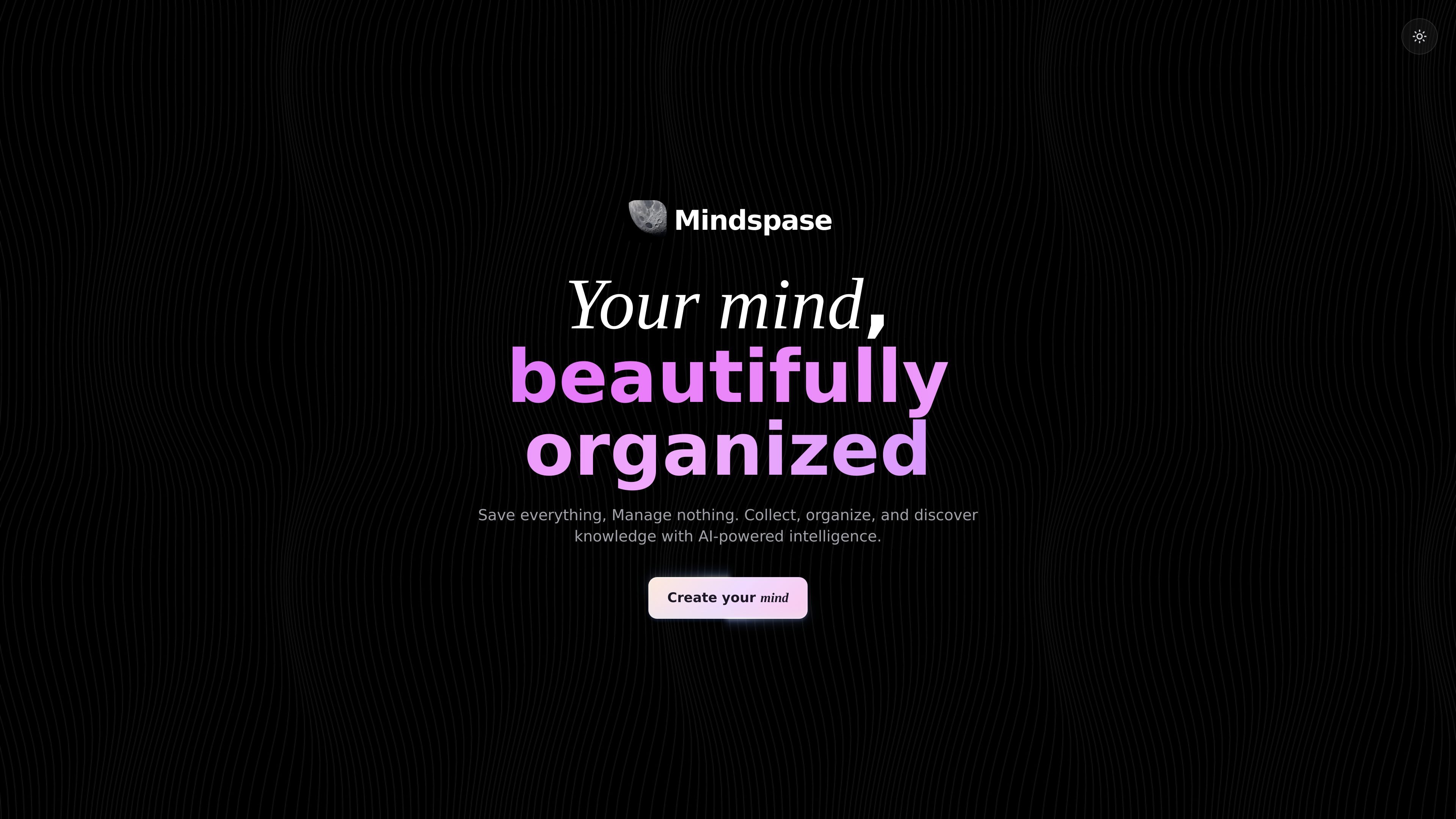
Mindspase is a web-based knowledge organizer built around saving links and other content, then arranging them into Spaces for later retrieval. The homepage positions it as a “second brain” for collecting and organizing information with AI assistance.
Its core workflow starts with saving a link: Mindspase can fetch content and metadata, generate a preview image, and then help place the item into a Space automatically. It also supports importing bookmarks and content from several apps, sharing collections with collaborators, and changing the viewing and visual style of the workspace.
Save a link and let Mindspase fetch page content, metadata, and a preview image automatically.
Group saved items into custom Spaces by topic, project, or other personal structures, with AI auto-assignment available.
Create shared minds, invite collaborators, assign roles, and manage access with secure invite codes and permissions.
Adjust the interface with colors, themes, fonts, and a private Drift Mode for distraction-free viewing.
Filter saved content by inferred mood such as inspiring, energetic, relaxing, technical, thoughtful, or creative.
Switch between grid, timeline, and list views, and import bookmarks from browsers and supported apps.
Save articles, research pages, and reference links in one place, then sort them into topic-based Spaces for later review.
Create shared minds for a project or group, invite others with controlled roles, and keep saved resources organized for the team.
Use AI auto-assignment, mood filters, and alternate views to move quickly through a large personal library of saved content.
Import existing bookmarks from browsers or supported apps to bring an existing reading list into Mindspase without rebuilding it manually.
Mindspase is a web-based knowledge organizer that lets you save links, import bookmarks, and group content into Spaces for later retrieval.
The homepage shows link saving, AI content fetching, preview image generation, auto-assigned Spaces, shared minds, customization, Drift Mode, mood filters, multiple view styles, and bookmark importing.
Mindspase supports shared minds with custom roles, secure invite codes, and permission management for collaborators.
The pricing page at the provided URL returns a 404, so pricing and plan details are not available from the source content.
The source does not provide a documented integrations page. The homepage does show bookmark importing from Chrome, Firefox, Safari, Google Keep, Google Docs, and OneNote.

garden-md is an open-source Node.js CLI that turns meeting transcripts into a local company wiki, linking entities and preserving the original text.

Lasso is an ecommerce product data platform for enriching catalog records, processing supplier files, generating product content, and monitoring competitors. It combines a web app with a REST API, SDK, and MCP server for teams and developers.

Struere is an AI-native platform for turning spreadsheet data into structured operational software with dashboards, alerts, and automations. It is aimed at teams that want to replace manual spreadsheet workflows without building custom tools from scratch.

Falconer is an AI-powered company brain that keeps internal documentation accurate, searchable, and up to date by syncing with tools like GitHub, Slack, and Linear. It helps engineering and cross-functional teams centralize knowledge and answer questions from a shared source of truth.

BookAI allows you to chat with your books using AI by simply providing the title and author.

Skills Janitor is a GitHub-hosted set of slash commands for auditing, tracking, and managing Claude Code and OpenAI Codex skills. It helps users find duplicates, broken links, and unused skills, then clean them up with self-contained commands.