

Minimi
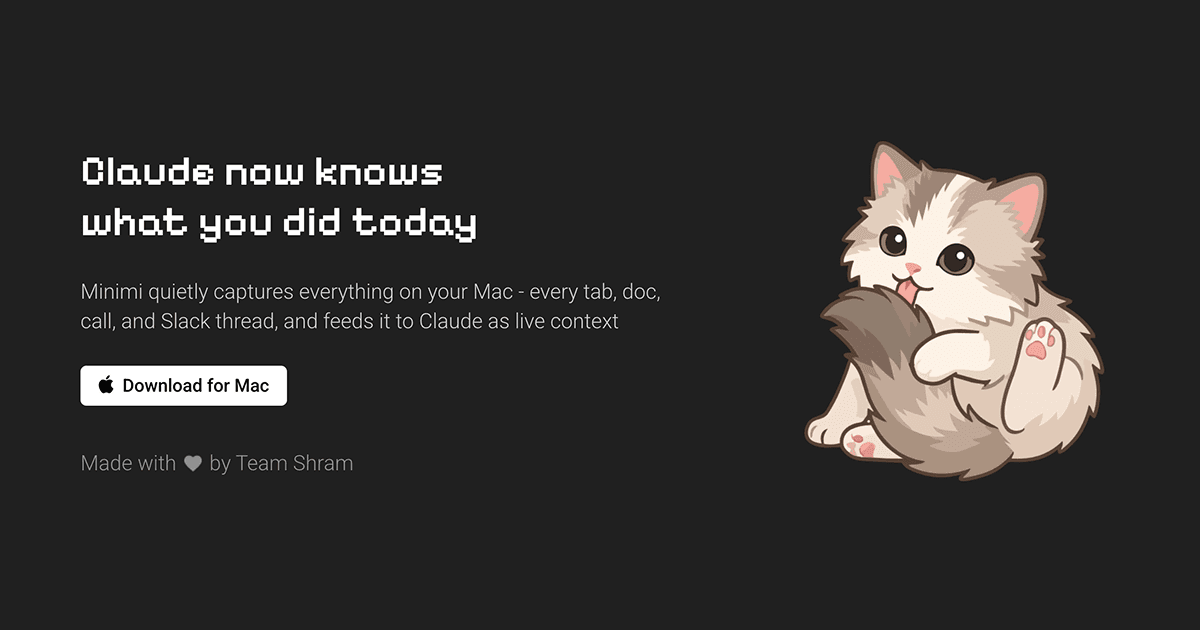
Minimi is a Mac app that captures tabs, docs, calls, and Slack threads, giving Claude live context from your activity and memory.
What is Minimi?
Minimi is a Mac app that captures activity from your computer and makes it available to Claude as live context. According to the product page, it quietly records things like tabs, documents, calls, and Slack threads so Claude can answer questions based on what you have read, said, or heard on your Mac.
The product is positioned as an “ambient memory” layer for Claude. Instead of asking the user to manually summarize past work or reconstruct context, Minimi stores memory locally on the Mac and passes relevant context into Claude when needed.
Key Features
- Captures activity from your Mac, including tabs, documents, calls, and Slack threads, so Claude can use that history as context.
- Connects to Claude through an MCP link pasted into Claude’s custom connector, which is the documented setup flow on the site.
- Runs locally on the Mac with memory stored on-device in a vector database, rather than in the cloud.
- Uses embeddings for retrieval, with the site stating that embeddings are generated using Gemini on a paid plan and that even Gemini does not have access to the user’s data.
- Decrypts memory in transit to the LLM, sends it for processing, and encrypts it again on the way back to the device.
- Is designed for asking retrospective questions such as what was decided, what was promised, what was read, or where a user left off.
How to Use Minimi
Install the app on a Mac, sign in, and leave it running in the tray. Then copy the MCP link from Minimi and paste it into Claude’s custom connector. After that, start a new chat with Claude and ask it to use Minimi to answer questions about your recent activity and memory.
Use Cases
- Recalling details from a meeting, such as action items, decisions, or follow-ups discussed earlier in the day.
- Finding the source of a screenshot, article, or document that was seen earlier but not saved in a separate system.
- Checking commitments and promises, such as what was supposed to be sent by Friday or what was agreed in a conversation.
- Reviewing a research trail, including everything read about a topic and how thinking about it changed over time.
- Resuming work after an interruption by asking where a task or thread was left off.
FAQ
Does Minimi store memory in the cloud? No. The product page says memory is stored on the user’s Mac in a local vector database, and that nothing is stored in the cloud.
Does Claude get direct access to all of my data? The page describes Minimi as a context layer for Claude and says memory is decrypted right before processing and encrypted again on the way back to the device. It does not describe permanent cloud storage.
What do I need to set it up? The page indicates that Minimi is installed on a Mac and connected to Claude using an MCP link pasted into Claude’s custom connector.
What kinds of questions is it meant to answer? It is aimed at questions about recent activity, past reading, conversations, meetings, decisions, and open loops such as “What did I promise to send?” or “Where did I leave off?”
Alternatives
- Manual note-taking or meeting notes apps: These work well when users deliberately capture information, but they require more effort and do not automatically gather context from across the Mac.
- General AI chat tools without personal memory: These can answer questions well, but they typically depend on the user pasting in context instead of retrieving it from prior activity.
- Other local memory or context-capture tools: Similar products in this category may also store data locally and attach it to an AI assistant, but they may differ in which sources they capture and how they connect to the model.
- Search in individual apps: Native search in email, chat, docs, or browsers can find specific items, but it does not unify those sources into a single conversational memory for Claude.
Alternatives
SignalLEMO
SignalLEMO helps teams and solo users organize, track, and share work in one place. It manages five data types, including signals.

Lasso
Lasso is an AI-first PIM for ecommerce teams that enriches product attributes and descriptions, processes supplier data, and monitors competitors via app or API.

Biji
Biji is a versatile platform designed to enhance productivity through innovative tools and features.

Struere
Struere is an AI-native operational system that replaces spreadsheet workflows with structured software—dashboards, alerts, and automations.

garden-md
Turn meeting transcripts into a structured, linked company wiki with local markdown and an HTML browser view. Sync from supported sources.

Falconer
Falconer is a self-updating knowledge platform for high-speed teams to write, share, and find reliable internal documentation and code context in one place.