
True stereo pairing
Combines two Studio Displays into one wider stereo setup so left and right audio come from separate speakers instead of a single mixed output.

Nearfield is a native Mac app that pairs two Apple Studio Displays into true stereo speakers, with balance, test, swap, and app-routing controls.
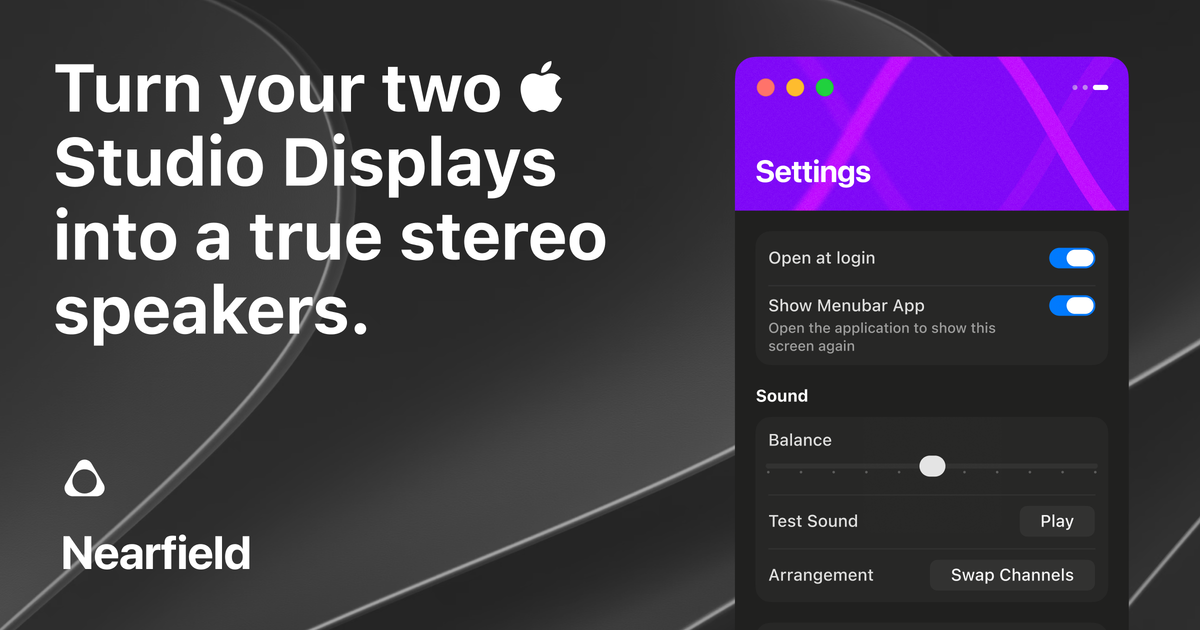
Nearfield is a native Mac app for people who use two Apple Studio Displays and want them to behave like a single true-stereo speaker system. Its core job is to separate audio into left and right channels so the displays function as a wider, more deliberate listening setup.
Beyond stereo pairing, the app exposes controls for channel balance, playback testing, channel swapping, and app-level audio routing. The homepage also presents it as open source, superfast, and available for a one-time purchase with a 14-day moneyback guarantee and no subscription.
Combines two Studio Displays into one wider stereo setup so left and right audio come from separate speakers instead of a single mixed output.
Provides sound balance controls for adjusting the left-right mix to suit the listening position and room setup.
Includes a test playback and arrangement view, making it easier to verify channel order and speaker placement.
Can swap channels when the left and right speakers are reversed, reducing setup friction during placement.
Offers app audio routing based on window location, letting selected apps be directed according to where their windows are placed.
Supports opening at login and showing a menu bar app for quicker access to the controls.
For a desk setup with two Apple Studio Displays, Nearfield can split audio into left and right channels so the pair behaves like a stereo speaker system.
If the displays are positioned in a way that makes channel order awkward, the swap function helps correct reversed left and right output without reworking the entire setup.
When you want different apps to behave differently, the app routing feature can direct selected audio based on where a window is placed on screen.
For quick setup checks, the balance and test playback tools let you confirm that both speakers are working and adjusted properly.
For people who prefer lightweight utilities in the menu bar and on launch, Nearfield provides startup and menu bar access to reach controls quickly.
Nearfield is a native Mac app that pairs two Apple Studio Displays into a single true-stereo speaker system.
The homepage shows controls for opening the app at login, showing the menu bar app, balancing left and right channels, testing playback, swapping channels, and routing audio for selected apps based on window location.
The product page shows a $14.99 purchase price and states that it includes a 14-day moneyback guarantee with no subscriptions.
Nearfield appears to be designed for use with two Apple Studio Displays; the page does not claim support for other speaker hardware.
The source does not provide detailed documentation about setup, system requirements, or broader compatibility beyond the homepage claims.

CAMB.AI Streams dubs live audio in real time for YouTube, Twitch, X and other platforms, using existing live workflows and no post-production.

LALAL.AI is an AI audio processing platform for stem separation, voice cleanup, and voice transformation, with browser upload, preview, and download.

optimo is a free, open-source CLI for optimizing and converting images and videos with ImageMagick and FFmpeg, built for web assets and batch compression.

Kits AI is an AI music production platform for voice cloning, vocal generation, and vocal processing. Free plan, paid tiers, and Windows app.

Converleon is an offline Mac file converter for images, video, audio, documents, PDFs, and archives, with batch conversion and no uploads.

ElevenMusic is a web-based music platform to discover tracks, remix music, and create original songs with prompt-led mood tags and account-based saving.