
Broad file-type coverage
Process images, video, audio, documents, PDFs, and archives from the same Mac app instead of switching between separate tools.

Converleon is an offline Mac file converter for images, video, audio, documents, PDFs, and archives, with batch conversion and no uploads.
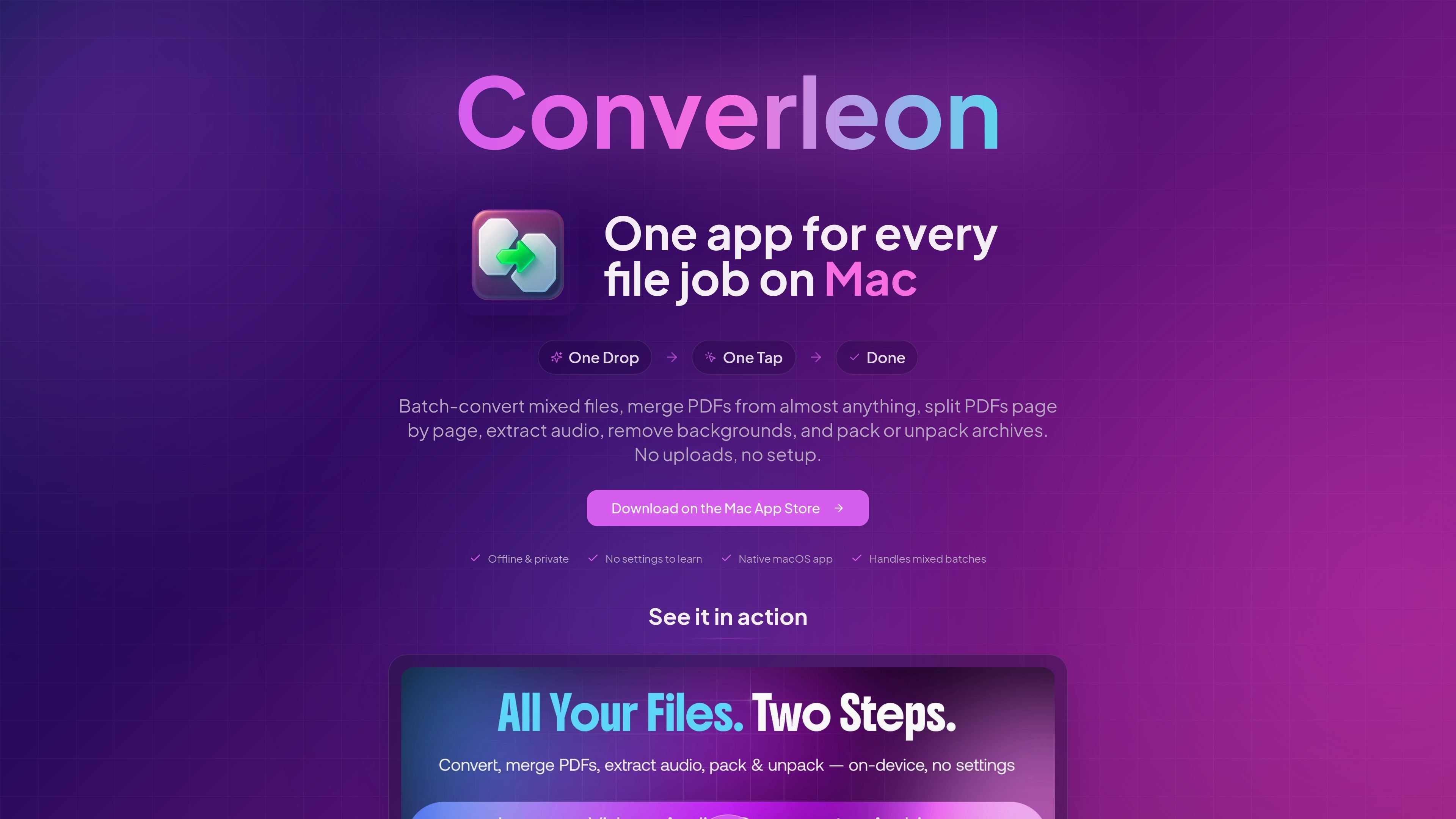
Converleon is an offline file converter for Mac. The site presents it as a native app for converting images, video, audio, documents, PDFs, and archives without uploading files to a server.
Its main purpose is to make common conversion jobs simple to run on the Mac, including batch conversion of mixed files and preset-based compression for photos, videos, and audio. The guide content also highlights specific workflows such as HEIC to JPG, MOV to MP4, HTML to PDF, PDF page export, audio extraction, and opening RAR or 7Z archives.
Process images, video, audio, documents, PDFs, and archives from the same Mac app instead of switching between separate tools.
Handle mixed drops of files and convert the supported items in one pass, which is useful when a folder contains more than one media type.
Run conversion locally on the Mac so files do not need to be uploaded before they are processed.
Use guided workflows for common tasks such as HEIC to JPG, MOV to MP4, FLAC to M4A or WAV, HTML to PDF, and PDF page export.
Compress photos, video, and audio with the Smallest, Balanced, and Quality presets, with the app selecting a suitable output format.
Work with archive files such as RAR and 7Z without using the command line, based on the guides listed on the site.
Convert iPhone photos in batches, including HEIC to JPG or HEIC to PNG, when you want a local workflow that keeps files on the Mac.
Turn video between common delivery formats, such as MOV to MP4, or extract audio from video files for reuse elsewhere.
Convert or compress audio files such as FLAC, M4A, and voice memos with settings tuned for smaller output or easier editing.
Create, merge, or split PDF-based deliverables, including turning images into a PDF, merging mixed files, or exporting PDF pages to images.
Open RAR and 7Z archives without command-line tools, based on the archive guides listed on the site.
Converleon works on macOS and is described as a native Mac app that converts files offline. The browser-sourced guidance says it runs on macOS 13.5 or later.
The source describes support for images, video, audio, documents, PDFs, and archives, with guides covering jobs such as HEIC to JPG, MOV to MP4, HTML to PDF, and opening RAR and 7Z files.
Yes. The compression article says you can drop images, video, or audio together, choose one preset, and Converleon applies it appropriately to each file type.
The site positions Converleon as offline-first: files are processed on the Mac without upload, which is presented as useful for private or large files.
The collected source does not provide pricing details. The pricing URL currently returns a page-not-found message, so purchase and plan information is not available from the evidence provided.

optimo is a free, open-source CLI for optimizing and converting images and videos with ImageMagick and FFmpeg, built for web assets and batch compression.

ArtDeck is a visual reference board app for iPhone, iPad, and Mac. Collect mixed references on one canvas and study them with ToolBox lenses. Offline, optional iCloud sync, one-time purchase.

Codex Plugins bundle reusable skills, app integrations, and MCP servers into workflows you can install in the Codex app or use from Codex CLI.

CAMB.AI Streams dubs live audio in real time for YouTube, Twitch, X and other platforms, using existing live workflows and no post-production.

Snapmark is a VS Code extension for annotating clipboard screenshots before pasting them into AI chats. Blur sensitive details, add numbered callouts, and auto-resize large images.

PDFTools is a browser-based suite of free and premium PDF tools for editing, conversion, and document handling—process PDFs locally without uploading files.