
Organizational context across tools
Nex connects CRM, email, meetings, notes, and other tools into a shared context layer so agents can use live business signals instead of isolated prompts.

Nex is an AI GTM agent platform connecting CRM, email, meetings, and more to automate sales workflows with shared business context and reviewable automation.
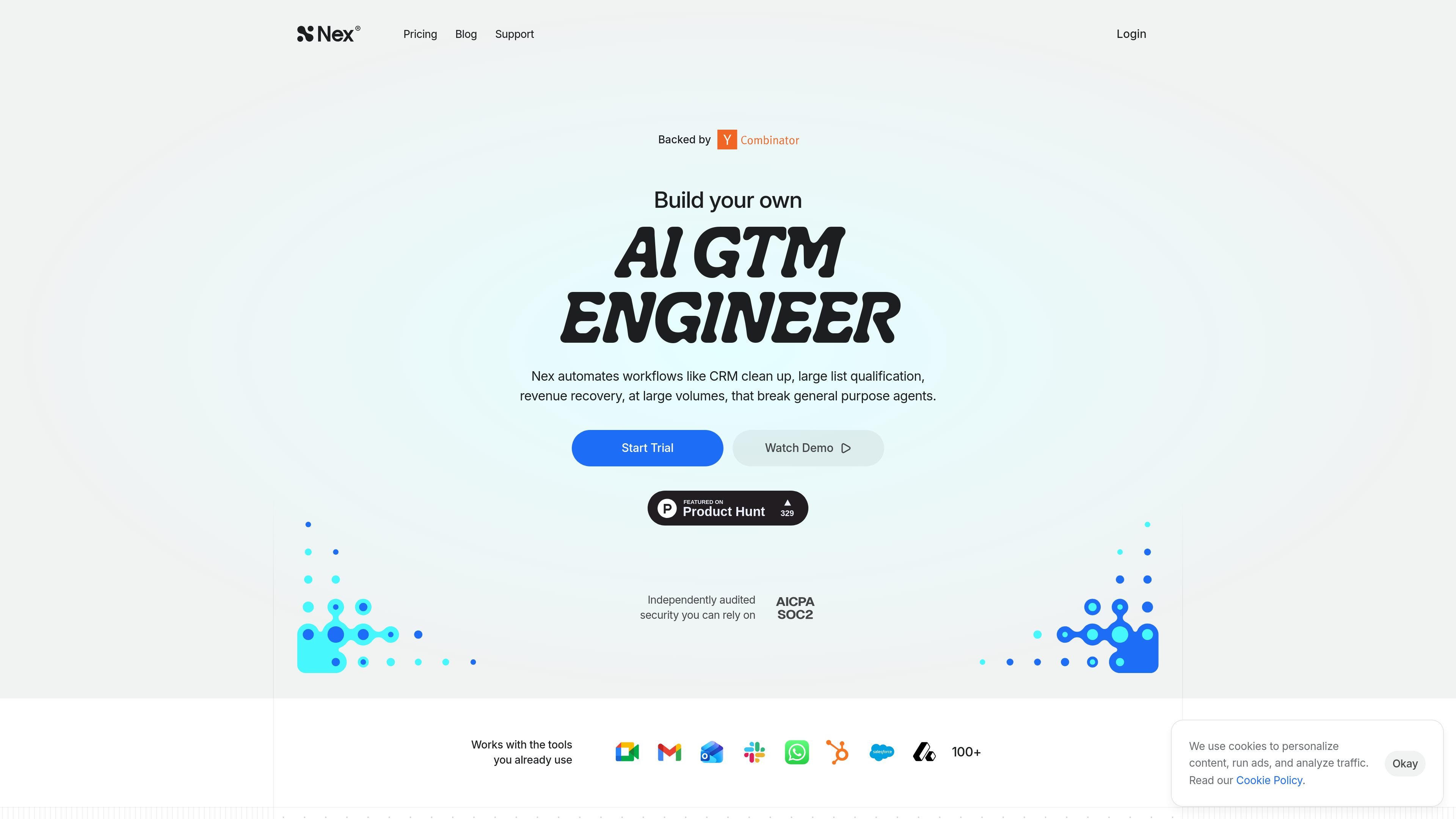
Nex is an AI GTM agent platform that uses organizational context to help sales and revenue teams automate repeatable go-to-market workflows. The product connects data from systems such as CRM, email, meetings, notes, Slack, and calendar so agents can work from a broader view of each account or lead.
The site positions Nex around reviewable automation rather than fully opaque execution. Example workflows include CRM hygiene, closed-lost re-engagement, meeting preparation, lead scoring, account research, and follow-up drafting. Many of the demonstrated actions require approval before changes are sent or applied.
Nex connects CRM, email, meetings, notes, and other tools into a shared context layer so agents can use live business signals instead of isolated prompts.
The product includes ready-made agent templates for common GTM jobs such as CRM cleanup, lead qualification, meeting prep, account research, and outbound follow-up.
Several examples on the home and templates pages show agents drafting emails, preparing briefs, updating records, and surfacing follow-up actions while keeping approval in the loop.
Nex maps patterns from your team’s processes, including deal stages, follow-up cadence, and escalation triggers, so agents can align to how the business already works.
The site describes a browser automation component called Annex Browser, which gives agents a browser they can control on the user’s behalf for supported workflows.
Pricing and support pages indicate team-oriented features such as unlimited workflows and projects on Pro, custom integrations and API access on Team, and email-based support.
Use Nex to scan closed-lost deals and dormant contacts, pull together prior conversations and deal history, and draft a context-aware re-engagement email for approval before sending.
Use the CRM hygiene workflow to audit contacts and companies for duplicates, missing fields, and stale records, then review the proposed updates before they are applied.
Use the meeting-prep workflow to generate a concise, sourceable brief that reflects the account and role context before a sales or customer meeting.
Use Nex to monitor deal silence across email, Slack, and calendar, flag accounts that are going dark, and create follow-up drafts grounded in recent activity.
Use the lead-scoring and list-building templates to qualify inbound or sourced leads against your own patterns and prepare personalized outreach based on the connected context.
Nex provides a support form and email-based support. The support page says requests are handled by email, with a first response SLA during business hours and replies within 24 business hours.
The pricing page shows a free trial option and a paid Pro plan. It also lists a Team plan with custom pricing and contact-sales onboarding.
Nex is built to work with connected business data such as CRM, email, meetings, notes, Slack, and calendar. The home page also highlights HubSpot, Gmail, Slack, and Calendar as examples of connected tools.
Nex’s templates page shows agents for workflows such as CRM cleanup, lead qualification, account research, meeting prep, and outbound personalization. These templates are designed to be reviewed before action is taken, as shown in examples where approvals are required before sending or applying changes.

Podium is an AI lead generation and lead management platform for local businesses. Centralize conversations, follow-up, reviews, payments, and booking with a 24/7 AI Employee add-on.

Volanea is an email platform for transactional email, campaigns, and lifecycle automation, with sending, tracking, and deliverability monitoring in one contact graph.

Ninjō AI is an AI sales agent platform for creators and agencies that qualifies leads, handles sales conversations, and supports multi-channel follow-up.

Habitu is a customer loyalty platform for retailers using Apple Wallet and Google Wallet, with no app to install. Automate stamps or points and re-engage customers with an AI coach.

Sumora is an autonomous outreach agent for LinkedIn and Instagram that finds, qualifies, warms, and books leads, with replies managed in one inbox and final sends under review.

Liam is an AI copilot for inbox management, email replies, prioritizing messages, and scheduling meetings. Free for individuals; custom pricing for teams and enterprise.