
Local, on-device sync
The app runs on your Mac instead of as a cloud service, so calendar data stays on-device while syncs are performed directly between your Outlook client and Google.

Outlook Google Calendar Sync for Mac mirrors Outlook events to Google Calendar on your Mac—no cloud intermediary or Microsoft admin approval needed.
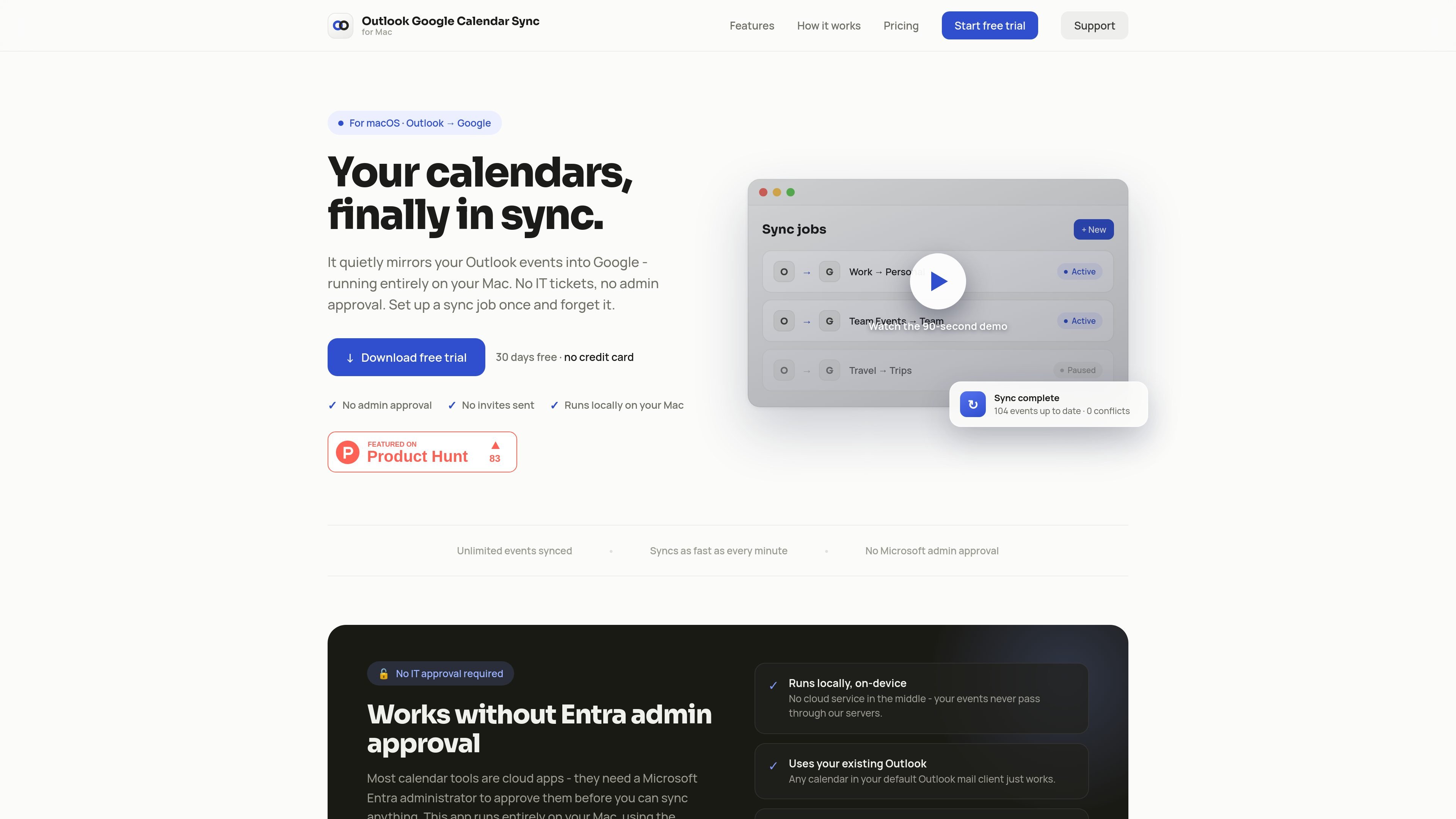
Outlook Google Calendar Sync for Mac is a macOS app that mirrors events from Outlook to Google Calendar while running entirely on your Mac. The product is positioned for people who want their calendars kept in sync without using a cloud intermediary or waiting for Microsoft admin approval.
The site emphasizes a simple one-way workflow: connect your Outlook and Google accounts, pair the calendars you want to sync, and let the app run in the background. It also highlights support for multiple sync jobs, menu bar access, and a 30-day free trial with no credit card required.
The app runs on your Mac instead of as a cloud service, so calendar data stays on-device while syncs are performed directly between your Outlook client and Google.
Set up multiple independent jobs, each connecting one Outlook calendar to one Google calendar, so different calendar pairs can be handled separately.
Background sync keeps calendars matched automatically and the site says jobs can sync as often as every minute, with a menu bar presence for on-demand checks.
Attendees are masked when events are mirrored, which helps prevent invitations from being sent when a calendar entry is copied across.
Recurring events and exceptions are matched carefully to avoid duplicates and reduce drift between calendars.
You can limit syncs to a chosen time window, such as a few days back and weeks ahead, instead of copying every event in the calendar.
Keep a personal Google Calendar updated from a work Outlook calendar so your day stays visible outside your office account.
Maintain separate sync jobs for different calendars, such as work, team, or travel, without mixing them into one shared flow.
Run a local sync tool on a Mac when you want to avoid cloud-based calendar services and the Microsoft admin approval flow.
Limit syncing to a smaller time range when you only need recent events and upcoming entries in Google Calendar.
Yes. The site says you need to turn on Legacy Outlook in the Outlook app on your Mac because the app reads calendars from the legacy client.
No. The product says it runs entirely on your Mac, so there is no Microsoft Entra admin approval or tenant-wide consent to wait for.
No. The current release includes a 30-day trial with no payment information required, and the site says paid plans are coming soon.
No. The site says attendees are masked when events are mirrored, so no invitations are sent.
Yes. You can create as many sync jobs as you need, and each job pairs one Outlook calendar with one Google calendar.

Goldfish is an AI memory app for macOS that helps you reply, write, summarize, and continue with context already on your Mac. It stores memory locally and writes in your tone.

ArtDeck is a visual reference board app for iPhone, iPad, and Mac. Collect mixed references on one canvas and study them with ToolBox lenses. Offline, optional iCloud sync, one-time purchase.

Biji is a versatile platform designed to enhance productivity through innovative tools and features.

Malyatko is a baby tracker for feeding, sleep, growth, teething, and milestones. Use it on iPhone, Apple Watch, and widgets offline, with iCloud sharing.

Liam is an AI copilot for inbox management, email replies, prioritizing messages, and scheduling meetings. Free for individuals; custom pricing for teams and enterprise.

Gemma AI is a phone call reminder app that calls you with scheduled reminders instead of push notifications, with Google Calendar sync and natural voice interaction.