
YouTube-to-course creation
Paste a YouTube link and Parcourse begins by extracting the transcript before generating the course. If the creator already added chapters, the product can use them or regenerate its own sections.

Parcourse is a self-hosted tool that turns YouTube videos into structured courses with modules, notes, quizzes, and a knowledge graph.
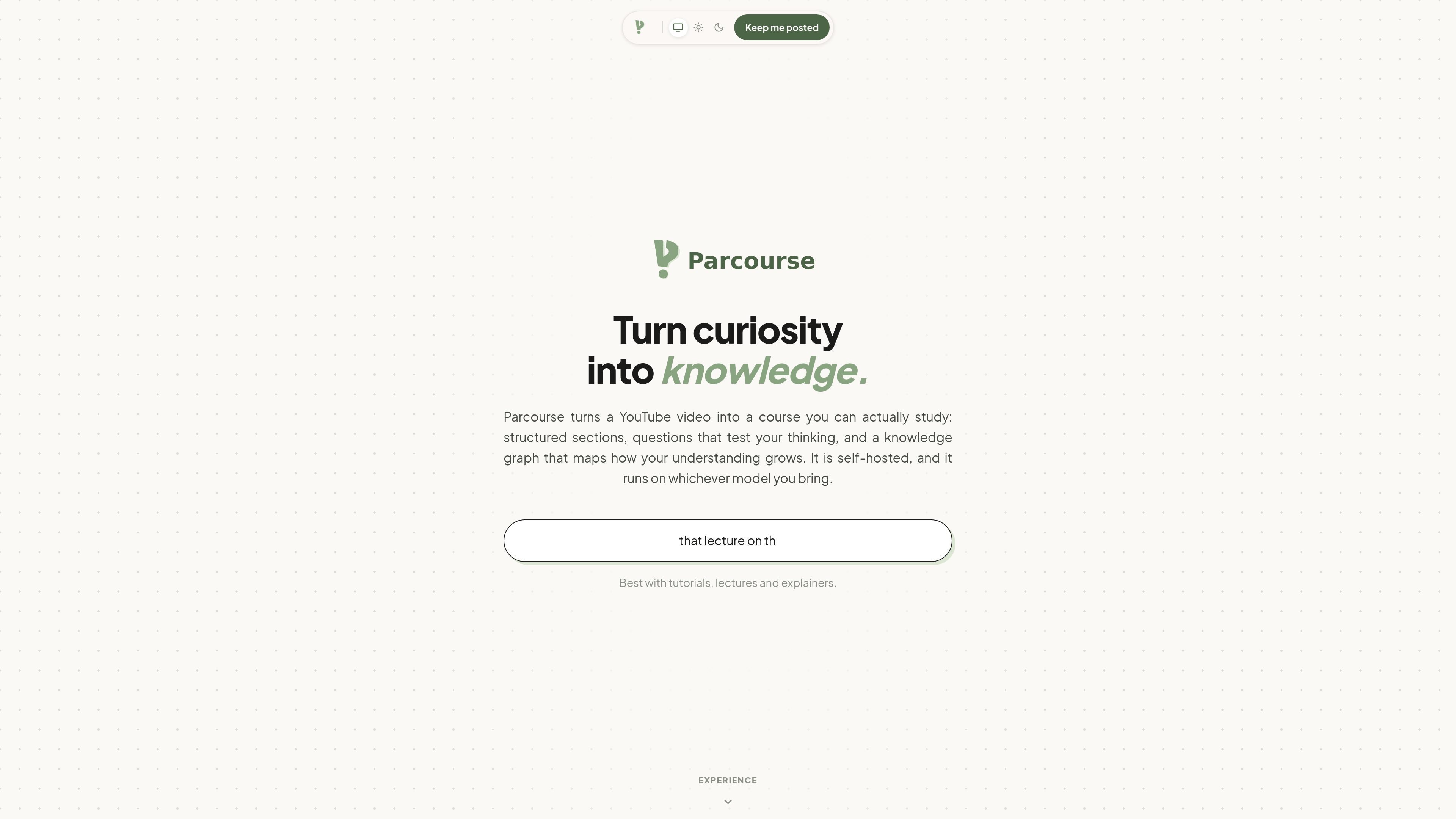
Parcourse is a self-hosted learning tool that turns a YouTube video into a structured course. The page positions it as a way to turn curiosity into knowledge by turning a single video into modules, notes, quizzes, and a knowledge graph.
The homepage flow shows that Parcourse starts from a pasted YouTube link, checks the transcript, and then generates study materials around what is actually in the video. It can use chapters already present in the source video, or regenerate its own chapter structure when needed.
Paste a YouTube link and Parcourse begins by extracting the transcript before generating the course. If the creator already added chapters, the product can use them or regenerate its own sections.
Parcourse turns the transcript into sections with timestamps and questions, so the course is organized around specific parts of the video rather than a single long page.
The page shows editable notes and a cheatsheet drawer that stays alongside the course while you watch. Notes are autosaved and can be viewed as markdown, PNG, or PDF.
Courses can include quizzes with multiple-choice and written questions, and answers are marked with explanations and scores after submission.
A knowledge graph view organizes fields, topics, and skills at different depths and shows mastery status across the graph.
Completed work can be shared as a result card that draws in the browser and uses the phone’s share sheet or desktop save flow.
A learner can paste a tutorial, lecture, or explainer into Parcourse and get a structured set of modules to study instead of replaying the whole video from the beginning every time.
Someone revising a technical or factual topic can use the notes, cheatsheet, and quiz flow to extract the key points, then test themselves on what they retained.
A user who wants a visual record of what they learned can open the knowledge graph to see fields, topics, skills, and mastery status across courses.
A person sharing a finished course or quiz result can generate a card that is ready for a phone share sheet or desktop save action.
When a source video already has chapters, a user can keep those divisions instead of rebuilding them from scratch, which suits creator-organized lectures or well-structured tutorials.
Parcourse creates a course from a YouTube video by extracting the transcript, structuring it into sections, and then generating study materials such as notes, quizzes, and a knowledge graph from that same source.
The homepage shows that Parcourse works with YouTube links. It does not list other supported sources or import formats on the page text provided.
The product description says Parcourse is self-hosted and can use whichever model you bring, but the page text does not provide deployment instructions or supported model names.
The homepage shows a course flow that includes modules, notes, a cheatsheet, quizzes, shareable results, and a knowledge graph. It does not state any pricing or plan details, and the pricing page currently returns a 404.
The rendered page shows a notebook area and a knowledge graph, suggesting a personal learning workspace with saved courses. It does not explicitly describe multi-user collaboration or team permissions.

GameGrad turns PDF study material into quiz questions inside arcade games for active recall. Free tier for one PDF; Pro adds more uploads, questions, and explanations.

recall is an AI flashcard app that turns reading and notes into study cards with Claude, ChatGPT, or another MCP client. One-time lifetime access with spaced repetition review.

BeFreed is a personalized audio learning app that turns books and knowledge sources into narrated listening experiences with interactive audio and learning tools.

Flunkey is a voice-first productivity layer for Windows that turns speech into text, AI outputs, and remembered context without leaving your app.

garden-md is an open-source Node.js CLI that turns meeting transcripts into a local company wiki, linking entities and preserving the original text.

LangPanda is a browser extension for learning languages from streaming video with instant subtitle lookup, flashcards, vocabulary tracking, and SRS for 36 languages.