
Email drafting with approval
SuperIntern can draft replies in the user's tone and only sends them after approval. The homepage says it learns from edits and preferences so future drafts better match the user's voice.

SuperIntern is an AI assistant for email, meetings, scheduling, reminders, and messaging workflows. It drafts replies in your voice and works across tools like Gmail, Outlook, Slack, WhatsApp, Telegram, Discord, and WeChat.
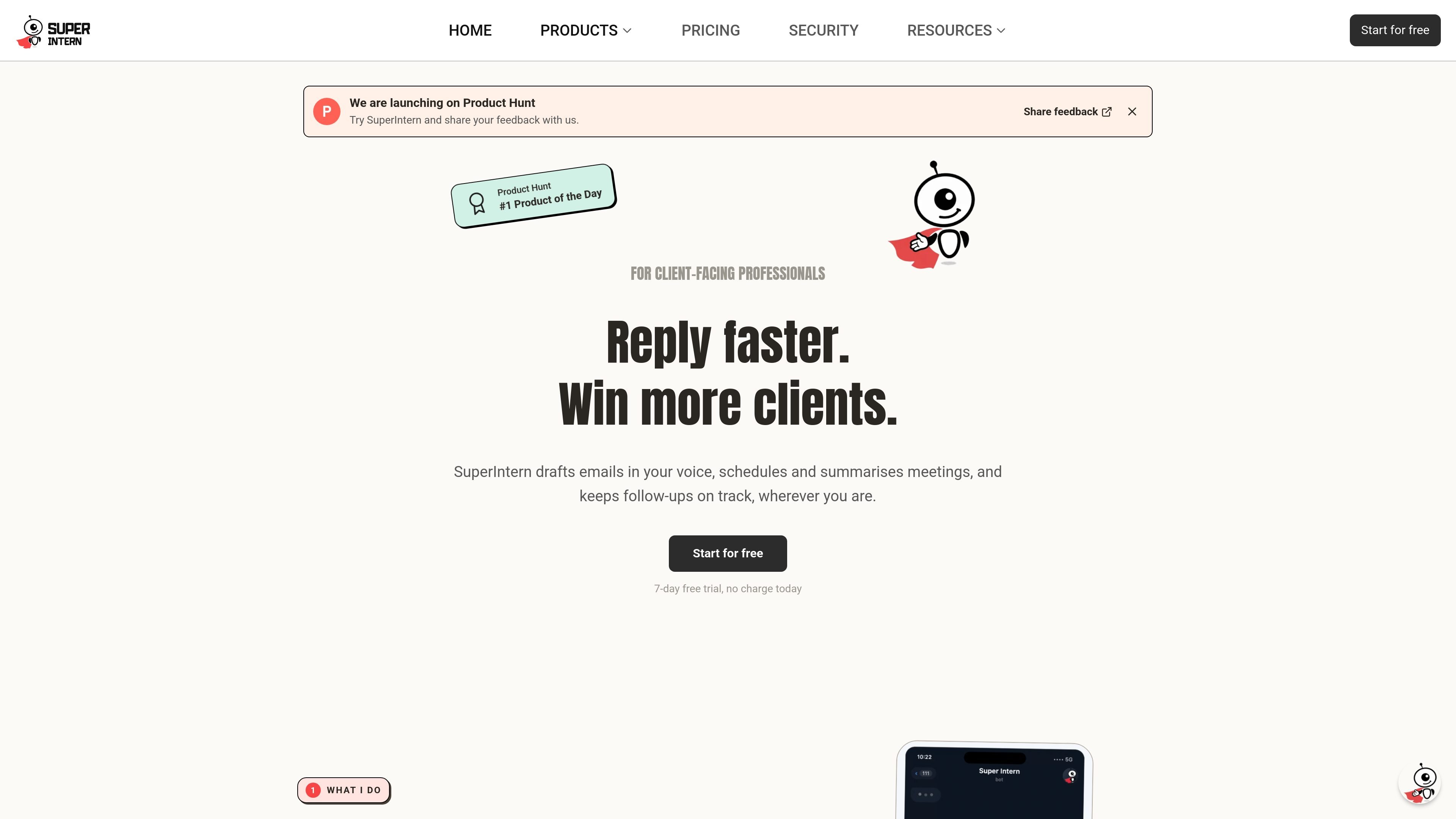
SuperIntern is an AI assistant built to help with email, meetings, scheduling, reminders, and messaging workflows. The homepage positions it for client-facing professionals who want help replying faster, keeping follow-ups on track, and managing busywork across the apps they already use.
The product drafts emails in the user's voice, but users review before sending. It also works through supported platforms such as Telegram, WhatsApp, Discord, Slack, WeChat, Gmail, and Outlook, and the Slack page shows additional actions like web search, image generation, slash commands, and smart notifications.
SuperIntern can draft replies in the user's tone and only sends them after approval. The homepage says it learns from edits and preferences so future drafts better match the user's voice.
The product is built to monitor inbox activity around the clock and prepare replies before the user opens an email. The homepage frames this as always-on help for client-facing work.
The product can join meetings, take notes, and draft follow-ups. The pricing page also says it can record meeting history for a set number of hours depending on plan.
Users can turn voice notes, screenshots, and emails into to-dos. The pricing page and homepage both describe message-based workflows that capture reminders and tasks from mobile or chat apps.
SuperIntern works inside Telegram, WhatsApp, Discord, Slack, and WeChat, with email as the starting point. The Slack page shows channel and DM interactions, slash commands, and smart notifications.
On the Slack page, users can add the assistant to a workspace, authorize it, and configure its personality, skills, and behavior. The terms also say it supports installable Skills created by developers, with publishing available on paid plans.
Use SuperIntern to draft client replies in your voice, keep track of context, and reduce the time spent managing an inbox that never closes.
Use the assistant to capture meeting notes, remember what was decided, and draft follow-up actions after calls or group meetings.
Use message-based workflows to turn voice notes, screenshots, or incoming messages into tasks and reminders while on the move.
Use the Slack integration to ask questions, set reminders, search the web, or trigger actions inside channels and direct messages.
Use the WeChat and chat-app workflows to remember people, track tasks, and follow up from the messaging app where conversations already happen.
SuperIntern is designed as an always-on AI assistant that drafts emails in your voice, helps with meetings and scheduling, and can run through supported messaging apps and integrations. On Slack, it can answer questions, set reminders, generate images, search the web, and automate tasks inside channels or DMs.
The source shows SuperIntern working with Gmail or Outlook for email setup, and it is also described as working through Telegram, WhatsApp, Discord, Slack, and WeChat. The Slack page explains that users connect the workspace from the dashboard, then invite the assistant into channels.
Yes. The pricing page lists a Starter plan at $30 per month and a Pro plan at $50 per month, and both include a 7-day free trial. The Slack page also says free credits are included.
The terms say AI outputs may contain errors or inaccuracies and should be reviewed before being relied on for important decisions. The service is positioned as AI assistance, not medical, legal, or financial advice.
No. The terms state that users should not submit sensitive personal data such as health information or other special-category data defined by GDPR Article 9 and the UK Data Protection Act 2018.

Liam is an AI copilot for inbox management, email replies, prioritizing messages, and scheduling meetings. Free for individuals; custom pricing for teams and enterprise.

Gemma AI is a phone call reminder app that calls you with scheduled reminders instead of push notifications, with Google Calendar sync and natural voice interaction.

Yattayo: Slider To-Do Board turns tasks into a tactile slider board with sticky notes, widgets, reminders, iCloud sync, and Premium recurring habits.

Dirac is an AI email assistant for Gmail that prepares a morning brief, prioritizes important threads, and drafts replies in your voice.

Goldfish is an AI memory app for macOS that helps you reply, write, summarize, and continue with context already on your Mac. It stores memory locally and writes in your tone.

MeetStream is a meeting bot API for Zoom, Google Meet, Microsoft Teams, and Webex. Record, stream, and analyze meetings with usage-based pricing and $5 free credit.