
Multimodal story creation
Create stories from prompts, photos, or voice input. The site positions Pixu as a story companion that turns user ideas into personalized stories, fables, and learning adventures.

Pixloo is an AI storytelling app for children that turns prompts, photos, or voice into personalized storybooks, fables, and learning adventures.
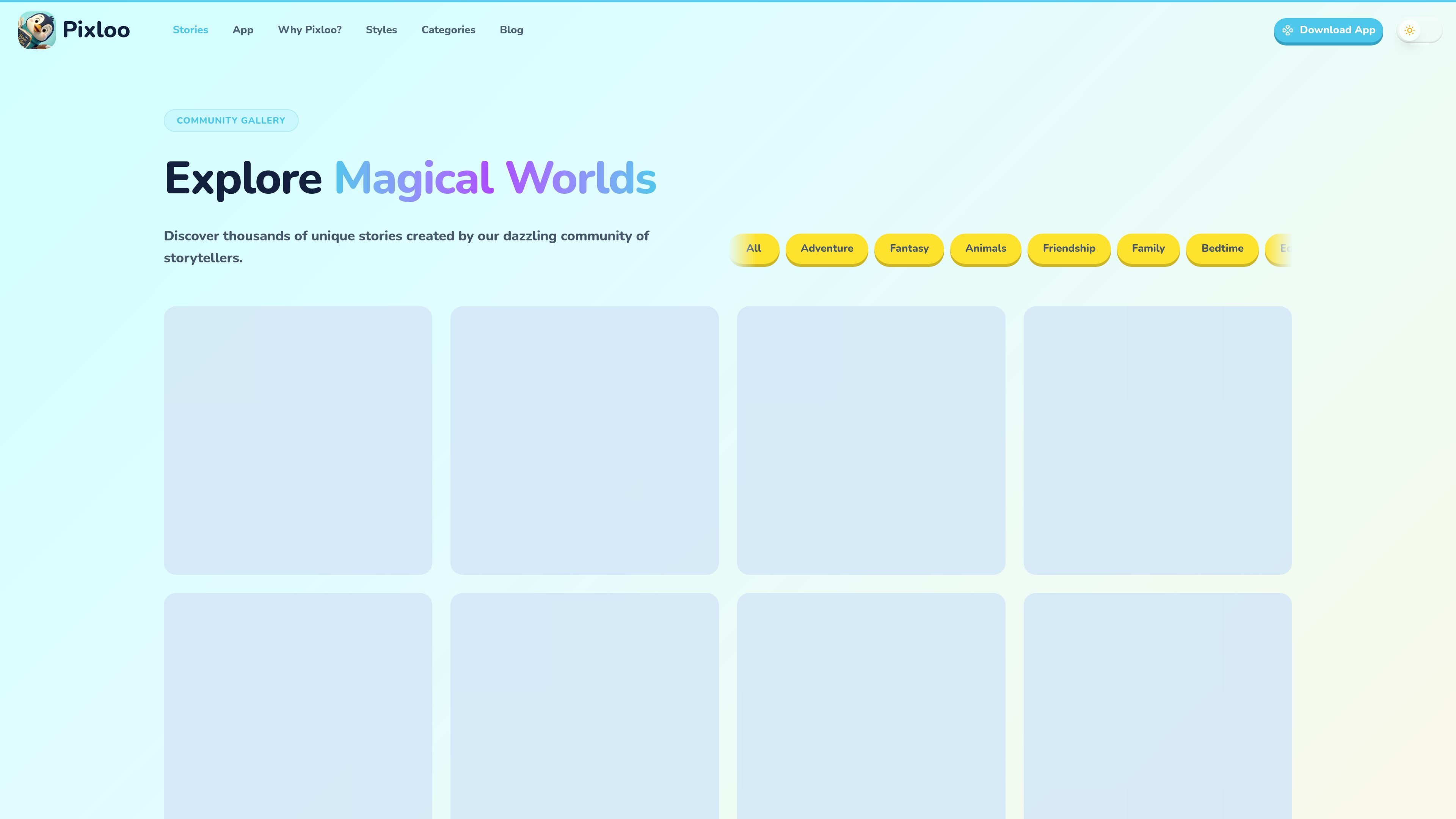
Pixloo is an AI storytelling app for children that helps people create personalized storybooks, fables, and learning adventures from prompts, photos, or voice. The site presents it as a tool for turning everyday moments, lessons, and ideas into illustrated stories that can be read privately, shared with others, or explored in a community gallery.
The product centers on story creation and presentation rather than just text generation. It offers multiple art styles, a wide set of story categories, and several output formats, including printable layouts and a video slideshow with AI narration. The website also says the app is available on iOS and Android and promotes free tokens for new users.
Create stories from prompts, photos, or voice input. The site positions Pixu as a story companion that turns user ideas into personalized stories, fables, and learning adventures.
Choose from multiple export layouts, including a square storybook, a vertical poster, and a panoramic spread. These formats are described for print and digital reading use cases.
Turn a story into a social-ready video slideshow with AI narration, background blurring, and selectable aspect ratios for short-form or landscape video.
Browse or publish stories in a community gallery, keep them private, or explore handcrafted originals. The story library emphasizes discovery as well as creation.
Select from a range of art styles and story categories. The source highlights 8 art styles and many themes such as bedtime, educational, fantasy, friendship, and more.
Use the app on iOS and Android and start with free tokens offered in the download prompt. The site frames Pixloo as an on-the-go storytelling app.
Create bedtime stories that feature a child as the main character, with illustrations and pacing suited to calm nighttime reading.
Turn a lesson into a custom story for a classroom topic, holiday, or values-based discussion using educational story categories.
Prototype children's book ideas with consistent characters and printable layouts, then export them for review or publication workflows.
Browse community stories for inspiration or share finished stories with others in the gallery when you want a social discovery layer.
Transform a finished story into a narrated video slideshow for social platforms such as Instagram, TikTok, or YouTube.
Pixloo lets users create personalized children's stories from prompts, photos, or voice, then view them in the app, in the story library, or through exported formats.
The site shows stories as private, community-shared, or handcrafted originals, and it also offers exportable story formats such as a square storybook, a vertical poster, a panoramic spread, and a social-ready video slideshow.
Pixloo presents different story styles and categories for children's stories, including educational, bedtime, adventure, fantasy, friendship, and more, but the site does not provide a full setup or publishing workflow.
The pricing page is a placeholder 404, so the site does not currently provide visible plan details or tier pricing in the collected pages.
The site says Pixloo is now available on iOS and Android and invites users to download the app to get free tokens, but it does not list device-specific requirements in the collected text.

VIDEOAI.ME is an AI video generator for spokesperson videos, ads, explainers, and social content from a script without filming.

Petalica Paint is a web service for automatic line-art coloring and tracing drawings from photos, with commercial use allowed under stated terms.

Official HeyGen API docs for AI avatar videos, video translation, lipsync, and interactive video-agent sessions via API, MCP, and CLI workflows.

MidReal is an AI story generator for creating novels and stories from a single sentence. Now sunset; see Macaron.

艺映AI is a free AI video creation tool for text-to-video, image-to-video, and video-to-video creation for short social and promo clips.

Clipia.ai is an AI image and video generation platform for presentations, agent workflows, and developer integrations, with shared credits.