
MCP-based agent connection
Connect your Mac to an MCP-compatible agent by downloading Latch, copying the MCP link, and pasting it into the agent you already use.

Plow Latch connects MCP-compatible AI agents to your Mac’s browser, CLI, files, and logins so they can work with your approval or AI Reviewer oversight.
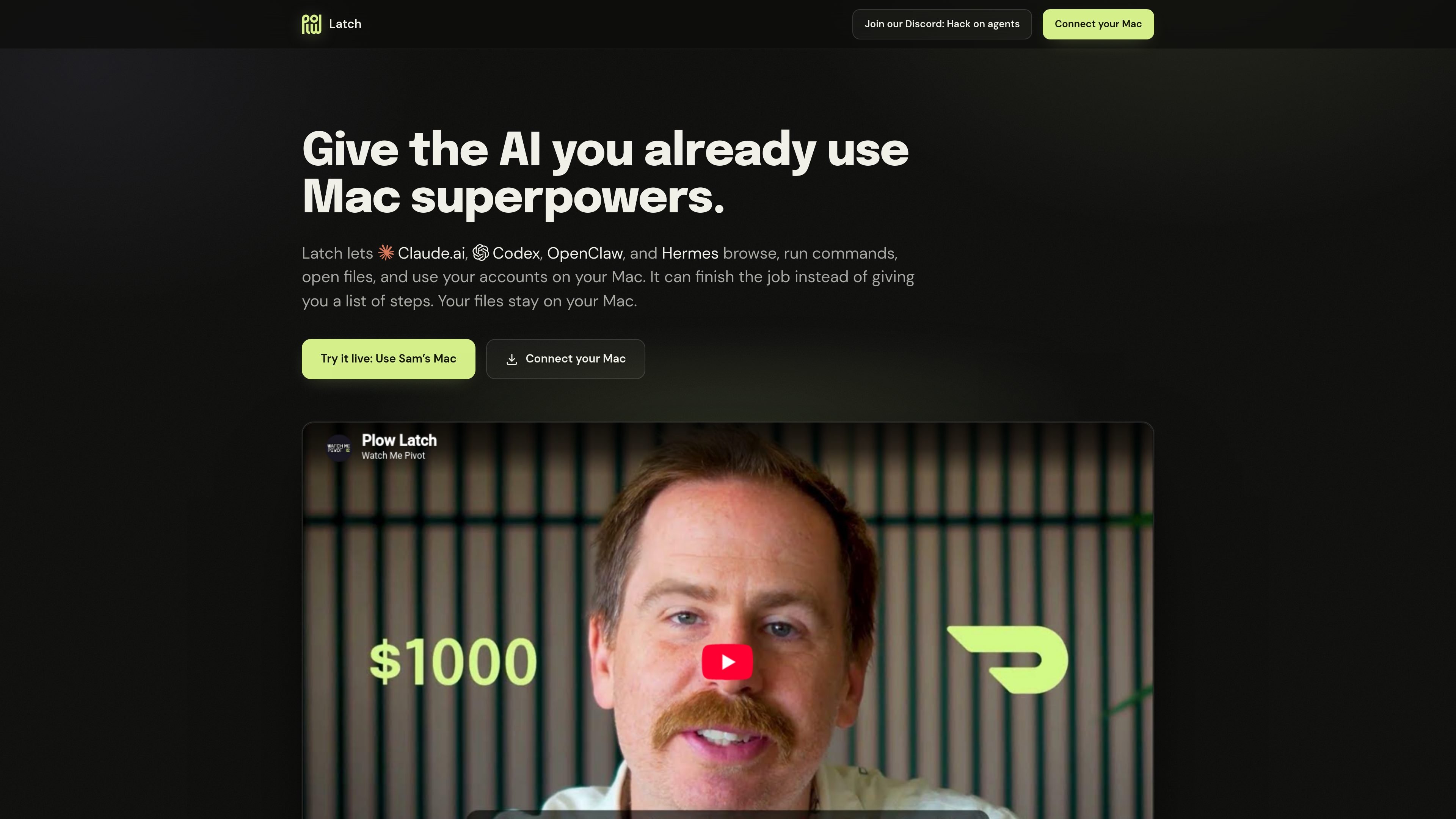
Plow Latch is a Mac companion for AI agents that need to do real work on your machine. It links an agent such as Claude.ai, Codex, OpenClaw, or Hermes to the browser, CLI, files, and saved logins already on your Mac so the agent can carry out steps instead of sending them back for manual execution.
The product is built around controlled access. You can approve each request yourself, or let the AI Reviewer decide whether a request fits the job you set. Plow says it keeps no copy of your data, and the homepage emphasizes that Latch can use your local accounts and logins without revealing passwords to the agent.
Connect your Mac to an MCP-compatible agent by downloading Latch, copying the MCP link, and pasting it into the agent you already use.
Let the agent use the browser, CLI, files, and logins already on your Mac so it can complete multi-step work instead of handing steps back to you.
Approve each request yourself, or let the AI Reviewer judge the request against the job you set before action is taken.
Treat the agent’s output as data rather than instruction so redirected pages, emails, or files cannot silently steer the workflow.
Allow password entry without exposing the password to the agent, according to the homepage description.
Use the same setup for browsing, command execution, account access, and file handling on your Mac.
Use Latch when you want an agent to reserve a campsite, book a restaurant, or pay a utility bill by working through your browser and accounts on your Mac.
Use it for personal planning workflows where the agent needs to search, book, and then place the confirmation on your calendar, such as organizing a camping trip.
Use it to search inboxes and files, match receipts to charges, and rerun the job later while you sleep.
Use it when you are building with agents and want OpenClaw to access Gmail, Slack, the browser, and the CLI on your Mac.
Use it in situations where a page, email, or file might try to redirect the agent, because anything not already allowed pauses for a decision.
Latch is designed to connect an MCP-compatible AI agent to the browser, CLI, files, and saved logins already on your Mac. The page says you download Latch, copy your Mac’s MCP link, and paste it into Claude.ai, Codex, OpenClaw, Hermes, or another compatible agent.
The page says Plow keeps no copy of your data and does not hold a cloud database with your information. It also says Latch can fill passwords without revealing them to the agent.
The homepage says anything you have not already allowed stops for a decision, either from you or from the AI Reviewer. The reviewer treats the agent’s output as data rather than instruction and denies when it cannot reach a verdict.
The source describes Latch as a way to let an agent browse, run commands, and use accounts on your Mac while you watch each request and decision. It is positioned for jobs the agent can explain but not finish without access to your Mac.
The homepage mentions Claude.ai, Codex, OpenClaw, Hermes, and any MCP-compatible agent. Beyond that, the source does not list a full compatibility matrix or platform requirements.

Macuse is a macOS app that lets AI assistants control native Mac apps through MCP and use Computer Use for any app, with on-device automation.

Redline is a budgeting tool for Claude Code that paces sessions by time, tokens, cost, or plan percentage, helping them end with a usable result.

ByteAsk is a terminal-first AI coding agent for C and C++ that edits repos and verifies changes with compilers, debuggers, sanitizers, and tests.

Goldfish is an AI memory app for macOS that helps you reply, write, summarize, and continue with context already on your Mac. It stores memory locally and writes in your tone.

Lasso is an ecommerce product data platform for enriching catalog records, processing supplier files, generating product content, and tracking competitors. It includes a web app, REST API, SDK, and MCP server.

MeetStream is a meeting bot API for Zoom, Google Meet, Microsoft Teams, and Webex. Record, stream, and analyze meetings with usage-based pricing and $5 free credit.