
Adjustable intensity modes
Offers intensity settings that let you choose between lighter guidance, enforced minimalism, or a stricter one-line approach.

ponytail is a chat-driven developer tool that helps coding agents build leaner implementations, review diffs for bloat, and reuse existing or native features before adding dependencies.
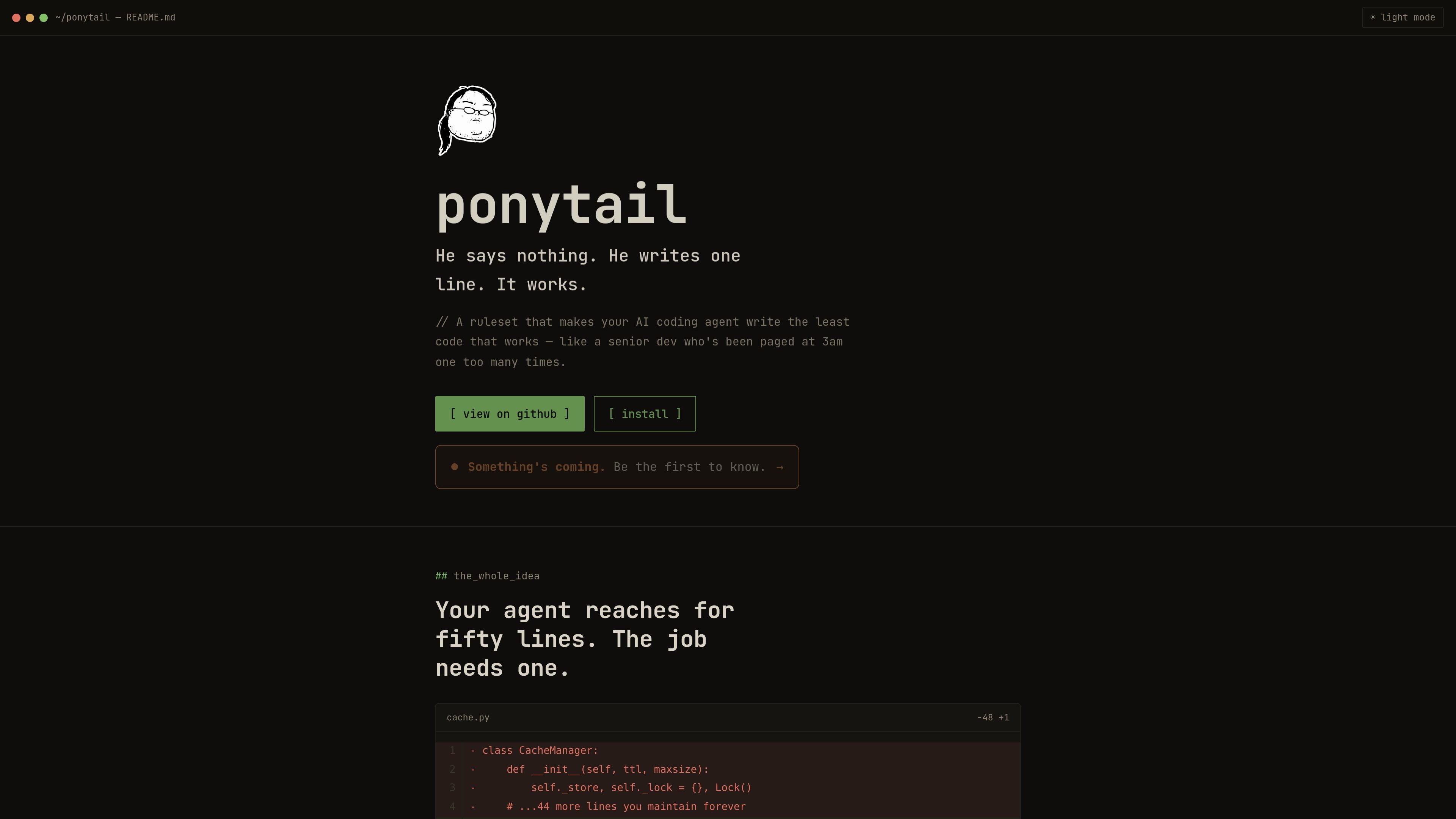
ponytail is a developer tool that guides coding agents toward smaller implementations and away from unnecessary complexity. The homepage frames it as a way to get from a request to the minimum code that works, using the codebase, standard library, or native platform features before introducing anything new.
The site shows ponytail as something you drive from chat with commands such as /ponytail lite, /ponytail full, /ponytail ultra, /ponytail-review, /ponytail-audit, and /ponytail-debt. Its stated purpose is to reduce bloat, surface simpler alternatives, and keep validation, error handling, security, and accessibility intact while doing so.
Offers intensity settings that let you choose between lighter guidance, enforced minimalism, or a stricter one-line approach.
Provides commands for checking the current diff for over-engineering and scanning the repo for bloat.
Surfaces alternatives already available in the codebase, standard library, or native platform features before suggesting new code.
Shows a benchmark scoreboard and summarizes reported changes in code size, token usage, cost, and speed across feature tasks.
Supports installation flows described for Claude Code and several other agent or editor ecosystems.
Lets users turn the behavior off when they do not want the guidance active.
Use it when you want an agent to implement a feature with the smallest reasonable diff and prefer built-in or already-installed solutions before adding new code.
Use /ponytail-review or /ponytail-audit to look for over-engineering in a single change or across the repository.
Use /ponytail-debt to collect shortcuts and deferred work into a ledger so they are visible instead of forgotten.
Use /ponytail-gain to inspect the benchmark scoreboard and compare the reported code, token, cost, and speed results.
The site presents ponytail as a chat-driven developer assistant that you use from agent command interfaces such as Claude Code and related tools. The examples focus on commands like /ponytail lite, /ponytail full, /ponytail ultra, /ponytail-review, and /ponytail-audit.
The homepage shows three intensity modes: lite, full, and ultra. Lite names a lazier alternative in one line, full enforces the ladder with stdlib and native-first choices, and ultra is described as YAGNI extremist.
The product is positioned around reducing over-engineering in feature work, reviewing diffs for bloat, auditing a repo for unnecessary complexity, and collecting deferred shortcuts into a ledger.
The source only explicitly names Claude Code on the install page, but it also says the plugin is available for 14+ agents and lists tools such as OpenCode, Cursor, Windsurf, Cline, Kiro, and Zed.
The pricing page does not show a detailed plan table in the provided text, but it does present a dedicated pricing page and installation instructions for multiple agents.

ByteAsk is a terminal-first AI coding agent for C and C++ that edits repos and verifies changes with compilers, debuggers, sanitizers, and tests.

Ghost is a terminal-based AI assistant for chatting, code generation, and CLI tasks. Includes free models, supports Linux, macOS, Windows, and is open source.

Vi3ecode is a maintained development environment for AI coding agents, keeping project context, terminal, Git, memory, flows and review connected.

Lucid Train is a local-first AI coding harness that turns repo code into architecture diagrams for coding agents. Desktop app and Rust CLI, local models or API keys.

CreateOS Sandbox is an isolated compute environment for running code and agent workloads in Firecracker micro-VMs with private networking and SDK, CLI, or MCP control.

hob is an independent workspace for coding agents, with local control over sessions, terminals, history, routing, and follow-up work.