

RamAIn
RamAIn is an AI automation platform for UI tasks across web portals, desktop apps, and browsers, using natural language and no custom API integrations.
What is RamAIn?
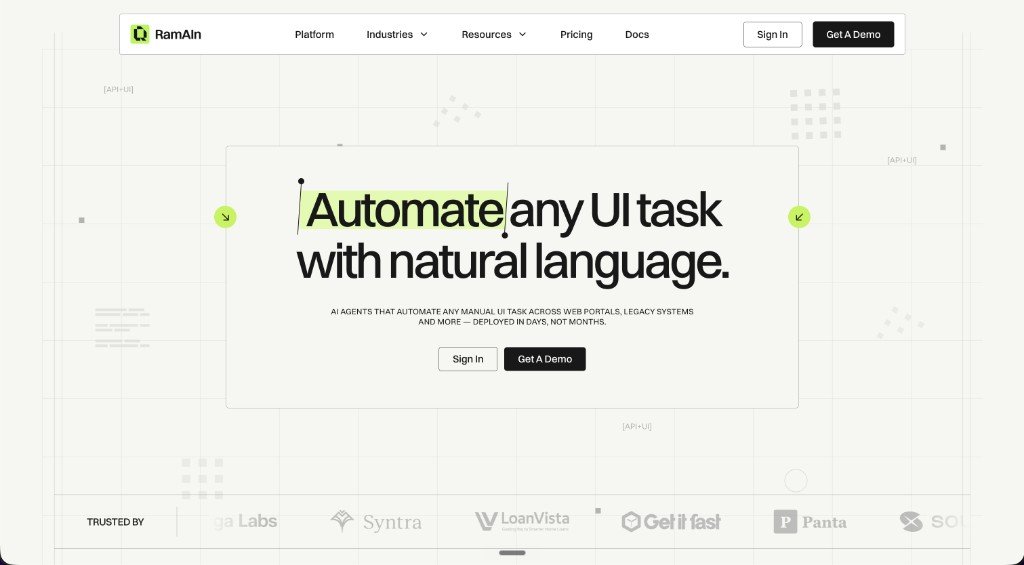
RamAIn is an AI automation platform that uses natural language instructions to carry out manual UI tasks across web portals, desktop applications, and other browser-based systems. It is designed to work even when APIs are unavailable by interacting with screens and applications the way a person would, then packaging those actions into reusable workflows.
The product centers on agentic process automation, document processing, orchestration, and data transformation. According to the site, teams can teach RamAIn by demonstrating a task, save the resulting workflow, edit the workflow steps and inputs, and then publish it with triggers or API access for reuse.
Key Features
- Natural-language task setup: Users describe a task while the agent watches the browser stream, which lowers the need for hand-built automation logic.
- UI-level automation across systems: RamAIn can interact with web portals, desktop apps, and browser-based interfaces without requiring a custom API integration.
- Workflow capture and editing: Demonstrated tasks can be compiled into reusable workflow graphs, then adjusted for steps, inputs, and exceptions before publishing.
- Managed isolated browsers: Each workflow runs in a controlled virtual browser with live view, replay, and separate session boundaries for easier review and execution control.
- Session and access handling: The product supports browser profiles, credential vaults, cookie persistence, proxy routing, and handling of common blockers such as CAPTCHA or OTP escalation.
- Operational visibility: RamAIn provides audit trails, run logs, recordings, screenshots, errors, recovered steps, and final outputs so teams can review what happened during execution.
- Triggers and orchestration: Workflows can start from inbox events, API calls, or human launch, and the platform is designed to coordinate automations across teams and systems.
- Data extraction and transformation: The platform can extract structured and unstructured data and prepare it for downstream use inside workflows.
How to Use RamAIn
A typical workflow starts by showing RamAIn a manual task in the browser and describing what needs to happen. The agent observes the steps, then the team saves the demonstration as a workflow graph and edits any inputs, exceptions, or control settings before publishing it.
After publication, the workflow can be launched manually or triggered by an event or API call. Teams can monitor runs, replay sessions, inspect logs, and refine the workflow as business rules or interface details change.
Use Cases
- Back-office portal work: Automating repetitive tasks such as downloading invoices, checking portal data, or moving information between systems that do not share an API.
- Document and data handling: Extracting information from documents or mixed-format sources and converting it into structured data for internal workflows.
- Cross-system handoffs: Moving data between vendor portals, internal tools, and browser applications where staff currently copy and paste information by hand.
- Exception-aware operations: Running workflows that may require human escalation for OTPs, CAPTCHAs, or other access blockers while keeping the rest of the flow automated.
- Operational oversight: Using logs, recordings, and replay to review completed automations and validate what the agent did at each step.
FAQ
Does RamAIn require API access to automate a task?
No. The site says RamAIn can work through both APIs and UI-level automation, and that no custom integrations or API access are required for many workflows.
How is a workflow created?
Users demonstrate the task while RamAIn watches the browser stream, then save that demonstration as a reusable workflow graph and edit it before publishing.
Can teams review what the agent did?
Yes. The product includes logs, screenshots, recordings, recovered steps, inputs, decisions, and outcomes so teams can validate and audit runs.
How does RamAIn handle login state and access issues?
The site mentions browser profiles, credential vaults, cookie persistence, proxy mode, CAPTCHA handling, and escalation when a human decision or OTP is required.
How quickly can it be deployed?
The page says agents are typically deployed in minutes, not months, although implementation details will depend on the workflow and environment.
Alternatives
- Traditional RPA platforms: These usually rely on more rigid selectors and longer implementation cycles, whereas RamAIn is positioned around UI-driven automation and workflow capture.
- Custom scripting or browser automation frameworks: Tools like scripted browser automation can be more flexible for developers, but they typically require more engineering effort than a natural-language, demonstration-based workflow builder.
- Integration-first workflow automation tools: Products built around existing APIs and connectors are a better fit when systems already expose clean integrations; RamAIn is aimed at cases where users need to automate directly through the interface.
- Human-in-the-loop operations teams: In some organizations, manual portal work is handled by staff rather than software. RamAIn is intended to reduce that manual effort while still allowing escalation for exceptions.
Alternatives

Codex Plugins
Use Codex Plugins to bundle skills, app integrations, and MCP servers into reusable workflows—extending Codex access to tools like Gmail, Drive, and Slack.

Biji
Biji is a versatile platform designed to enhance productivity through innovative tools and features.

Struere
Struere is an AI-native operational system that replaces spreadsheet workflows with structured software—dashboards, alerts, and automations.

Wallie
Wallie is an open-source AI streamer framework with real-time vision, persona profiles, chat, TTS, and avatar output for VTuber-style streams.

OpenFlags
OpenFlags is an open source, self-hosted feature flag system with a control plane and typed SDKs for progressive delivery and safe rollouts.

Decision Jar
Create virtual jars of options with Decision Jar—shake your phone to pick instantly, use AI suggestions, and view decision logs over time.