
Video and audio localization
Translate, dub, transcribe, and subtitle video and audio content in one workflow, with support for 130+ languages on the product pages and 135 languages on the pricing and enterprise pages.

Rask AI is an AI video and audio localization platform for translation, dubbing, subtitles, and lip-sync for creators, educators, and businesses.
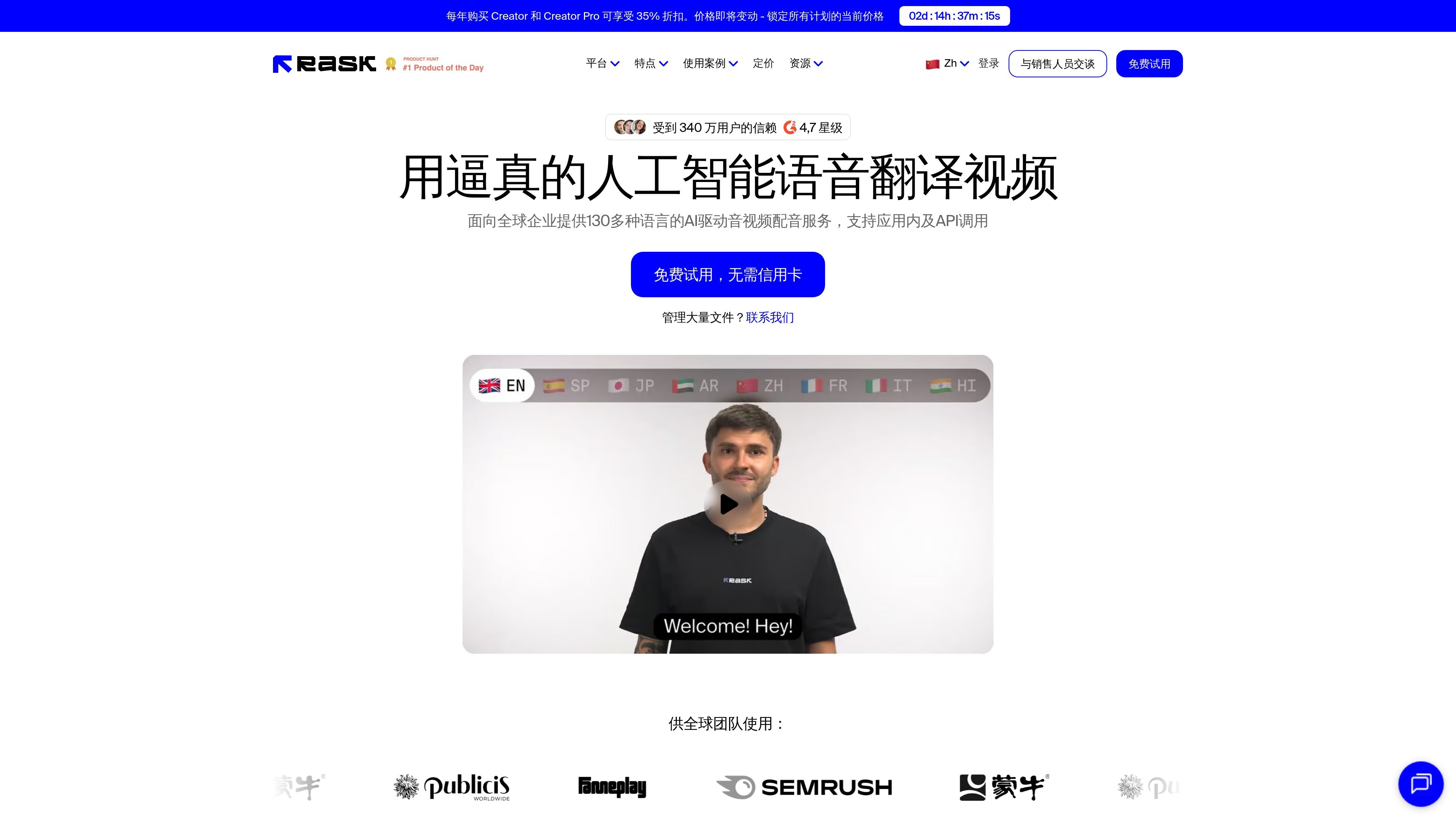
Rask AI is an AI video and audio localization platform for translating, dubbing, subtitling, and lip-syncing content into many languages. The Chinese site presents it as a tool for global teams that want to localize marketing videos, lectures, podcasts, training materials, and other media without relying entirely on manual translation workflows.
The product pages describe an end-to-end process: upload a video or audio file, let the system transcribe and translate it, review the result in an editor, and export localized versions or send them through API integrations. Voice cloning, multi-speaker handling, subtitle tools, and team-oriented controls are positioned as part of the same workflow, with enterprise options for SSO/SAML and access controls.
Translate, dub, transcribe, and subtitle video and audio content in one workflow, with support for 130+ languages on the product pages and 135 languages on the pricing and enterprise pages.
Use voice cloning in 32 languages to preserve a recognizable voice across localized versions, with controls for similarity and expressiveness shown in the pricing page.
Apply lip-sync to translated video so mouth movements match the dubbed audio, including multi-speaker lip-sync support mentioned on the pricing page.
Edit translations, timestamps, speakers, and voice settings in the built-in editor, with SRT upload and download for subtitle workflows.
Manage larger localization programs with Teamspaces, role-based access control, SSO/SAML, translation glossaries, translation prompts, and API-based publishing.
Integrate Rask through API and SDK to automate transcription, translation, dubbing, and subtitle generation inside existing products or workflows.
Localize marketing videos, campaigns, and product explainers for new regions, then export the translated versions or publish them through API-based workflows.
Translate lectures, training videos, and course libraries for distributed learners while keeping terminology consistent with glossaries and prompts.
Dub podcasts, interviews, and multi-speaker videos with translated audio, subtitle files, and lip-sync so the output is ready for a wider audience.
Use SSO/SAML, role-based access, Teamspaces, and review controls to coordinate localization across larger organizations and regulated content workflows.
Automate transcription, translation, dubbing, and subtitle generation inside an existing product or platform using the API and SDK.
Rask AI provides a workflow for translating, dubbing, subtitle generation, and lip-syncing video and audio content. The source materials show upload, review/edit, and export steps, plus API-based publishing for teams that want to integrate it into their own systems.
The source pages show support for video and audio localization, automatic transcription and translation, voice cloning in 32 languages, multi-speaker translation, subtitles, lip-sync, and an API for workflow integration.
The pricing page shows a free trial with no credit card required, along with paid Creator, Creator Pro, Business, and Enterprise plans. Enterprise pages also mention a demo flow for custom needs.
The enterprise page shows team-oriented features such as role-based access control, SSO/SAML, Teamspaces, and review/edit workflows. The platform is designed for collaborative localization rather than a single-user-only workflow.
Supported outputs mentioned in the source include translated video and audio, subtitles, SRT upload/download, and localized versions that can be exported or pushed through API integrations. The pages also mention editing timestamps, speakers, translation, and voice settings in the timeline editor.

蓝藻AI is an online AI voice generation and dubbing platform that turns text into speech and supports self-service voice cloning for short videos and audiobooks.

Wallie is an open-source AI streamer that watches your screen, hears chat, and delivers live commentary in a configurable persona. Runs locally with your own keys.

VIDEOAI.ME is an AI video generator for spokesperson videos, ads, explainers, and social content from a script without filming.

Official HeyGen API docs for AI avatar videos, video translation, lipsync, and interactive video-agent sessions via API, MCP, and CLI workflows.

Fylom is an AI podcast generator that turns topics or questions into researched, narrated episodes with voice selection and recurring listening.

BeFreed is a personalized audio learning app that turns books and knowledge sources into narrated listening experiences with interactive audio and learning tools.