Ray 3.2 icon

Ray 3.2

Ray 3.2 is a browser-based AI video generator and editor from Luma AI for text-to-video, image-to-video, video edit, and reframe workflows.

Ray 3.2

What Ray 3.2 is

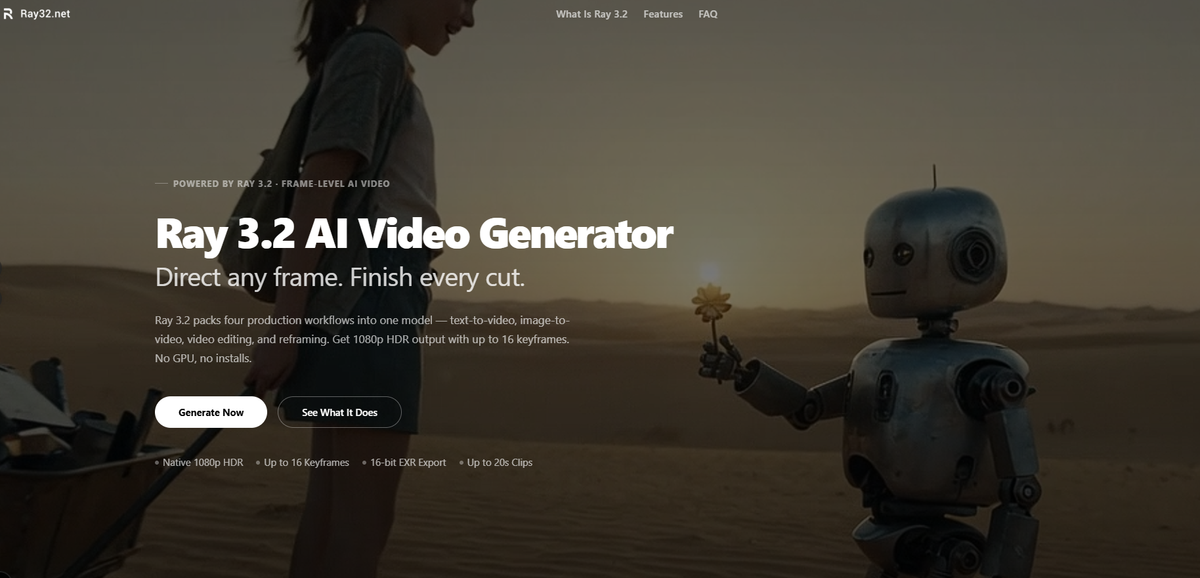
Ray 3.2 is an AI video generation and video transformation model from Luma AI, presented on ray32.net as a browser-based tool for creating and modifying short clips. It supports four workflows: text-to-video, image-to-video, video edit, and reframe.

The product is aimed at creators, marketers, and production teams that need controlled video output without starting from scratch each time. The site emphasizes frame-level guidance, preservation of motion and structure in edit workflows, native 1080p HDR output, and 16-bit EXR export for downstream grading or VFX work.

Core features of Ray 3.2

Four workflows in one model

Generate clips from a text prompt, animate still images, restyle existing footage, or reframe a clip to a different aspect ratio. The same model supports the full production chain instead of forcing you into separate tools.

Multi-keyframe control

Use up to 16 keyframes in a single clip to control where motion changes, lighting shifts, or a scene resolves. This is aimed at frame-by-frame direction rather than only broad prompt control.

1080p HDR and EXR output

Generate native 1080p output with HDR color, and export 16-bit EXR for grading or VFX work. The site presents this as model-generated HDR rather than a post-processing filter.

Length and reframing options

Modify Video supports clips up to 20 seconds, while text-to-video and image-to-video generate 5- or 10-second clips. Reframing can also fill newly exposed canvas areas with scene-consistent content.

Browser access and API support

Ray 3.2 is available through the browser and via the Luma API. The pricing page also notes Stripe-powered checkout, watermark-free MP4 downloads, and no local GPU requirement for online use.

Common ways to use Ray 3.2

  • Text-to-video concept generation

    Draft short cinematic scenes from a written prompt when you do not have footage yet. The site positions this for trailers, ads, social content, and creative prototyping.

  • Image-to-video animation

    Upload a still image and animate it into a short clip while keeping the original visual identity. This fits concept art, character shots, and illustrated scenes that need motion added without rebuilding the image.

  • Video editing and variation

    Take an existing video and change the environment, outfit, lighting, or product while keeping motion and timing intact. The workflow is designed for restyling footage without reshooting.

  • Social and platform reframing

    Convert a clip to another aspect ratio while filling the new canvas with scene-aware content. The site highlights use for turning landscape footage into vertical formats for different platforms.

  • Campaign localization and product variants

    Create multiple market-specific or SKU-specific variants from one master clip. The pricing and feature pages both point to campaign localization and product swap as production use cases.

Pros and Cons

Pros

  • Covers four distinct workflows in one product: text-to-video, image-to-video, video edit, and reframe.
  • Offers native 1080p HDR output and 16-bit EXR export for grading or compositing workflows.
  • Supports up to 16 keyframes for more explicit scene direction.
  • Can preserve motion, timing, and performance when editing or reframing source footage.
  • Sold as one-time credit packs with credits that never expire, which makes usage easier to budget than a recurring subscription.

Cons

  • The source materials do not provide detailed limits for every workflow, so buyers may need to check the generator UI for exact per-setting credit costs and constraints.
  • The terms prohibit several content categories, including adult content, minors-related content, non-consensual intimate imagery, hate, and extreme violence.
  • Refund eligibility is conditional rather than automatic and depends on purchase timing and credit usage.

FAQ

Do I need to install anything to use Ray 3.2?

Ray 3.2 is designed to run directly in the browser, so the site says no GPU or local setup is required. The workflow is to choose a mode, add a prompt or upload source media, set resolution and duration, then generate and download the result.

Can I use Ray 3.2 outputs in commercial projects?

The pricing page says all paid credit packs include commercial usage rights for videos you generate successfully. The Terms of Service also says you are responsible for having the rights to any content you upload.

What output modes and formats does Ray 3.2 support?

The site says Ray 3.2 supports Text-to-Video, Image-to-Video, Video Edit, and Reframe. Outputs are available at 540p, 720p, or 1080p, with downloads in MP4 and 16-bit EXR for supported workflows.

How does Ray 3.2 pricing work?

Ray 3.2 is sold as one-time credit packs rather than a subscription. Credits never expire and are deducted only when a generation completes successfully.

Are there content restrictions or refund limits?

The terms prohibit pornographic, adult, minors-related, non-consensual intimate imagery, hate, and extreme violence content. The refund policy also says eligibility depends on time since purchase and credit usage, with a full refund available only within 7 days and if 10% or less of credits were used.

Quick Facts

Category
AI video generator
Platform
Web browser
Brand
Ray 3.2
Source domain
ray32.net
Pricing model
One-time credit packs
Primary workflows
Text-to-video, image-to-video, video edit, reframe