
AI summaries
Turn articles, YouTube videos, podcasts, and PDFs into summaries that can be read or listened to. The pricing page says summaries can be concise or detailed and may include timestamps.

Recall is a personal AI knowledge base for saving, summarizing, organizing, and chatting with articles, videos, podcasts, PDFs, and notes. Free plan available.
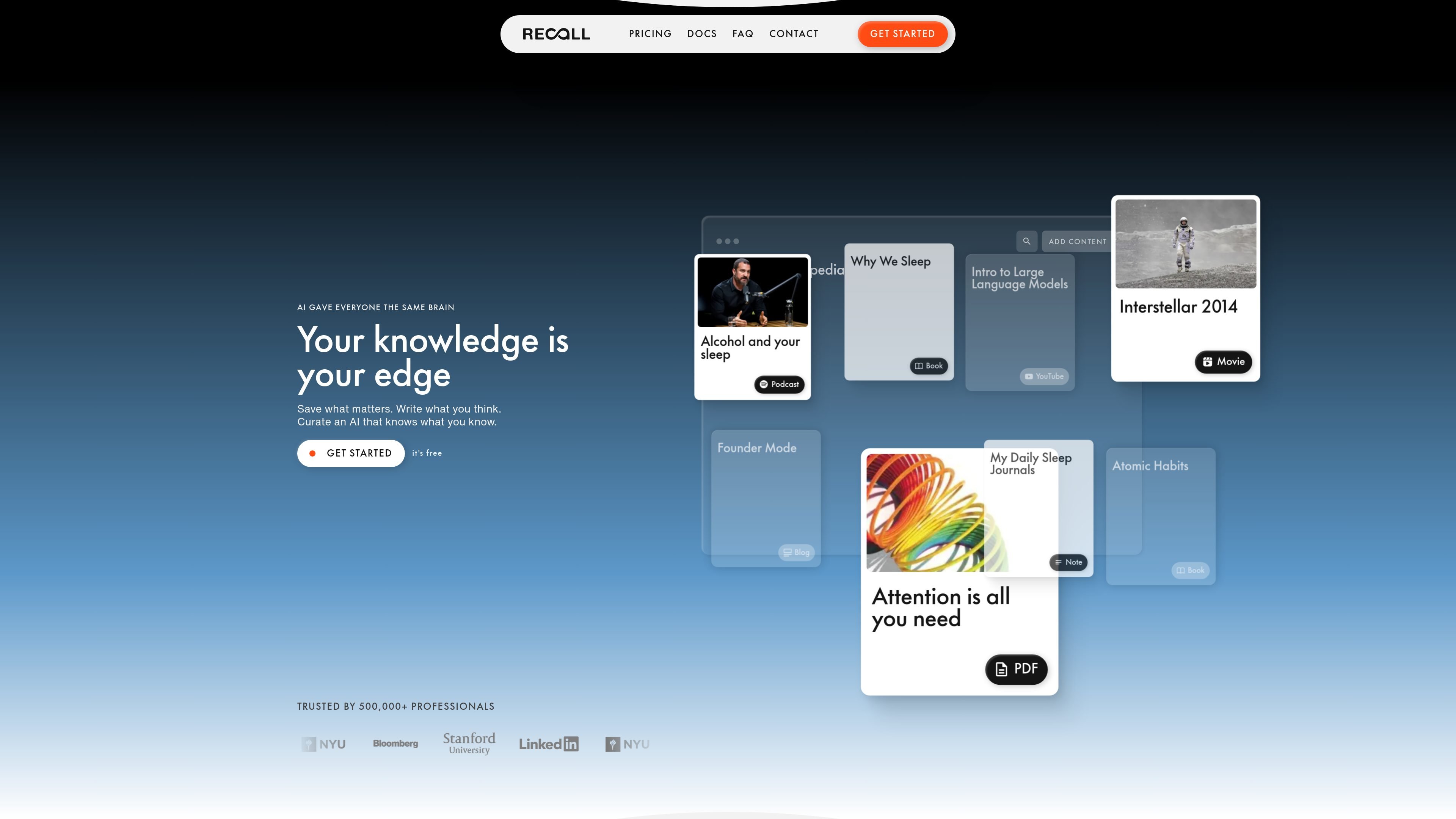
Recall is a personal AI knowledge base for saving, summarizing, organizing, and chatting with articles, YouTube videos, podcasts, PDFs, and notes. It is designed to help individuals keep a growing library of material they can return to later, rather than leaving useful information scattered across separate apps and browser tabs.
The product combines read-later saving, AI summaries, automatic tagging, connected notes, and chat with your saved material or the open web. Pricing information also shows plans for different levels of use, from a free personal tier to paid plans with unlimited summaries, bulk actions, and model selection.
Turn articles, YouTube videos, podcasts, and PDFs into summaries that can be read or listened to. The pricing page says summaries can be concise or detailed and may include timestamps.
Recall adds smart tags and automatically organizes saved content into a connected library, reducing the need for manual filing.
Chat with your saved content, search the open web, or combine both in one conversation across your knowledge base.
Save notes with blocks, tables, and to-do lists in the same workspace as your saved content.
Listen to saved summaries with text-to-speech and custom voices.
Generate quizzes from saved content and review them on a spaced repetition schedule.
Save articles, videos, podcasts, PDFs, and notes in one place, then come back to them later without relying on scattered bookmarks or separate note apps.
Turn saved material into summaries, ask questions about it, and combine it with web search when you need more context for a topic.
Use automatic tags, connections, and the visual knowledge graph to surface related ideas across material you saved at different times.
Generate quizzes and review content on a spaced repetition schedule to reinforce key ideas over time.
Use the free tier for personal notes and later upgrade if you need unlimited summaries, bulk actions, or model selection for higher-volume workflows.
Recall is available on the web app, as Chrome and Firefox browser extensions, and on iOS and Android.
Yes. Recall is free forever, and no credit card is required. The free plan includes unlimited read-later saves, unlimited notes, and 10 AI summaries per month.
Yes. If you are not satisfied within the first 30 days, Recall will issue a refund. You can request it by emailing [email protected].
Yes. Email [email protected] from your student email address to request a 20% student discount.
Recall is built for saving and learning from articles, videos, podcasts, PDFs, and notes. It is not Microsoft Recall, which records screens, and it is not Recall.ai, which records and transcribes meetings.

Flunkey is a voice-first productivity layer for Windows that turns speech into text, AI outputs, and remembered context without leaving your app.

GameGrad turns PDF study material into quiz questions inside arcade games for active recall. Free tier for one PDF; Pro adds more uploads, questions, and explanations.

Falconer is an AI-powered company brain that keeps internal docs accurate, searchable, and up to date by syncing with GitHub, Slack, and Linear.

Yattayo: Slider To-Do Board turns tasks into a tactile slider board with sticky notes, widgets, reminders, iCloud sync, and Premium recurring habits.

recall is an AI flashcard app that turns reading and notes into study cards with Claude, ChatGPT, or another MCP client. One-time lifetime access with spaced repetition review.

at8pm is an iPhone journaling app that locks daily entries after a chosen time, with text, voice, photos, locations, video notes, private iCloud sync, and Face ID.