
Meeting capture and reporting
Record meetings directly from your device, then receive a transcript, summary, action items, and a searchable meeting report once the session ends.

Voicenotes is an AI note-taking and meeting recording app that transcribes conversations, generates summaries and action items, and makes past recordings searchable with Ask AI. It also supports voice dictation, imported audio on Pro, and multilingual transcription.
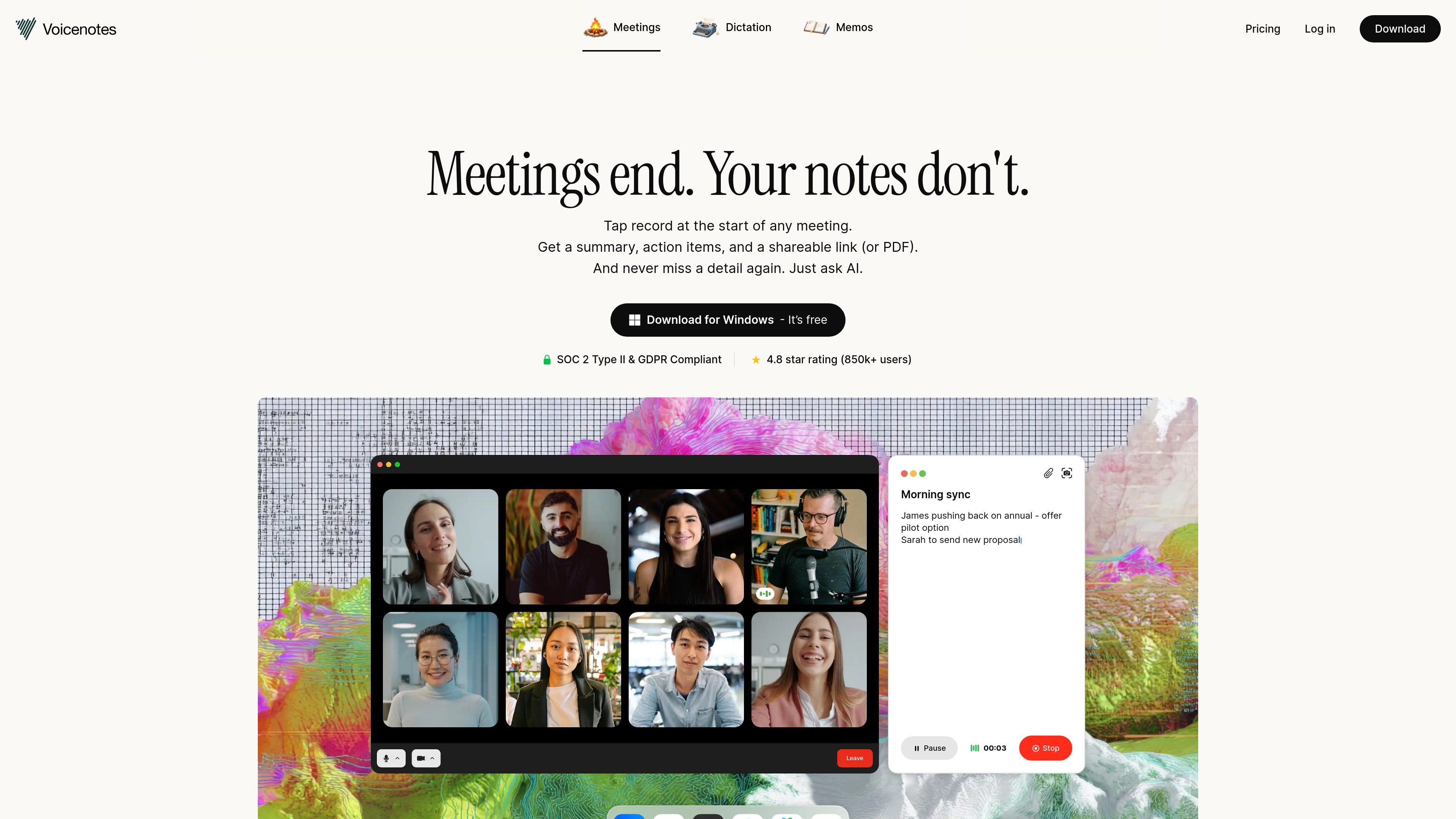
Voicenotes is an AI note-taking and meeting recording product focused on turning live conversations into transcripts, summaries, action items, and searchable reports. The home page positions it as a tool for meetings, and the pricing page groups memo-taking, meetings, and dictation under the same product.
The product is built around a simple workflow: start recording at the beginning of a meeting, keep participating in the discussion, and review a summary and key points as soon as the meeting ends. The site also emphasizes Ask AI, which lets users search past recordings by context, not just by exact keywords, so the app can act as a long-term knowledge base for meeting notes and personal voice entries.
Record meetings directly from your device, then receive a transcript, summary, action items, and a searchable meeting report once the session ends.
Works for both online and in-person meetings, and the site says it can operate without a bot.
Turn recordings into usable notes that can be revisited later as a shared record of what was said, decided, and assigned.
Ask AI can retrieve information by context and meaning, then answer questions across your past recordings and notes.
Pro includes unlimited dictation, letting you type with your voice on Mac, alongside unlimited transcripts, summaries, audio imports, and storage.
Advanced integrations on Pro include Zapier, Obsidian, Notion, Claude, and ChatGPT, according to the pricing page.
Start recording at the beginning of a meeting, keep taking part in the conversation, and use the finished transcript and summary to confirm decisions, ownership, and next steps afterward.
Capture ideas, reminders, and context in voice form, then use Ask AI to retrieve older notes when you need to reconstruct a project trail or find a detail from a prior conversation.
Use unlimited dictation on Pro to speak drafts, checklists, or rough thoughts into the app instead of typing them manually on Mac.
Import older recordings on Pro when you want past audio files transcribed, summarized, and indexed so they become part of the searchable history.
Use Ask AI to surface recurring themes, summaries, or open items across many notes when you need a lightweight second-brain workflow for meetings, journaling, or project tracking.
Voicenotes supports recordings and transcripts in English, Spanish, French, Portuguese, Italian, and 60+ other languages. The site also says it can switch languages automatically during a conversation.
The pricing page says Pro users can import old audio files. Voicenotes will transcribe, summarize, and index those recordings so they become searchable inside the app.
The site states that Voicenotes does not allow third parties such as OpenAI or Anthropic to use your data for model training, and that Voicenotes does not train on your data.
Yes. The site says Voicenotes is SOC 2 Type II certified and GDPR compliant, with encrypted data and access limited to authenticated requests.
Yes. The pricing page says existing Pro users can switch to team billing from Settings by opening the Teams section.

Speech to Text Converter is a browser-based transcription tool for live dictation and uploaded audio or video files. It offers a free tier for short tasks and a Pro plan for unlimited transcription, AI summaries, translation, speaker identification, and advanced exports.

An OpenAI API guide for choosing the right speech architecture for live audio, translation, transcription, speech generation, and audio-capable chat. It helps developers map each speech application to the appropriate session type, endpoint, and connection method.

Pewbeam is a church presentation app that listens to sermons, detects Bible verse references in real time, and displays the matching passage on screen. It is built for pastors, projection teams, and church media volunteers who want to reduce manual slide control during live services.

Dictato is a Mac dictation app that transcribes speech into text in any app using an on-device, offline workflow. It supports multiple transcription engines, optional cleanup and translation, and a one-time purchase license.

Tactiq is an AI note taker for Google Meet, Zoom, and Microsoft Teams that transcribes meetings live and turns them into summaries, action items, and follow-up outputs. It is built around a Chrome extension and supports team workflows through sharing and integrations.

Tavus is an AI video platform for building real-time, face-to-face agents, digital twins, and AI companions. It combines APIs, custom replicas, and multilingual conversational workflows for developers and teams.