
One-click browser recording
Start a recording with a single click inside the meeting interface. The browser extension captures the call in the background rather than adding a separate participant.

RecordMeeting is a browser-based tool for recording and transcribing Google Meet calls, with Zoom and Microsoft Teams support, plus AI notes and private sharing.
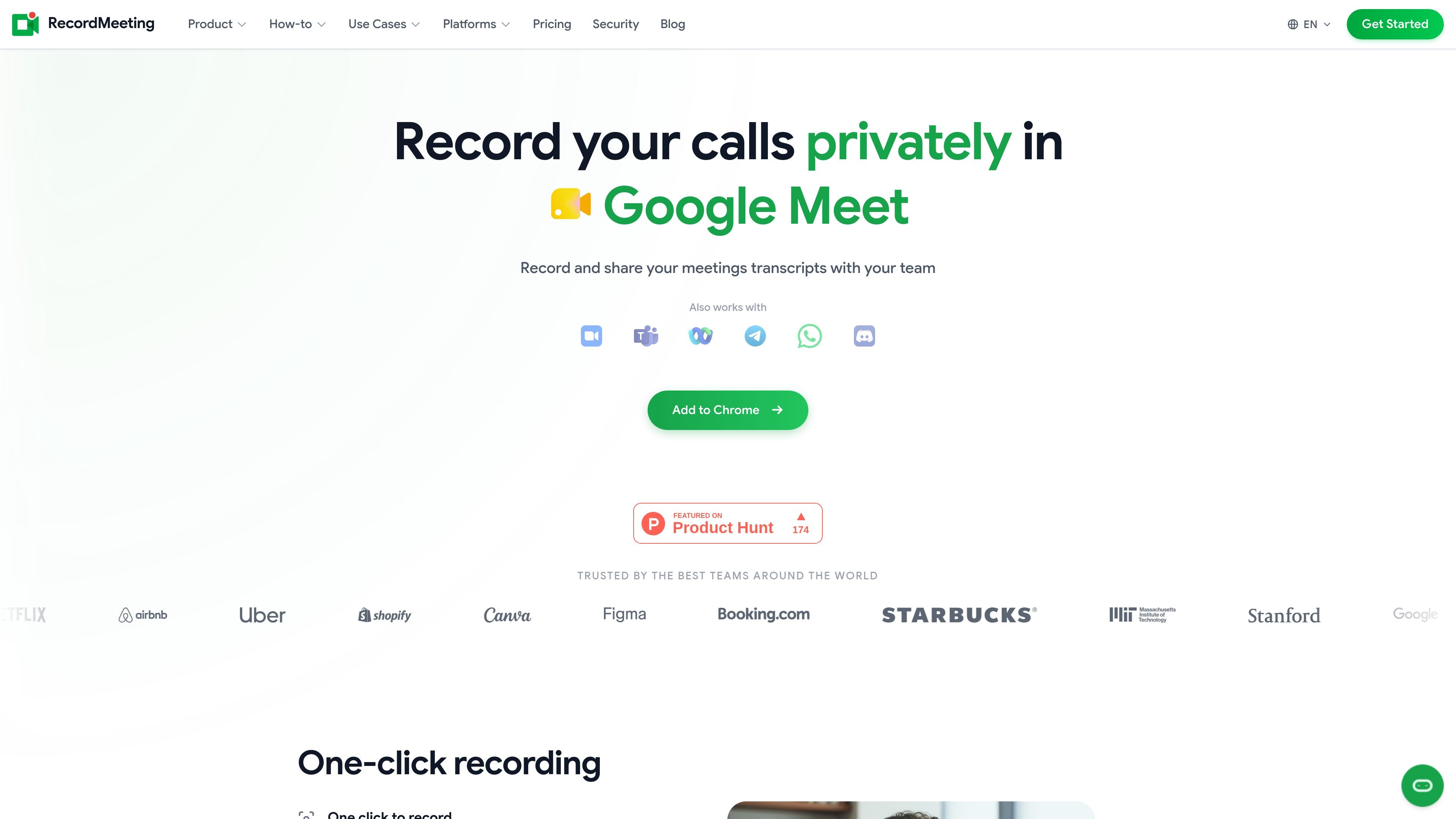
RecordMeeting is a browser-based meeting recorder and transcription tool for Google Meet, with additional support described on the pricing page for Zoom and Microsoft Teams. It is built to let users start recording from the meeting window, then receive transcripts, AI notes, and shareable outputs in a private workspace.
The product is positioned for individuals and teams that need a simple way to capture calls without interrupting the conversation. The site highlights one-click recording, hidden mode without added bots or announcements, cloud access, and options for sharing and organizing recordings by team or project.
Start a recording with a single click inside the meeting interface. The browser extension captures the call in the background rather than adding a separate participant.
Record without voice announcements or visible bots joining the call. The product pages emphasize a private recording flow that stays out of the participant list.
Transcribe meetings in real time and generate AI summaries from the transcript. The output is meant to capture key points and action items after the call.
Share recordings through links and control who can view, comment, or download them. The app also groups recordings by team or project for easier organization.
Search across past meetings to find topics quickly. The pages also mention download support and chat with recordings for follow-up work.
Record from a phone and sync recordings to the cloud so they are available on any device. The site says the mobile experience keeps feature parity with desktop.
Capture Google Meet calls with a single click, then review the transcript and AI notes after the meeting without adding a separate recorder participant.
Record Microsoft Teams sessions from a browser tab when organizer or tenant restrictions make native recording harder to use, then keep the file in a private workspace.
Save meeting transcripts and recordings for later review, sharing, or search when you need to revisit decisions, action items, or discussion details.
Use the mobile recording flow when you are away from a desktop, then access the same recordings through cloud sync on another device.
RecordMeeting can be used from a Chrome browser tab. The source pages describe it as a browser-based extension and say it also works on mobile, with recordings synced to the cloud so they are available on any device.
After a meeting, RecordMeeting provides a transcript, AI notes or summary, and options to download the recording or chat with the recording. The pages also mention speaker labels and timestamps in transcripts.
The source pages say RecordMeeting works with Google Meet, and the pricing page says it also works in Zoom and Microsoft Teams. Separate pages describe recording Microsoft Teams and Zoom from the browser without announcement.
Yes. The pricing page says the Free plan includes 5 recordings, up to 1 hour per recording, full transcription, AI meeting notes, download recordings, and chat with recordings. Paid plans add more capacity and team features.
The pricing page states that Pro and Enterprise come with a 30-day money-back guarantee, and it also says subscriptions can be cancelled at any time from account settings.

QuickQuill is a local-first macOS dictation and transcription app to record meetings, summarize audio, and export notes without the cloud.

Tactiq is an AI note taker for Google Meet, Zoom, and Microsoft Teams that transcribes meetings live into summaries, action items, and follow-up outputs.

Scripta is a privacy-first AI notetaker that records, transcribes, and summarizes meetings on your device. Mac beta download available; Windows waitlist.

Speech to Text Converter is a browser-based transcription tool for live dictation and uploaded audio or video files. Free for short tasks, Pro offers unlimited transcription, AI summaries, translation, speaker ID, and advanced exports.

Liam is an AI copilot for inbox management, email replies, prioritizing messages, and scheduling meetings. Free for individuals; custom pricing for teams and enterprise.

garden-md is an open-source Node.js CLI that turns meeting transcripts into a local company wiki, linking entities and preserving the original text.