
Infinite canvas
Reference gives Mac users an open canvas for collecting inspiration and arranging multiple boards without fixed boundaries.

Reference is a private moodboard app for iPhone, iPad, and Mac. It helps users save inspiration, organize boards, search across visual references, and sync content through iCloud.
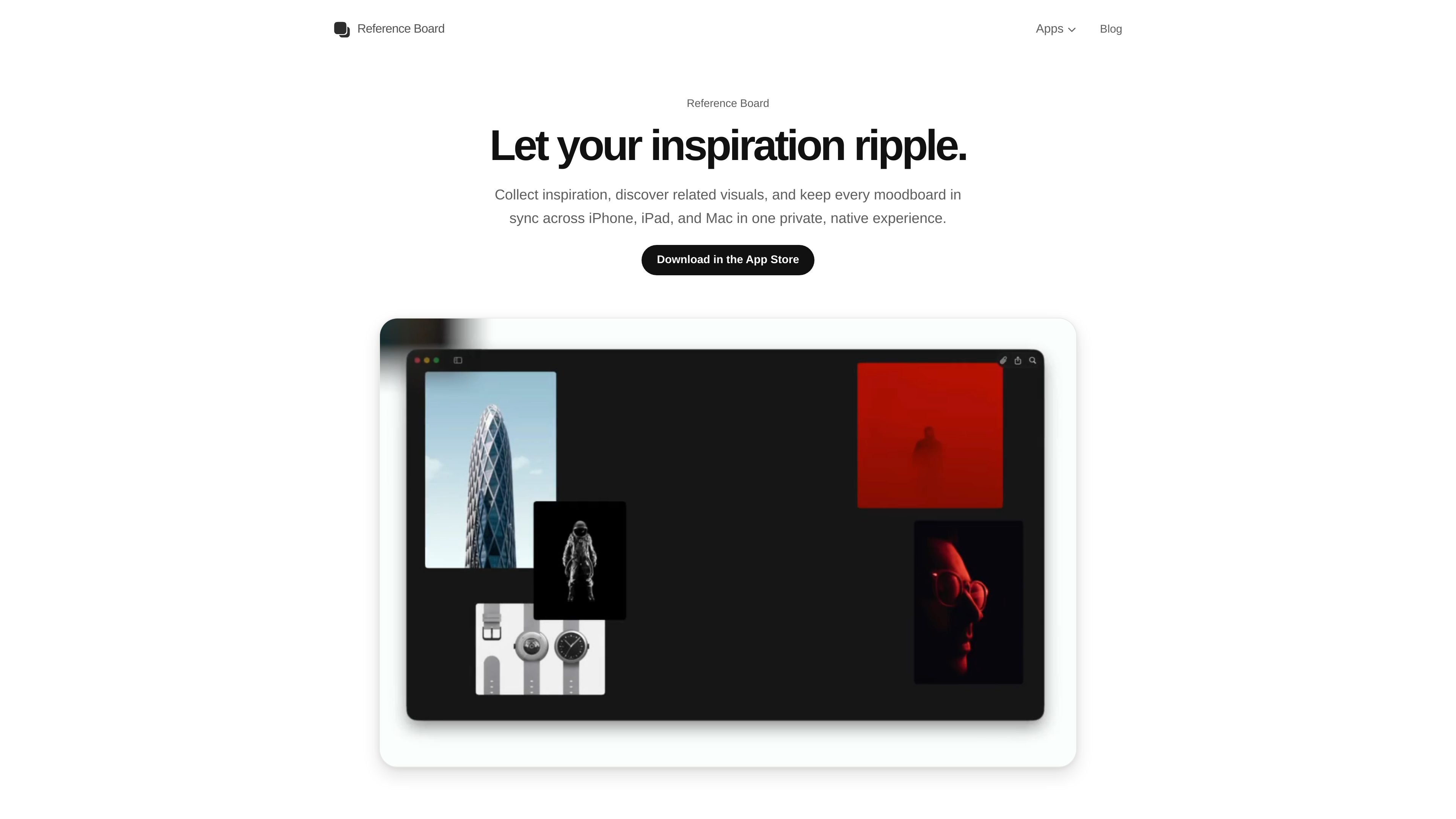
Reference is a private moodboard app for iPhone, iPad, and Mac. It is built for collecting visual inspiration, organizing references into boards, and keeping that material in sync across Apple devices through iCloud.
The app combines a native board layout with tools for searching, grouping, and annotating references. On Mac, you can spread out on an infinite canvas and create multiple moodboards. On iPad, you can mark up boards with Apple Pencil, and across the Apple ecosystem the same references stay available in one private workspace.
Reference gives Mac users an open canvas for collecting inspiration and arranging multiple boards without fixed boundaries.
Search saved references by color, style, scene, and your own words, then turn results into a new board quickly.
Open an item and find visually related images from the same board to continue exploring a direction without restarting the search.
Reference automatically reads visible text inside images, which makes labels, titles, packaging, and other small details searchable.
Descriptions, custom tags, colors, and visual cues are generated automatically as items are saved to keep boards organized in the background.
Add images, video, YouTube content, quotes, sticky notes, website links, Tweets, and Maps links to the same board.
Create separate boards for directions, clients, or projects and spread references out on the Mac canvas without running into fixed board limits.
Search by visible text in an image, then revisit labels, packaging, titles, or fragments of copy that would be hard to find by filename alone.
Use color search and similar-image discovery to move from one saved reference to related visual material while keeping the board context intact.
Add notes, website links, Tweets, Maps links, and video references to one board so the context around a project stays together.
Sketch, underline, circle, and erase directly on an iPad board with Apple Pencil when you need to mark up an idea in place.
Reference is a one-time purchase. The App Store shows the current price in your region, and that purchase covers iPhone, iPad, and Mac.
Yes. Reference says your references stay private, it does not track how you use the app, and sync happens through iCloud across your own Apple devices.
Yes. Reference includes a Safari extension today, and a Chrome extension is coming soon.
You can add images, videos, YouTube videos, GIFs, sticky notes, website links, Tweets, and Maps links to boards.
No. Reference can play YouTube videos inside the workflow, but it does not download them.

Lasso is an ecommerce product data platform for enriching catalog records, processing supplier files, generating product content, and monitoring competitors. It combines a web app with a REST API, SDK, and MCP server for teams and developers.

Struere is an AI-native platform for turning spreadsheet data into structured operational software with dashboards, alerts, and automations. It is aimed at teams that want to replace manual spreadsheet workflows without building custom tools from scratch.

garden-md is an open-source Node.js CLI that turns meeting transcripts into a local company wiki. It links entities across transcripts, keeps the original text intact, and renders the result as a browsable wiki.

Falconer is an AI-powered company brain that keeps internal documentation accurate, searchable, and up to date by syncing with tools like GitHub, Slack, and Linear. It helps engineering and cross-functional teams centralize knowledge and answer questions from a shared source of truth.

Snapmark is a VS Code extension that lets you annotate clipboard screenshots before pasting them into AI chats. It supports blur redaction, numbered callouts, and automatic resizing for large images.

BookAI allows you to chat with your books using AI by simply providing the title and author.