
AI face photo restoration
Restores old or blurry face photos with an AI-based workflow focused on preserving memories.

Face Photo Restorer is a web-based AI tool to restore old or blurry face photos. Free restore via Google sign-in, with credits and paid plans available.
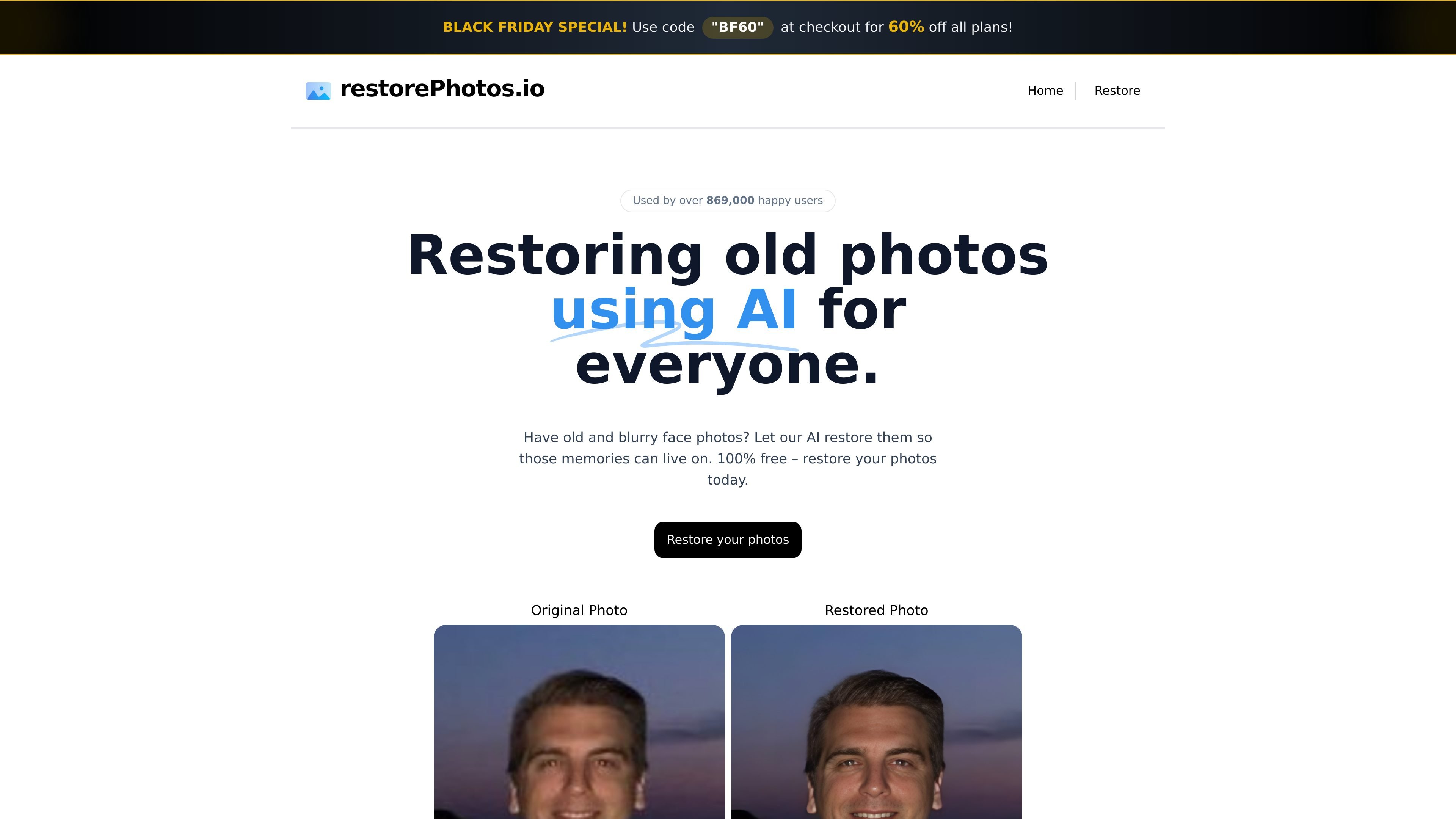
Face Photo Restorer is a web-based AI photo restoration product for old or blurry face photos. It is positioned around a simple goal: help users recover personal images so the memories in them remain usable and visible.
The site’s public flow emphasizes a quick restore experience from the browser. The restore page says users can sign in with Google to create a free account and restore a photo for free, while the pricing page shows that credits and paid plans are also available for people who need continued access.
Restores old or blurry face photos with an AI-based workflow focused on preserving memories.
Lets users compare the original image and the restored result in a side-by-side view.
Offers a free restoration flow from the restore page after signing in with Google.
Includes a pricing page with credits and plans for users who need more than the free restore flow.
Promotes the product as a simple web experience rather than a desktop or mobile app in the supplied text.
A person wants to improve a scanned family portrait or a saved phone photo where the face has softened over time.
Someone needs a quick way to check whether the AI recovery result is good enough before keeping or sharing it.
A user wants to try the product once without committing to a purchase and use the free restore path first.
A repeat user wants additional restore capacity beyond the free flow and looks to the credits or paid plans shown on the pricing page.
A user with a simple browser workflow wants to sign in with Google and complete the restoration without installing software.
The source shows sign-in with Google to create a free account and restore a photo for free. The pricing page also indicates paid plans or credits are available.
The site says it restores face photos using AI, but the provided text does not specify file formats, export types, or exact output quality settings.
The source does not describe detailed limits. It does show a free restore flow and a separate pricing page with credits and plans, so availability may vary by account or plan.
No setup steps are described beyond signing in with Google on the restore page. The source does not mention desktop or mobile apps, browser requirements, or integrations.

Upscale.media is an AI image upscaling and enhancement tool by Pixelbin that sharpens low-resolution images in the browser, with bulk processing and API support.

Let's Enhance is an online AI image app for enhancing, upscaling, and restoring photos. Clean up images and boost resolution with free credits or paid plans.

ImgUpscaler is a browser-based AI image upscaler that enlarges photos, anime, product images, portraits, and old pictures by 2x or 4x.

Cutout.Pro online photo colorizer automatically adds color to black-and-white, faded, or old photos for family, historical, and archival image restoration.

VanceAI Image Resizer is an AI image enlargement tool for resizing photos online or in the desktop app while preserving detail.

Remini is an AI photo and video enhancer that restores old, blurry, or low-quality visuals and creates realistic AI portraits from uploaded images.