
Photo restoration
Improve old, blurry, faded, damaged, grainy, or low-resolution photos with AI that sharpens details and restores visual clarity.

Remini is an AI photo and video enhancer that restores old, blurry, or low-quality visuals and creates realistic AI portraits from uploaded images.
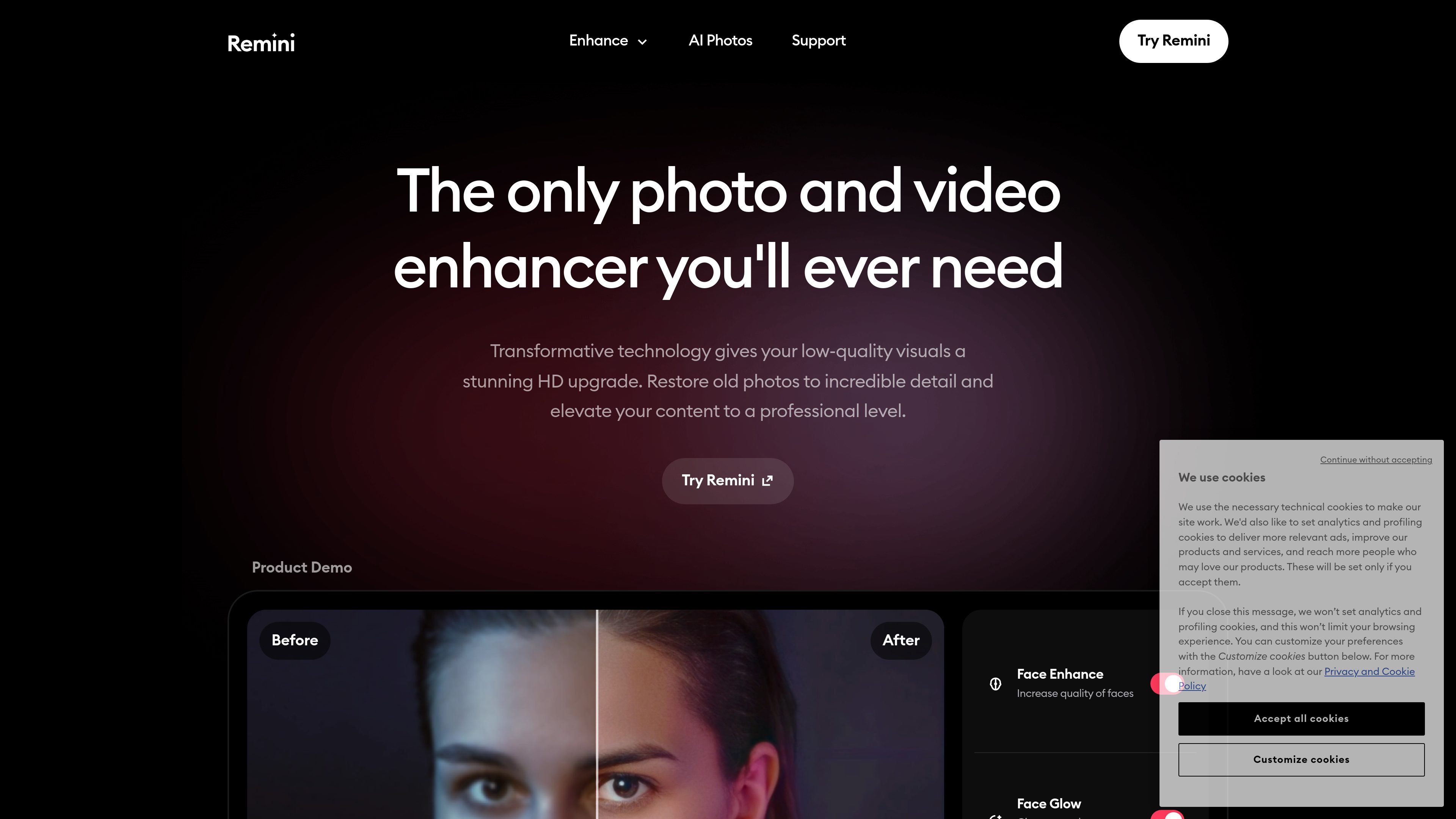
Remini is an AI photo and video enhancer that restores low-quality visuals and turns them into clearer, higher-definition images and clips. The site positions it as a tool for improving old photos, cleaning up blur and grain, correcting color, and upscaling media without requiring manual editing.
In addition to restoration, Remini includes AI Photos for generating realistic portraits from uploaded selfies or other reference images. The product is available through mobile apps for iOS and Android, and the site also describes a web experience and an API integration option for photo restoration use cases.
Improve old, blurry, faded, damaged, grainy, or low-resolution photos with AI that sharpens details and restores visual clarity.
Enhance faces, adjust color, and improve background detail to make portraits and everyday images look cleaner and more natural.
Reduce motion blur, camera shake, focus issues, and visible grain so photos and videos appear sharper and easier to view.
Increase the size of photos and videos by up to 2x while preserving detail, according to the site’s product copy.
Generate realistic photos of yourself after training the model on 8–12 uploaded images and selecting a style or pose reference.
Enhance videos with AI to improve resolution, clarity, and overall visual quality for old or low-quality footage.
Restore faded family photos, sharpen blurry faces, and recover detail from damaged images that you want to preserve or share.
Improve profile images, CV headshots, and other personal photos by generating realistic portraits from reference images.
Clean up low-quality footage, reduce blur, and make older clips easier to watch or reuse in edited content.
Prepare product photos, prints, or publication images with higher clarity and better color before they are published or printed.
Create different looks, poses, or location-based portraits without arranging a new photo shoot.
Remini is designed to enhance photos and videos with AI, including old, blurry, faded, grainy, or low-quality files. It also offers an AI Photos flow for generating realistic images of yourself from uploaded photos.
The source pages show Remini’s mobile app is available on iOS and Android, and one page mentions a web user experience. The site also describes an API integration option for photo restoration use cases.
The site describes AI Photos as a workflow where you upload 8–12 images to train the AI, pick a model image, and then generate new photos in different poses and styles.
Remini says it can restore old photos, sharpen faces and details, reduce blur and grain, fix colors, and upscale photos and videos by up to 2x without sacrificing quality.
The pricing page available from the site returns a 404, so the public site evidence here does not confirm current pricing or plan structure.

Let's Enhance is an online AI image app for enhancing, upscaling, and restoring photos. Clean up images and boost resolution with free credits or paid plans.

Upscale.media is an AI image upscaling and enhancement tool by Pixelbin that sharpens low-resolution images in the browser, with bulk processing and API support.

ImgUpscaler is a browser-based AI image upscaler that enlarges photos, anime, product images, portraits, and old pictures by 2x or 4x.

Pixelcut is an AI photo editor for product images, social content and video assets. Free and paid plans; mobile app and browser access for individuals and teams.

Free browser-based AI image enlarger by PhotoAid for upscaling JPEG, WEBP, and PNG photos, especially portraits, without heavy blur.

Upscale.media by PixelBin is an AI image upscaling and enhancement tool that enlarges low-resolution images and improves quality online.