
Source-grounded meeting guidance
Savvy builds a meeting brief from your own source documents, then uses that material to guide the live conversation.

Savvy is a macOS meeting assistant that turns your source documents into a brief and gives source-grounded guidance in live conversations.
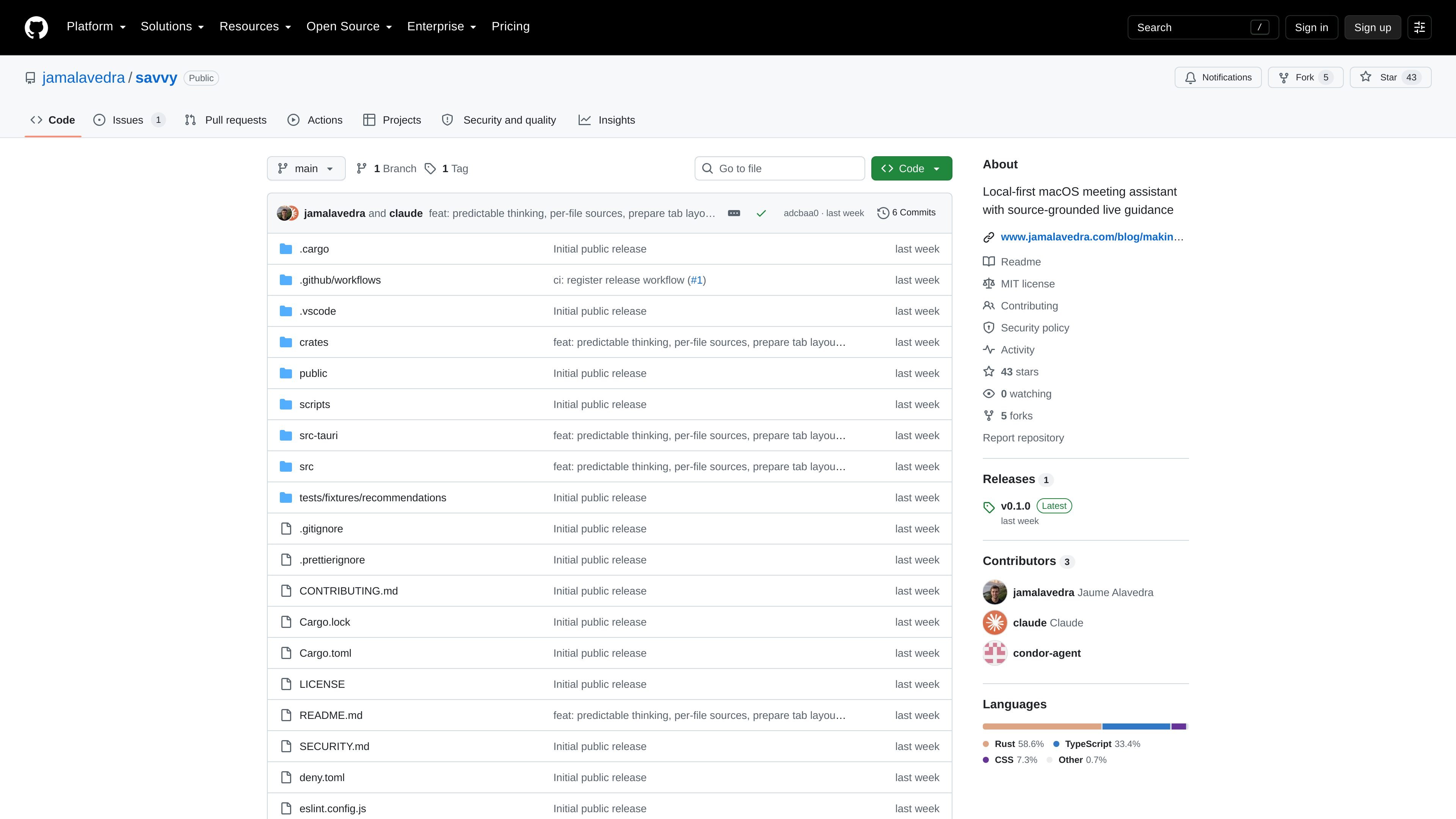
Savvy is a macOS meeting assistant that prepares a brief from your own source documents and then offers source-grounded guidance during a live conversation. It is designed for people who want meeting help tied to their own material rather than a generic assistant.
The project is local-first in how it stores documents, history, and derived data on the Mac, but its current build does not keep transcription fully local. Meeting audio is streamed to a transcription provider, and recommendations are generated through a CLI you already have installed, such as Codex CLI or Claude Code.
Savvy builds a meeting brief from your own source documents, then uses that material to guide the live conversation.
Preparation can be scoped to a specific client or kept general, which makes the brief usable for different meeting contexts.
During a meeting, the overlay mascot changes status as it reads the brief, notes, and transcript, and it can surface concrete observations as a “Savvy noticed” card.
The app keeps documents and history on the Mac, stores derived data locally, and uses owner-only permissions for application-owned directories.
Transcription is streamed to Deepgram or AssemblyAI, while recommendations are generated through a CLI already installed on the machine, such as OpenAI Codex CLI or Anthropic Claude Code.
The repository includes setup notes, build instructions, and provider status in Settings, along with automatic cleanup of audio and transcripts after 30 days.
Use Savvy to prepare a client-specific brief from your documents before a meeting so the discussion can stay anchored to the relevant source material.
Use the app in live calls when you want a meeting assistant to track recent conversation, surface notes, and react when someone raises a question or touches a constraint.
Use Savvy when you need a local record of documents, history, and derived meeting data on your Mac, while still accepting that transcription itself is sent to a provider.
Use it if your workflow already relies on Codex CLI or Claude Code and you want Savvy to turn those tools into meeting-time recommendations.
Savvy is set up for macOS 13 or newer, and the repository notes that only Apple Silicon builds are released. Intel is described as buildable but unsupported.
On first launch, Savvy asks for microphone and screen-recording permission, then for a Deepgram or AssemblyAI API key. The README says only the microphone is required to get past setup, but without a key nothing is transcribed.
Savvy prepares a brief from your own source documents and uses that brief, plus the live transcript, to offer source-grounded guidance during a meeting.
No. The README says live transcription is not local in the current build, and meeting audio is streamed to Deepgram or AssemblyAI as it is captured.
The repository says removing a client deletes derived data but never touches your source folder, while audio and transcripts are deleted after 30 days.

QuickQuill is a local-first macOS dictation and transcription app to record meetings, summarize audio, and export notes without the cloud.

MeetStream is a meeting bot API for Zoom, Google Meet, Microsoft Teams, and Webex. Record, stream, and analyze meetings with usage-based pricing and $5 free credit.

Notewarp is an AI note-taking tool that turns voice notes, uploads, or pasted text into cleaner notes, transcripts, summaries, and action items.

Parrot is a free, open-source AI meeting recorder and live assistant for macOS 14+ on Apple Silicon. Record, search, and act on calls without a meeting bot.

Flunkey is a voice-first productivity layer for Windows that turns speech into text, AI outputs, and remembered context without leaving your app.

Liam is an AI copilot for inbox management, email replies, prioritizing messages, and scheduling meetings. Free for individuals; custom pricing for teams and enterprise.