
Voice-following script input
Paste a script, speech, or rough notes into the teleprompter and read in any of the supported languages, including scripts that mix languages in the same paragraph.

Sayscroll is a browser-based AI teleprompter that follows your voice, records video in-browser, and supports 60+ languages for natural reading and fewer retakes.
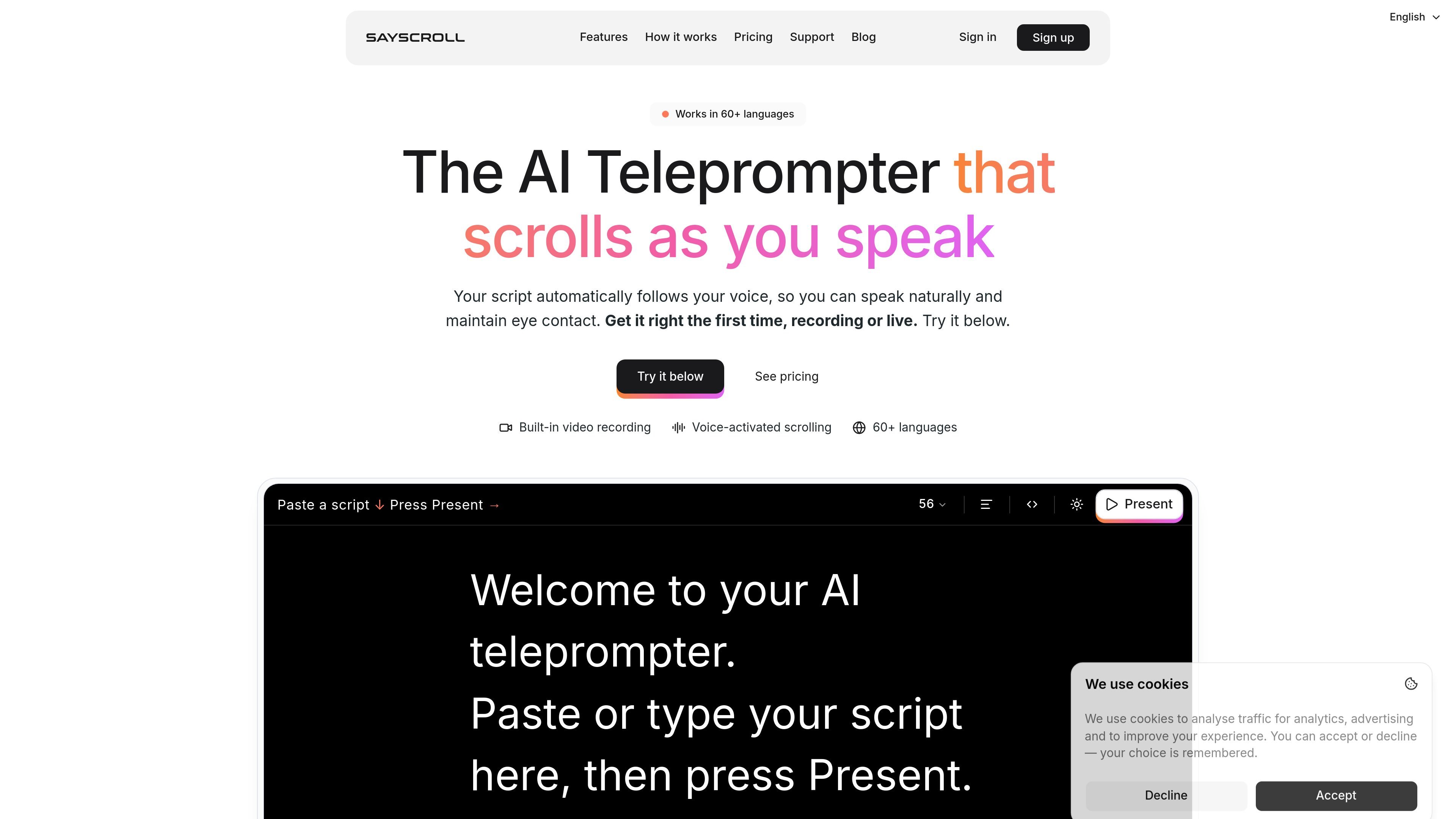
Sayscroll is a browser-based AI teleprompter that follows your voice as you speak. Instead of scrolling at a preset speed, it uses real-time speech recognition to keep the script aligned with your words and centered on screen.
The product is built for creators, presenters, educators, podcasters, and content teams that want to read naturally, stay on camera, and reduce retakes. It also includes built-in video recording, so you can capture takes in the same browser session where you read the script.
Paste a script, speech, or rough notes into the teleprompter and read in any of the supported languages, including scripts that mix languages in the same paragraph.
The teleprompter uses live speech recognition to match your spoken words and keep the active line centered, instead of relying on a preset scroll speed.
When you pause or improvise, the script waits and then locks back on when you return to the text, even if you jump ahead or repeat a line.
Turn on your camera and record in the browser while reading. The script can appear over the video or alongside it in a split-screen layout, and recordings save locally to your device.
Adjust text size, column width, alignment, background color, and mirroring for beam-splitter setups, with fullscreen reading available for presentation use.
Sayscroll works in a modern browser on desktop, laptop, phone, or tablet, with no install required for the trial workflow.
Read a YouTube script while keeping your eyes on the lens, with the teleprompter moving at your speaking pace so you can reduce retakes.
Deliver a keynote, class, or webinar from a browser tab while staying on script and pausing naturally when you need to improvise or emphasize a point.
Record narrated or talking-head videos directly in the browser, using the built-in recorder to capture takes without switching to a separate camera app.
Work with scripts that include more than one language, such as bilingual intros or multilingual lines, without manually adjusting scroll speed between sections.
Use a hands-free teleprompter workflow when you need to keep your attention on the camera and your notes aligned with your voice rather than a remote or pedal.
Sayscroll is a browser-based AI teleprompter that uses real-time speech recognition to follow your voice as you read. It keeps the active word centered on screen, pauses when you stop, and re-syncs if you go off script.
Yes. The site says Sayscroll records video in your browser with the script overlaid on the camera preview or shown in a split-screen layout. Finished recordings save to your device as regular video files, and nothing is uploaded.
Sayscroll supports more than 60 languages and can handle mixed-language scripts. The site specifically mentions languages such as English, Spanish, German, French, and Swedish.
No. Sayscroll is designed to follow your voice in the browser, so there is no app, extension, remote, or foot pedal required for the basic workflow.
The site says speech recognition needs an internet connection because audio is transcribed live. A browser and microphone are required for the voice-following workflow.

Tavus is an AI video platform for real-time face-to-face agents, digital twins, and AI companions, with APIs and multilingual workflows for developers.

CAKIE is a Mac app for recording your screen and voice for an AI agent, with transcripts, screenshot highlights, and easy prompt copying.

SpeakoFlow is a free, open-source desktop voice-to-text app for Windows, macOS, and Linux. Dictate into any app, use Flow, cleanup, translation, and a screen-aware assistant.

Sanota turns spoken memories and interviews into clear written stories for personal storytelling, family history and shared memories, with guided prompts and subscriptions.

Carbon Voice is an async voice messaging app for teams and individuals, with transcripts, AI catch-up, and cross-device access.

QuickQuill is a local-first macOS dictation and transcription app to record meetings, summarize audio, and export notes without the cloud.