
On-device work memory
ShogunAI builds a private memory of your day from the text macOS already exposes to screen readers, keeping source and time attached so you can search by what happened instead of reconstructing it from scattered files.

ShogunAI is a local-first AI memory assistant for macOS that captures work context on-device and turns it into drafts, recaps, and actions inside your tools.
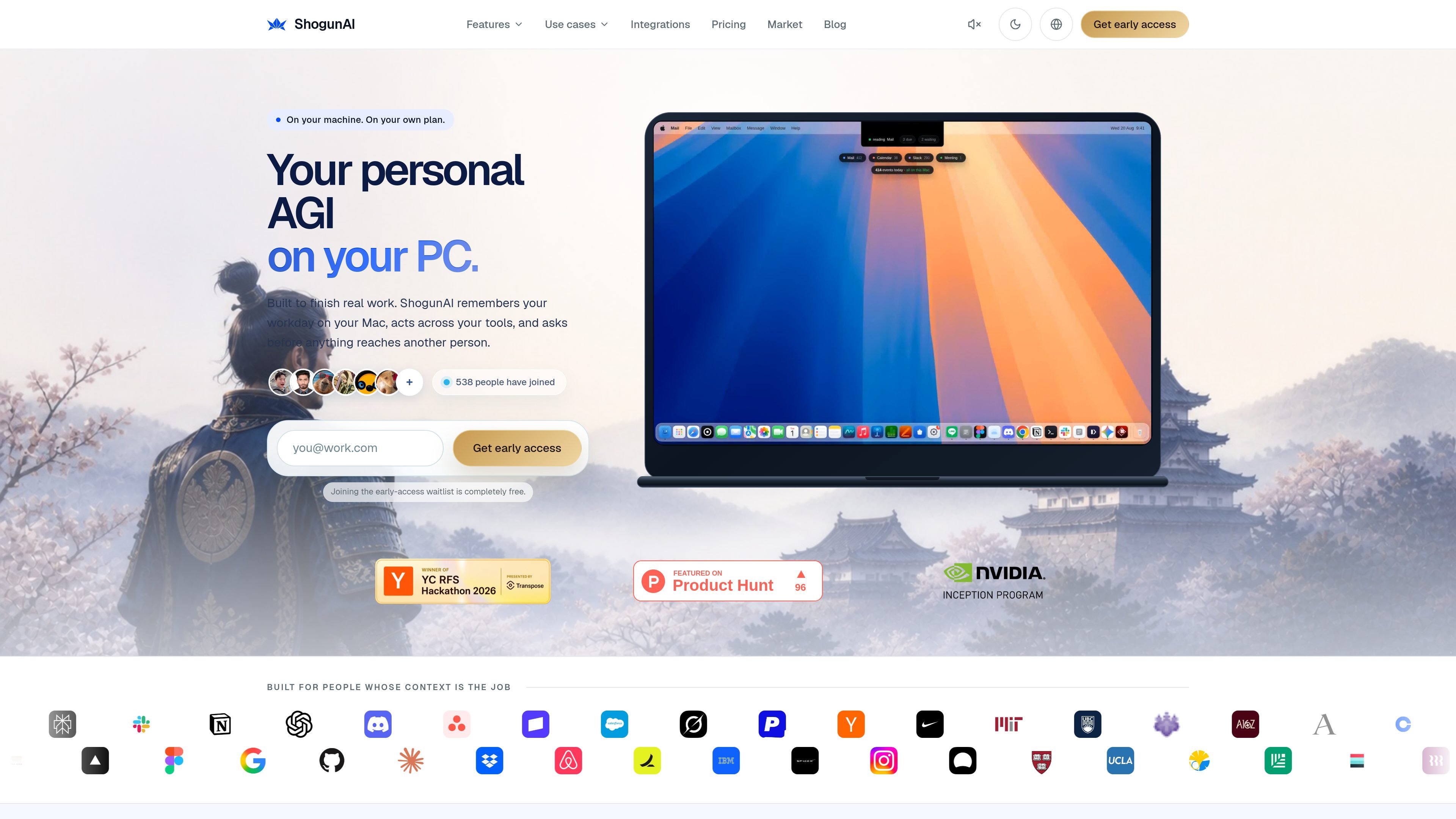
ShogunAI is a local-first AI memory assistant and execution layer for macOS. It is built to remember work context from the day you spend on your Mac, surface that context in plain language, and help turn it into drafts, updates, and other actions inside the tools you already use.
The product is aimed at knowledge work where the important details are spread across mail, meetings, documents, chat, and calendar events. ShogunAI captures context on-device, links memory back to its source, and uses named autonomy rules so you can see when it will act on its own and when it will pause for approval.
ShogunAI builds a private memory of your day from the text macOS already exposes to screen readers, keeping source and time attached so you can search by what happened instead of reconstructing it from scattered files.
When text capture is not enough and visual recall is enabled, the app can store a compressed screenshot for the specific window that needs it, with encrypted local retention you control.
Search works across mail, docs, chat, calendar, and other connected work tools from a single question, with the source attached to each hit so results can be checked rather than trusted blindly.
The execution layer can draft text at your cursor, prepare updates, and run actions inside the tools you already use, while requiring approval before anything reaches another person.
Actions are routed through three autonomy levels: reversible local work, drafts that wait for review, and outward-facing actions that stop for approval. The rules are visible before anything runs.
Capture, search, and indexing happen on the Mac rather than in a server-side copy of your day, and the app logs what leaves the device and why.
Pull together the context behind an open question across email, chat, docs, and calendar, then verify the source and timestamp before acting on it.
Prepare a reply or update directly in the app where you are typing, with the continuation written at the caret so you can review and send it yourself.
Turn a meeting into transcript-based notes, decisions, and next steps without treating the recording as the end product.
Start the day with an automatically assembled brief of what changed overnight, what is still open, and what you previously promised.
Use the same memory across assistants and tools connected through the product, so follow-up work starts from the same context rather than zero.
ShogunAI is designed to run on macOS and uses native system capabilities such as the accessibility layer, the notch panel, and the system keychain. The source says it runs on Apple Silicon.
It is intended for people whose work depends on context spread across mail, meetings, documents, chat, calendar, and related tools. The source frames it as a private memory assistant and execution layer for knowledge work.
Memory capture reads text first through the macOS accessibility layer. If visual recall is enabled, compressed screenshots are taken only when a window yields no readable text. The product also captures meeting transcripts and can use that context to draft, summarize, or prepare actions.
No. The product says it can run on the assistant plan you already pay for, within that plan’s limits, or with your own API key. It also says you can switch providers without losing a day of memory.
The source describes waiting-list access and a 7-day full trial, with Standard and Pro plans. It does not provide evidence for broader team licensing details beyond those plan descriptions.

Goldfish is an AI memory app for macOS that helps you reply, write, summarize, and continue with context already on your Mac. It stores memory locally and writes in your tone.

ArtDeck is a visual reference board app for iPhone, iPad, and Mac. Collect mixed references on one canvas and study them with ToolBox lenses. Offline, optional iCloud sync, one-time purchase.

Dcyde is a shared decision log for product teams to capture what was decided, why, and the source, with searchable records from Slack, Figma, or Dcyde.

Yattayo: Slider To-Do Board turns tasks into a tactile slider board with sticky notes, widgets, reminders, iCloud sync, and Premium recurring habits.

recall is an AI flashcard app that turns reading and notes into study cards with Claude, ChatGPT, or another MCP client. One-time lifetime access with spaced repetition review.

Flunkey is a voice-first productivity layer for Windows that turns speech into text, AI outputs, and remembered context without leaving your app.