
Document preparation and sending
Upload a PDF, JPEG, or PNG, place fields for each signing party, and send the document by email or shareable link.

SignWith is a web-based e-signature service for sending documents, collecting signatures, and tracking completion—without recurring subscriptions or recipient accounts.
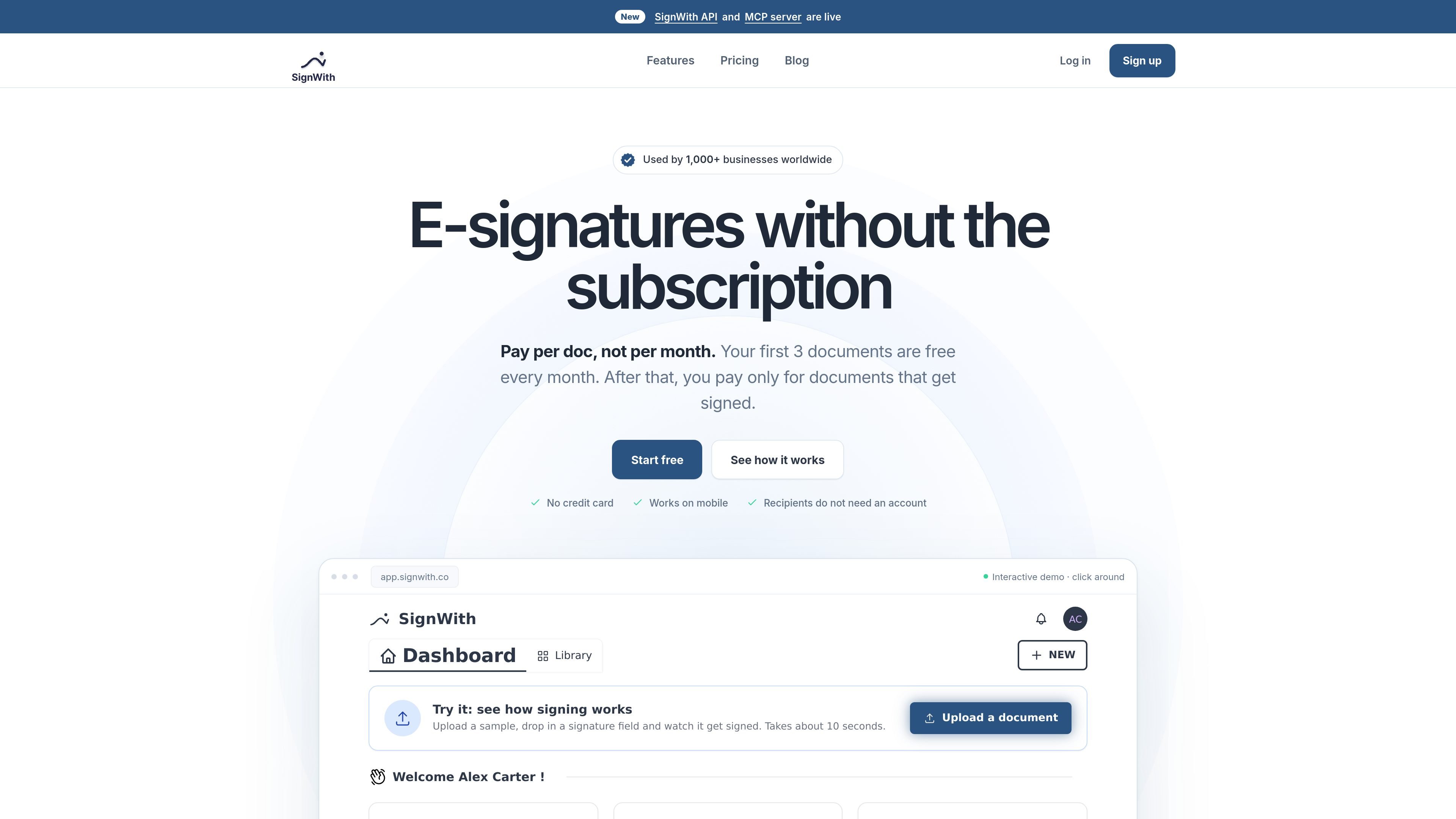
SignWith is an electronic-signature service for businesses and individuals who need to send agreements, forms, and other documents for signing. It supports document preparation, signer invitations, field placement, signing order, progress tracking, and delivery of the completed PDF.
The service uses a pay-per-signed-document model rather than a recurring subscription. Each account includes three free signed documents per month, and additional use is available through one-time credit packs. Signers do not need a SignWith account, which allows recipients to complete requests from a phone or computer browser.
Upload a PDF, JPEG, or PNG, place fields for each signing party, and send the document by email or shareable link.
Add multiple signers, assign each person their own fields, and require recipients to sign sequentially when the workflow calls for it.
Enable email OTP verification so a signer must enter a one-time code from their email before the document opens.
Signers can use a phone browser without an app or account. Supported fields include signature, initials, date, text, number, and checkbox.
View events such as email sent, document opened, email verified, and submission completed. The audit trail records timing, IP address, and browser details.
Completed documents include a Certificate of Completion recording signer and event details, and copies are sent to the parties. Folders, templates, and up to three reminder emails support ongoing document work.
Send scopes, retainers, service agreements, renewals, and change orders to clients, with fields assigned to each party and status visible during the process.
Distribute one-way or mutual NDAs and collect signatures from the relevant parties without requiring recipients to register.
Send offers, accepted quotes, and other commercial terms for signature, then retain the completed PDF and signing record.
Collect signatures on leases, consents, declarations, notices, and tax forms using email invitations or a shared signing link.
Connect an application or an AI assistant such as Claude, ChatGPT, Cursor, or VS Code to draft documents, add fields, send requests, check status, and manage reminders through SignWith workflows.
SignWith is an electronic-signature service for sending documents, collecting signatures, tracking progress, and receiving signed copies with a Certificate of Completion. Signers can use the emailed link without creating an account.
Each account can sign three documents free every month without a credit card. When more signed documents are needed, users can purchase one-time credit packs; credits are used only when a document is signed. Credit packs are valid for 12 months, while the Lifetime Deal does not expire.
Upload a PDF, JPEG, or PNG, add signers and fields, choose whether signers proceed in order, and send the request by email or share a signing link. Signers fill in their assigned fields from a phone or computer browser.
Yes. Email OTP verification can be enabled for a signing request. Before opening the document, each signer enters a one-time code sent to their email address.
SignWith supports signature, initials, date, text, number, and checkbox fields. It also provides live status tracking, audit trails, automatic reminders, folders, templates, and a Certificate of Completion.

Jotform Sign is e-signature software for converting PDFs, preparing documents, collecting signatures on any device, and tracking progress through ChatGPT and Claude.

Artifact is a document workflow tool for freelancers, consultants, and agencies. Turn notes into proposals and let clients approve, sign, and pay from one link.

Termsy Chrome extension scans Terms of Service and Privacy Policy pages, highlights critical clauses, and shows them in a sidebar. Not legal advice.

GoSign is an e-signature platform for sending, signing, and managing documents with flat annual pricing, optional self-hosting, workflow routing, audit trails, and API integrations.

Mixstream is a music distribution, rights, and licensing platform for independent artists, rights managers, and DSPs, with release setup, catalog management, sync licensing, and validated delivery.

Norte helps premium cardholders review credits, protections, and claim requirements across the cards and policies they already have. Web and iOS, no bank linking required.