
Interactive note filling
Sorinai sits beside your live call and fills in the questions from your note template as the conversation progresses, so you can keep a structured record without manually typing every field.

Sorinai is a desktop AI notepad for Mac and Windows that fills meeting notes live and helps with questions, summaries, and follow-up drafts.
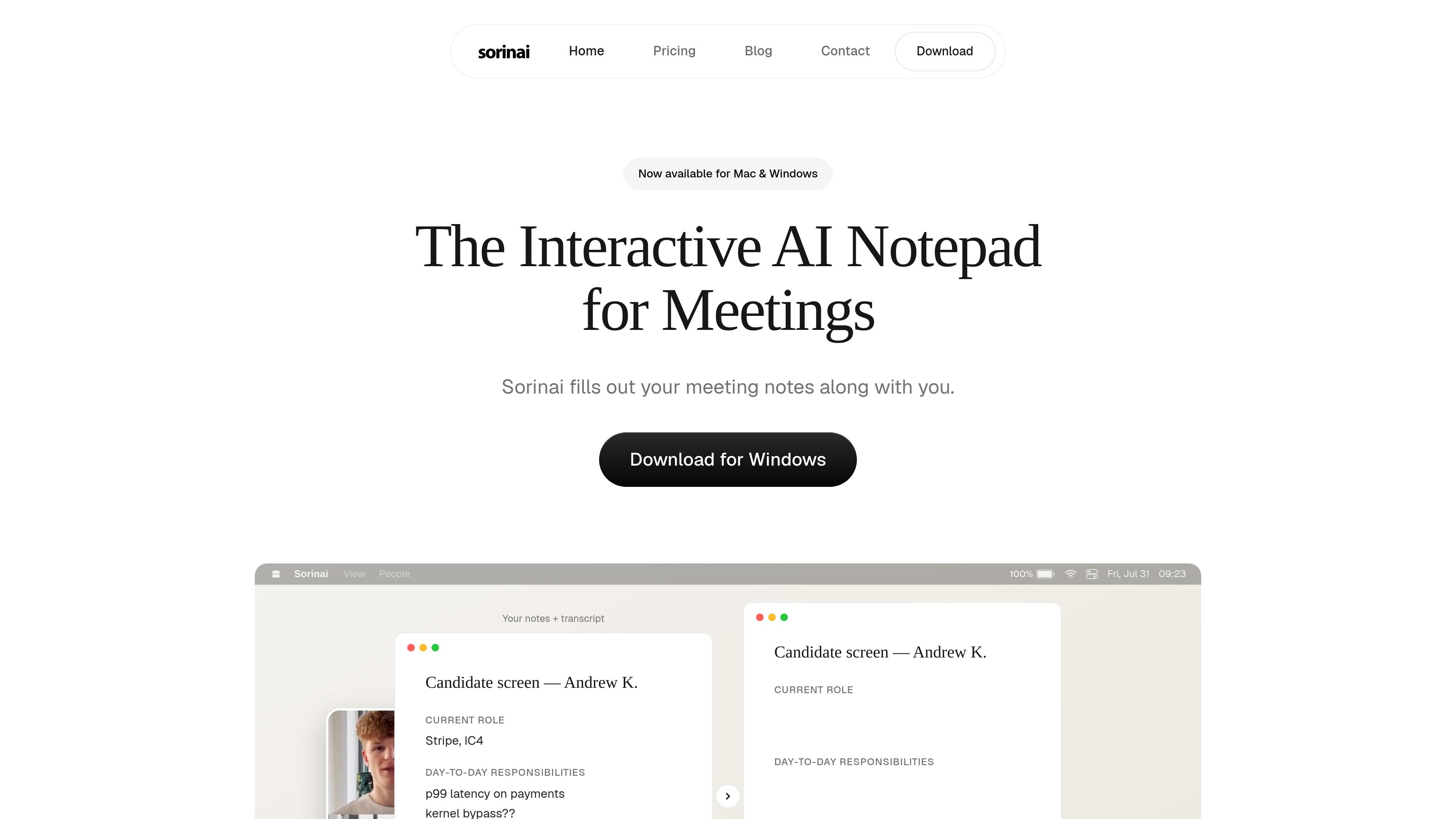
Sorinai is an interactive AI notepad for meetings on Mac and Windows. It is designed to sit alongside a live call, capture the conversation, and populate the questions in your notes template as the meeting unfolds.
The product combines structured note filling, audio transcription from your computer, and an AI copilot you can query during the call. It is positioned for people and teams that want meeting notes, follow-up drafts, and reusable templates without joining a separate meeting bot.
Sorinai sits beside your live call and fills in the questions from your note template as the conversation progresses, so you can keep a structured record without manually typing every field.
The AI copilot can be queried during a call, with shortcuts for quick help, so you can ask for summaries, follow-up drafts, action items, or questions to ask next while the meeting is still underway.
The product transcribes your computer's audio directly and does not require a meeting bot to join the call, which the home page highlights as working across video, phone, and in-person meetings.
Sorinai accepts Word, PDF, and plain-text templates, reads the structure, and fills each field from the call, which makes it usable with existing team forms and questionnaires.
The chat view lets you search across past meetings, reopen or delete meetings, and ask about one meeting or many at once from the notes you already have.
Business includes shared templates, analytics and reporting, centralised billing and seat management, a full audit log, and SSO for team use.
Use Sorinai when you want a meeting template filled in as the discussion happens, such as discovery calls, interview scorecards, or vendor questionnaires.
Use the copilot while you are still on the call to ask what to say next, what is still missing, or how to phrase a follow-up based on the live discussion.
Use the chat and search tools after the meeting to pull up a past call, compare what came up across several meetings, or draft a summary for the team.
Use Business when a group needs shared templates, centralised billing, reporting, an audit log, and controlled sign-in for consistent team workflows.
Use the platform when you need broad capture across Zoom, Google Meet, Teams, Webex, or phone calls, including calls that are not run through a meeting bot.
Sorinai is a desktop notepad for Mac and Windows. The home page and help centre describe it as a call-time note-taking tool that can be used during live meetings, with the note template filling in as you speak.
The pricing page says Starter is free forever. Paid plans include Personal at $15 per user per month and Business at $35 per seat per month, with annual billing available at a 20% discount.
Sorinai works with any call. The pricing page lists Zoom, Google Meet, Teams, Webex, and phone calls on WhatsApp, FaceTime, Slack, or Discord, and the home page says it can also work for in-person meetings.
The help centre lists a Business admin panel, team billing and admin controls, and inviting teammates. The pricing page also says Business adds shared templates, analytics, an audit log, centralised billing, and SSO.
The pricing page says Sorinai does not train AI models on your content. It also says transcripts and meeting notes stay yours, and that deletion can be requested.

Tactiq is an AI note taker for Google Meet, Zoom, and Microsoft Teams that transcribes meetings live into summaries, action items, and follow-up outputs.

Flunkey is a voice-first productivity layer for Windows that turns speech into text, AI outputs, and remembered context without leaving your app.

SpeakoFlow is a free, open-source desktop voice-to-text app for Windows, macOS, and Linux. Dictate into any app, use Flow, cleanup, translation, and a screen-aware assistant.

Yattayo: Slider To-Do Board turns tasks into a tactile slider board with sticky notes, widgets, reminders, iCloud sync, and Premium recurring habits.

Goldfish is an AI memory app for macOS that helps you reply, write, summarize, and continue with context already on your Mac. It stores memory locally and writes in your tone.

MeetStream is a meeting bot API for Zoom, Google Meet, Microsoft Teams, and Webex. Record, stream, and analyze meetings with usage-based pricing and $5 free credit.