
Inline emoji triggers
Type a trigger such as `:sparkles` and pick from matching emojis inline without opening a separate picker.

Splice is a macOS utility for emojis and GIFs with Slack-style triggers, inline suggestions, and boards. Lifetime license, 7-day trial, up to 3 devices.
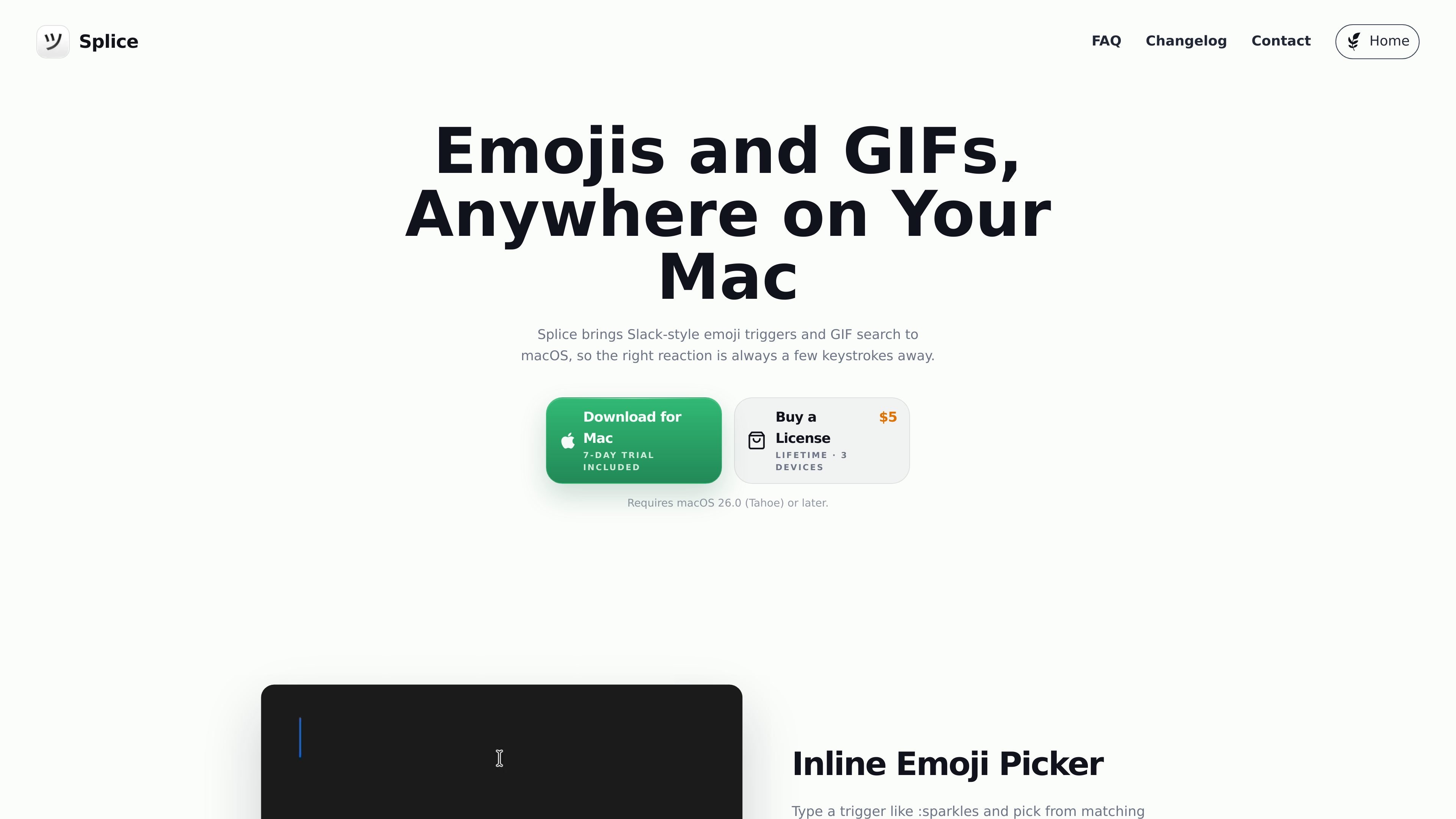
Splice is a macOS utility for emojis and GIFs with Slack-style triggers, inline suggestions, and boards. It is designed to keep reactions a few keystrokes away when you are writing in apps and browsers on your Mac.
The product page describes three main ways to work: inline emoji insertion from a trigger like `:sparkles`, a full emoji board for browsing and searching, and a GIF board for finding and sending reactions quickly. Splice also lists browser support for Arc, Dia, Firefox, Zen, Chrome, Edge, Brave, and Safari, and it is sold with a lifetime license, a 7-day trial, and support for up to 3 devices.
Type a trigger such as `:sparkles` and pick from matching emojis inline without opening a separate picker.
Adjust the trigger text, use usage-based result ordering, and rely on fuzzy matching to surface likely matches faster.
Open a full emoji board when you want to browse categories, search manually, or insert with the keyboard.
Open a GIF board to search, browse, and insert GIF reactions as a link or a file, with custom keyboard shortcuts.
Save GIFs with custom keywords so common reactions are easier to find later.
Use `⌘ + 0-9` for quick keyboard-first inserts when you already know the item you want.
Type an emoji trigger while replying in a message or document, then choose a matching result inline without switching context.
Open the emoji board when you want to browse categories or search manually instead of relying on a trigger.
Use the GIF board to search for a reaction, then insert it as a link or file when a conversation calls for something more expressive.
Assign custom keyboard shortcuts when you want to keep insertion workflows on the keyboard, especially for repetitive reactions.
Use the browser support and website/app controls when you want emoji insertion to work across supported browsers and selectively on specific sites or apps.
Use the Buy a License or Download for Mac buttons on the Splice page.
Splice uses Accessibility permission to detect your emoji trigger and insert the selected emoji into the active app. Trigger detection is processed locally on your Mac, and Splice says it does not send what you type to its servers, store messages, or use the permission for analytics or advertising.
Splice supports Arc, Dia, Firefox, Zen, Chrome, Edge, Brave, and Safari out of the box.
Join Splice's Discord server to report bugs, ask setup questions, or send feedback.
Splice relies on private macOS APIs that Apple has not locked down so far, but Apple may change or remove those APIs in the future. The product is sold as-is, and its functionality may change in response to future macOS or Apple API updates.

Mascofast is an AI mascot generator for custom mascot images, animated GIFs, and videos from text prompts, built for app, game, and SaaS developers.

Mojito is a macOS app that autocompletes emoji, symbols, shortcodes, and optional GIFs inline as you type, for fast text entry across most apps.

Meme Dealer suggests AI memes for replies, helping you keep chats lively with a simple keyboard workflow and a library of 10,000 memes.

Mugmoji is a free web tool that turns a photo into an animated Slack emoji or GIF sticker, with background removal, motion effects, and instant export.

Supermeme.ai is an AI meme generator for text prompts, with multilingual support, curated templates, and API access for teams and developers.

Harness² is an open-source framework for refining prompts, tools, memory, and more around fixed AI models across JobBench, LAB, and WorkBuddy-Bench.