
Automatic pixel-grid correction
Upload an image through drag-and-drop or the browse picker, then let the tool snap inconsistent pixels back onto a cleaner grid.

Sprite Fusion Pixel Snapper is a free, open-source tool for cleaning messy or blurry pixel art and snapping it to a clean pixel grid. Browser and desktop versions available, with PNG export.
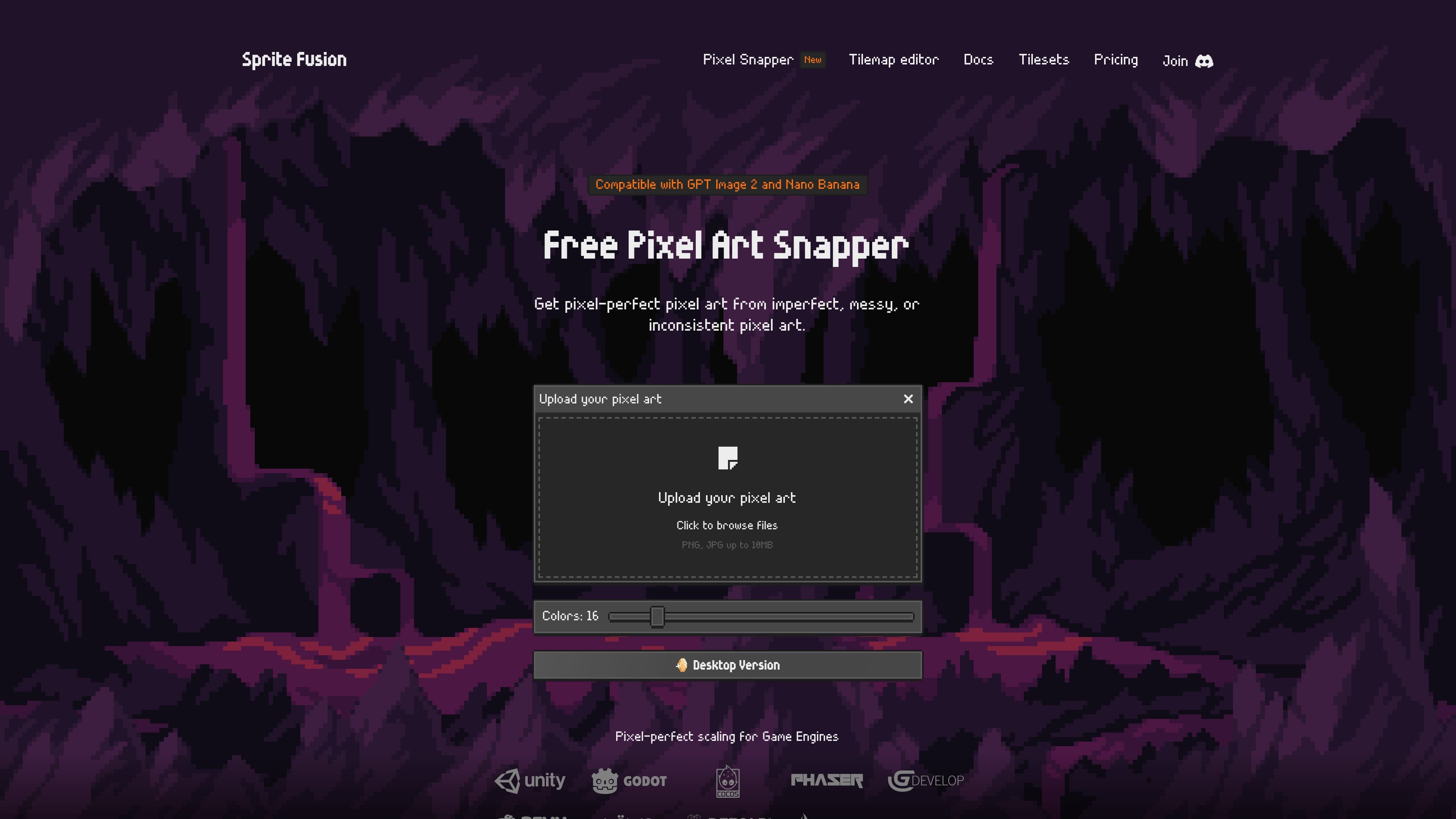
Sprite Fusion Pixel Snapper is a free, open-source tool for cleaning up pixel art that is messy, blurry, or off-grid. It takes an uploaded image and snaps the pixels into a more regular pixel grid, with the goal of making imperfect pixel art easier to use.
The product is aimed at AI-generated pixel art as well as hand-drawn images that need cleanup. The docs note that it works best when the source is already close to pixel art, and the interface lets you choose an output color count before downloading the corrected image as a PNG.
Upload an image through drag-and-drop or the browse picker, then let the tool snap inconsistent pixels back onto a cleaner grid.
Adjust the output palette from 8 to 64 colors to better handle noisy source images, gradients, dithering, or subtle ramps.
Download the processed result as a PNG after the pixels are fixed and the image is re-saved.
Designed to preserve details such as dithering and curves instead of flattening the image into a generic filter effect.
Available as a browser version, a standalone desktop edition, a CLI from the open-source project, and a WASM module for web integration.
The desktop edition is described as offline, open source, and supported on Mac, Linux, and Windows.
Clean up AI-generated pixel art that has uneven edges, blurry pixels, or off-grid color placement before using it in a game or mockup.
Convert hand-drawn pixel-style images into a more consistent grid when the original artwork needs a tidier base.
Prepare sprites, tilesets, tilemaps, or 2D textures that need crisp pixel-perfect scaling in downstream tools.
Use the desktop edition when you want offline batch processing for repeated cleanup jobs on multiple images.
Pixel Snapper is a free tool that fixes messy, blurry, or inconsistent pixels by snapping them back onto a clean pixel grid. The docs say it works best when the source image is already close to pixel art.
You upload an image, choose the number of colors, and download the result as a PNG. The web version supports drag-and-drop or clicking to browse for a file.
The web version is free to use for hobby and commercial projects, and the docs say there are no feature limitations or login requirements. A Collector Edition desktop version is also offered as a one-time purchase.
Yes. The website states that Pixel Snapper is compatible with GPT Image 2 and Nano Banana, and the docs also mention a web integration available as a WASM module and local usage as a CLI from the open-source project.
The web version is browser-based and works on modern devices. The desktop edition is available for Mac, Linux, and Windows.

Pixelcut is an AI photo editor for product images, social content and video assets. Free and paid plans; mobile app and browser access for individuals and teams.

Petalica Paint is a web service for automatic line-art coloring and tracing drawings from photos, with commercial use allowed under stated terms.

Wearvue AI generates personalized outfit previews from a photo, refines styles for any occasion, and shows similar real products to shop.

Upscale.media is an AI image upscaling and enhancement tool by Pixelbin that sharpens low-resolution images in the browser, with bulk processing and API support.

PixelForge turns a single photo into a game-ready 2D character sprite pack with a 4×4 sheet, transparent frames, direction strips, and looping walk GIFs for Godot, Unity, Phaser, GameMaker, and web games.

Free browser-based AI image enlarger by PhotoAid for upscaling JPEG, WEBP, and PNG photos, especially portraits, without heavy blur.