UStackUStack
阶跃AI icon

阶跃AI

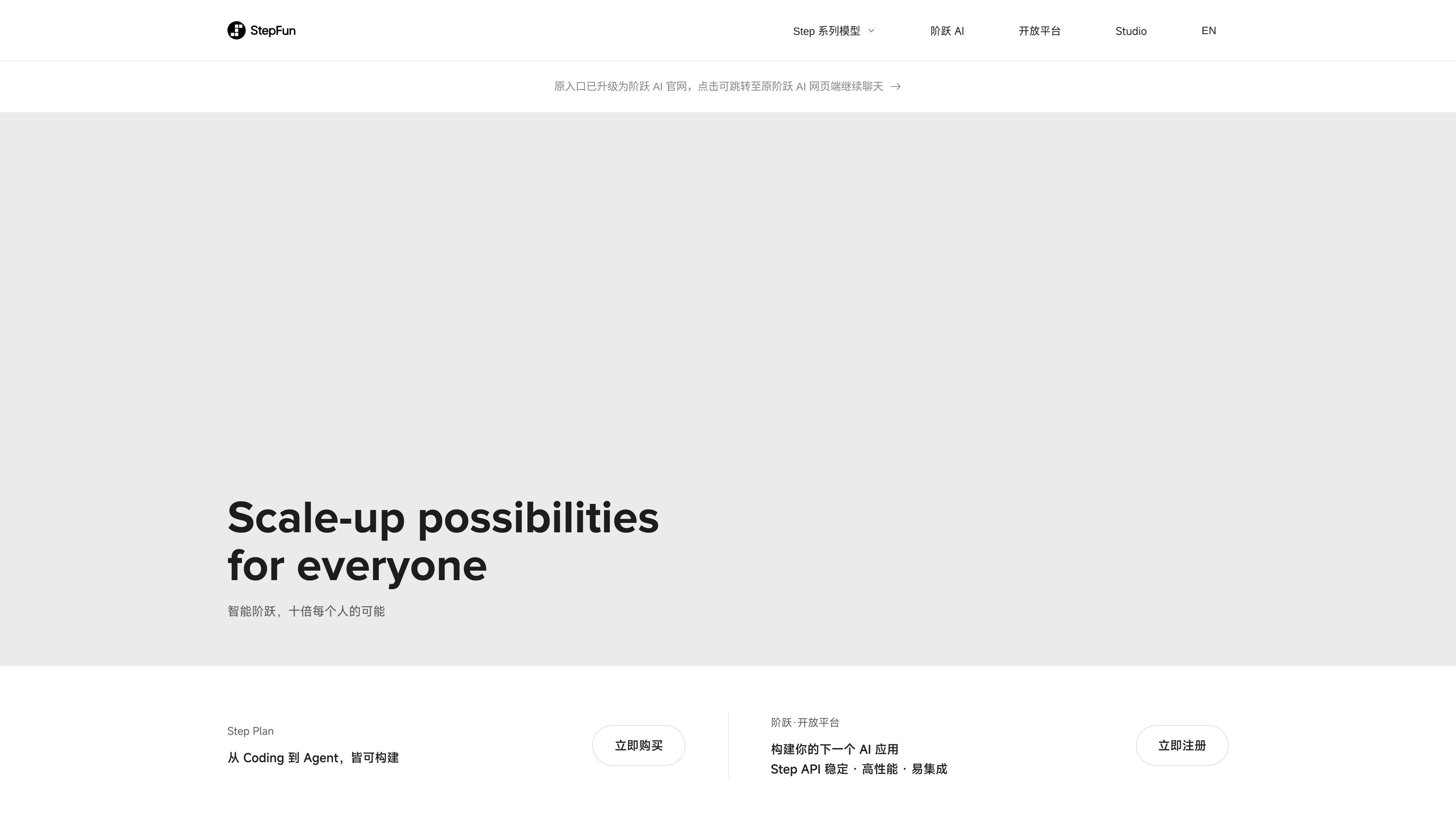
StepFun (阶跃AI) is a personal efficiency assistant with chat Q&A, knowledge base, web search and image generation for learning, writing and coding.
阶跃AI

What is 阶跃AI?

阶跃AI (StepFun) is an intelligent assistant focused on personal efficiency, offering conversational Q&A and information retrieval capabilities. You can use it for knowledge queries, aiding understanding and language practice in learning scenarios, as well as creative writing and coding tasks.

From the page entry point, it showcases two main capabilities: one focused on "knowledge base/Q&A" for questioning and getting answers from curated content; the other on "web search/information retrieval" to supplement queries when you need external or more timely information. Additionally, the page mentions extended features like image generation to help you explore problems and produce content faster in work, learning, and daily life.

Key Features

  • Conversational Assistant (StepClaw): Initiate questions through dialogue and get answers, ideal for follow-up queries and organizing thoughts.
  • Knowledge Base Q&A: Retrieve information and answers from the knowledge base/Q&A format, turning "finding info" into "asking to get."
  • Web Search: Use search capabilities to supplement the knowledge base when querying external information.
  • Image Creation: Supports "describe image to generate," triggering image creation with natural language.
  • Learning and Creation Capabilities: The page notes uses for language learning, creative writing, and coding, covering diverse personal efficiency needs from understanding to output.

How to Use 阶跃AI

  1. Enter the chat interface and pose a question or task: Open 阶跃AI and start a conversation, describing the content you want to explore or the goal to achieve.
  2. Select capability entry based on needs:
    • If more focused on "looking up info," choose Web Search;
    • For retrieval from curated content, use Knowledge Base Q&A.
  3. Perform text-to-image generation: When needing images, describe the desired scene content in natural language (e.g., theme, elements), then initiate generation.
  4. Iterate in learning, writing, or coding: State your goal and constraints first (e.g., language points being practiced, writing theme, or code functionality), then refine based on assistant output and continue questioning.

Note: The page shows a prompt "Please log in to access your history(请登录以访问你的历史记录)". Whether login is required to start chats/use features depends on actual interface prompts.

Use Cases

  • Learning Material Lookup: For unfamiliar concepts, use Knowledge Base Q&A for explanations first; supplement with Web Search for fuller external context if needed.
  • Language Practice: Engage in dialogue practice or explanations around the language being learned, deepening understanding and reinforcing usage through ongoing questions.
  • Creative Writing Drafting and Refinement: Generate initial drafts given a topic or direction; iterate with requests for rewrites, expansions, or style adjustments.
  • Code Writing and Debugging Idea Organization: Describe the function to implement and current sticking points, leveraging code-related capabilities for implementation ideas or directions.
  • Image Content Generation: Clearly express needs in text, generate images via text-to-image for inspiration or sketch references.

FAQ

1. Do I need to log in to use it?
The page shows "Please log in to access your history(请登录以访问你的历史记录)". Whether you can start chats/use features directly depends on actual interface prompts.

2. When to use Web Search vs. Knowledge Base Q&A?
The page presents Web Search and Knowledge Base Q&A as entry capabilities. Generally: use search for external info or timely content; use knowledge base Q&A for more structured knowledge and questions.

3. Can it generate images from text?
Yes. The page explicitly mentions "Describe image to generate(描述图片以生成图像)".

4. What types of tasks can 阶跃AI handle?
The page covers: acquiring knowledge, querying info, language learning, creative writing, coding, etc., spanning work, learning, and life scenarios.

5. Are image generation and other features in the same product?
From the page entry, image generation along with knowledge base Q&A/search are all capabilities available within 阶跃AI (StepFun).

Alternatives

  • General AI Chat Assistants: Suited for Q&A, writing, and code assistance via dialogue. You may need to select retrieval/knowledge methods yourself, without built-in knowledge base/search entries like this.
  • Knowledge Q&A Tools with Retrieval: Emphasize answering around documents or knowledge bases, ideal for knowledge organization and Q&A workflows; external info may require additional browsing/search.
  • Text-to-Image Tools Focused on Image Generation: More specialized in text-based image creation. For needs including learning, writing, or code, you might need to switch between tools.
  • AI Tools for Learning and Writing: Tailored to language learning or creative writing workflows for single tasks; may not match 阶跃AI's coverage.



