
AI codelab generation
Generate structured, step-by-step codelabs from GitHub repositories, PDFs, Google Slides, blogs, and documentation pages using Stepwik's AI workflows.

Stepwik turns docs, repos, PDFs, blogs, and slides into interactive codelabs and hands-on tutorials for developers, writers, trainers, and enablement teams.
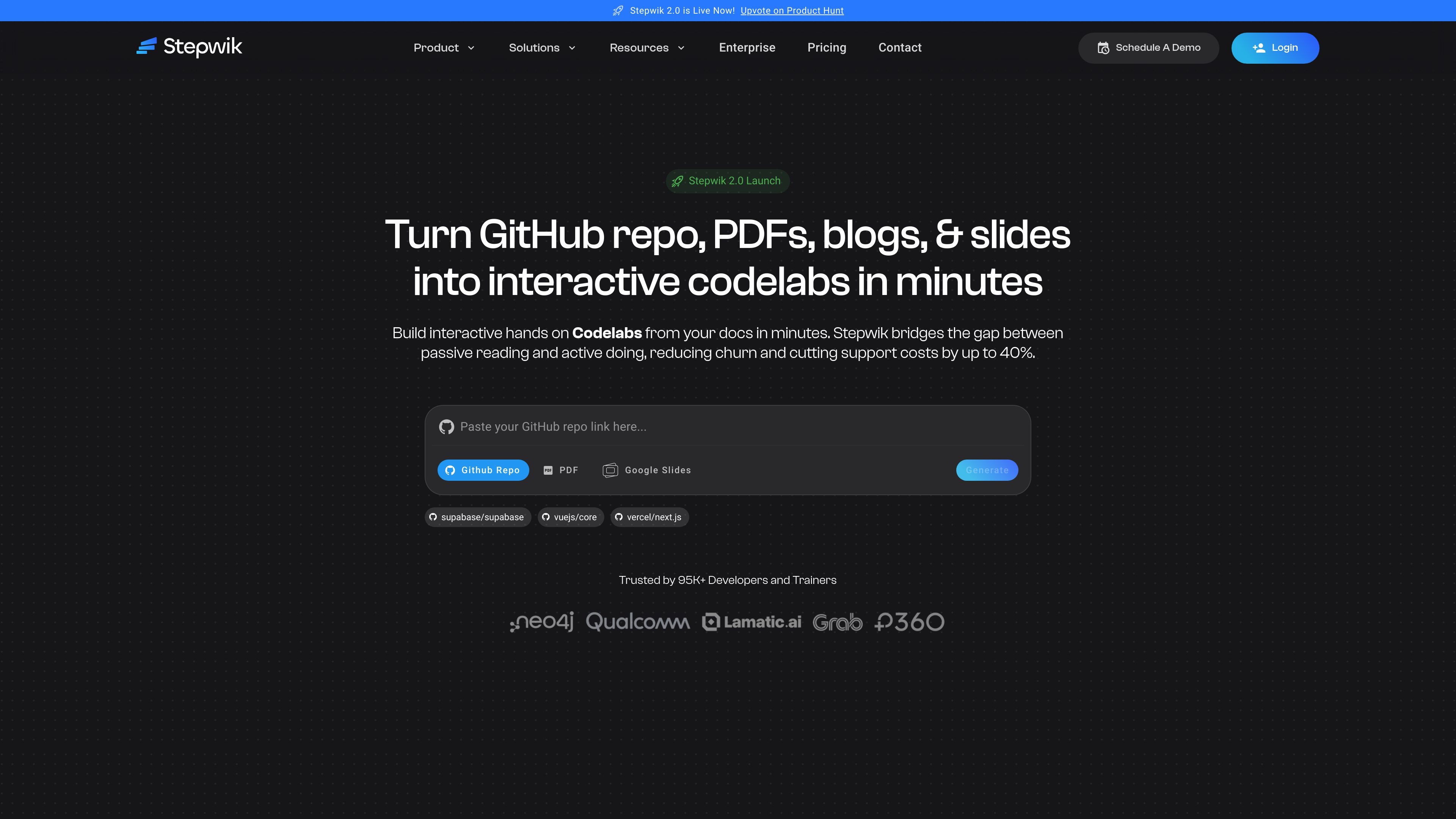
Stepwik is a platform for turning documentation and source materials into interactive codelabs and hands-on tutorials. It accepts inputs such as GitHub repositories, docs, PDFs, blogs, and slides, then helps teams convert that material into structured learning experiences.
The product is aimed at technical onboarding, developer education, customer enablement, training, and other workflows where passive reading is not enough. Its pages emphasize AI-assisted codelab creation, collaboration, publishing, analytics, and branded or private learning spaces.
Generate structured, step-by-step codelabs from GitHub repositories, PDFs, Google Slides, blogs, and documentation pages using Stepwik's AI workflows.
Use the Chrome extension to turn webpages and technical content into interactive learning experiences without starting from scratch.
Edit content in a block-based authoring environment with Markdown, slash commands, and code blocks for technical instructions.
Work with co-authors, reviews, permissions, and publishing workflows in shared workspaces for team-based content creation.
Track engagement, completion, onboarding performance, and learning outcomes through analytics and report exports.
Publish with custom subdomains or custom domains, private or unlisted visibility, and branded learning environments.
Turn setup guides and onboarding docs into guided workflows so new users can complete a first task instead of only reading instructions.
Package workshops, conference demos, and meetup material as replayable labs that learners can revisit after the live session.
Build internal training paths for platform, security, and operations teams with shared workspaces, progress tracking, and private access.
Convert blog posts, repos, or docs into structured labs for readers who want hands-on technical explanations rather than static articles.
Create courses, contributor paths, or certification-style learning experiences with completion tracking and certificates.
Stepwik can turn GitHub repositories, documents, PDFs, blogs, and slides into interactive codelabs. The homepage and pricing page both describe AI-assisted creation, including a Chrome extension, GitHub-to-codelab workflows, and PDF/Google Slides generation on the Pro plan.
The source pages show Stepwik used for product onboarding, developer relations, customer enablement, internal training, technical writing, education, and community or open-source onboarding. The use cases page groups those scenarios by team and audience.
Stepwik offers a freemium plan and a Pro plan. The pricing page says you can start free and scale with paid options, but the exact paid-plan details shown on the page are limited to the listed feature set rather than a full enterprise package.
The product site says Stepwik has a Studio area for signing in and managing codelabs, plus an Explore area for browsing published hands-on tutorials. That suggests the workflow is to create in Studio and publish or browse in Explore.
The pricing and use cases pages mention collaboration, private or unlisted content, custom subdomains or domains, analytics, and support options. The available source does not fully document every integration or admin feature, so larger organizations may want to confirm the exact setup during evaluation.

TubeKit turns public YouTube videos and playlists into AI-powered tools creators can customize and share. Free to try, no signup needed.

BeFreed is a personalized audio learning app that turns books and knowledge sources into narrated listening experiences with interactive audio and learning tools.

AGINE Academy — a gamified online academy for learning Claude in work, creative tasks, and automation. Start with a free lesson and real missions, no dev experience needed.

Goldfish is an AI memory app for macOS that helps you reply, write, summarize, and continue with context already on your Mac. It stores memory locally and writes in your tone.

Lasso is an ecommerce product data platform for enriching catalog records, processing supplier files, generating product content, and tracking competitors. It includes a web app, REST API, SDK, and MCP server.

ArtDeck is a visual reference board app for iPhone, iPad, and Mac. Collect mixed references on one canvas and study them with ToolBox lenses. Offline, optional iCloud sync, one-time purchase.