
Centralized store listing management
Edit App Store Connect and Google Play metadata from one workspace, including titles, subtitles, keywords, descriptions, release notes, screenshots, in-app events, subscriptions, and pricing-related content.
Storeline helps manage App Store Connect and Google Play listings from one workspace, with AI translation, keyword research, screenshot creation, and direct publishing.
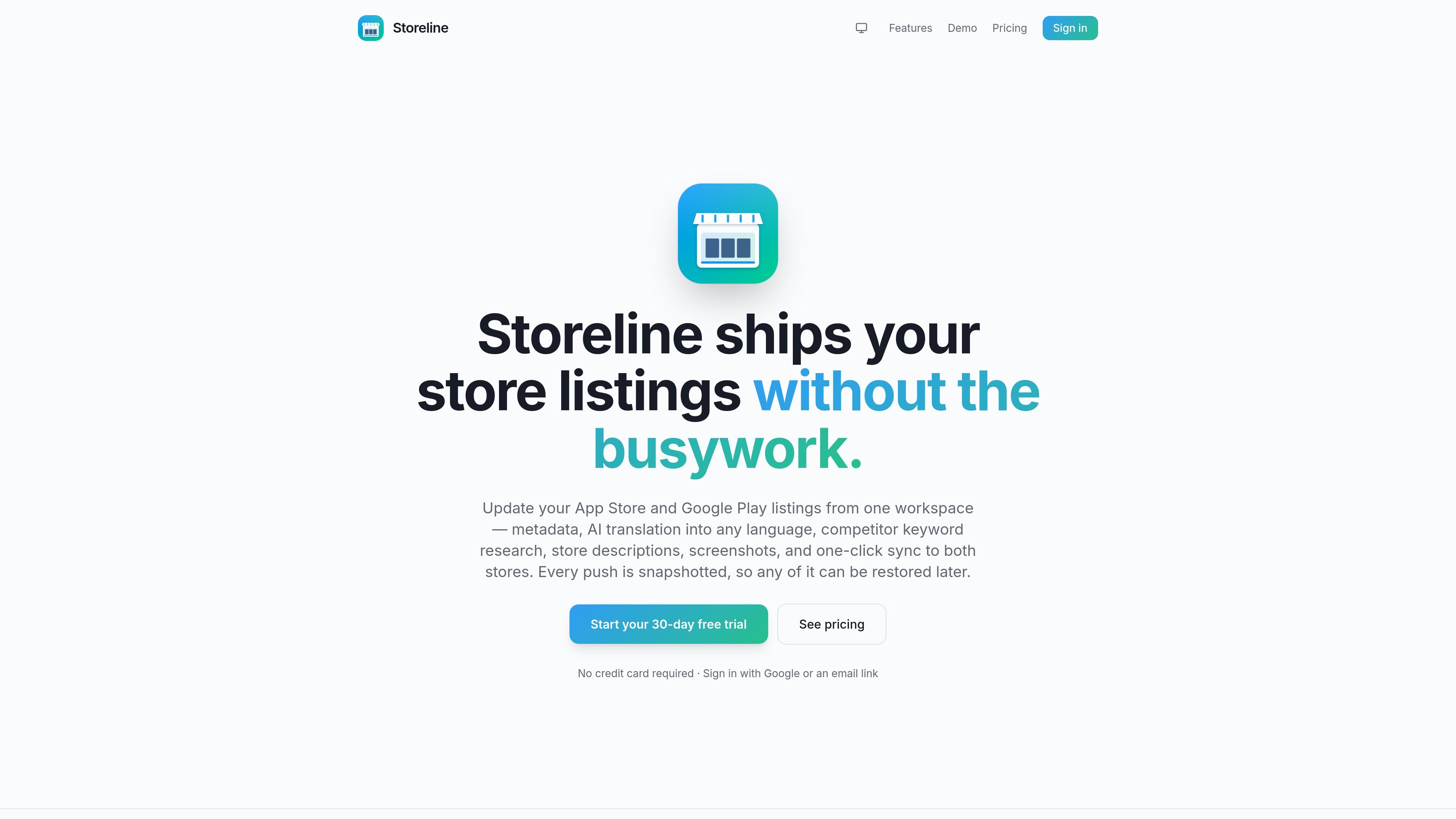
Storeline is a web application for iOS and Android developers who manage App Store Connect and Google Play listings. It brings metadata editing, localization, screenshot creation, keyword research, and publishing into one browser-based workspace.
The product is designed to reduce manual work between a finished app update and a live store release. Users connect their own store credentials, prepare listing changes, preview them with a dry run, and push updates directly to both stores, with snapshots available for later restore actions.
Edit App Store Connect and Google Play metadata from one workspace, including titles, subtitles, keywords, descriptions, release notes, screenshots, in-app events, subscriptions, and pricing-related content.
Translate store content with AI into many locales, with field-aware handling so brand names stay unchanged and hand edits are preserved.
Research competitor keywords and generate localized title, subtitle, and keyword fields for each locale before applying them to a listing.
Create and export store screenshots using templates, device frames, per-word color controls, and gradient backgrounds at store-sized pixel dimensions.
Preview changes with a dry run, push them to App Store Connect or Google Play, and keep snapshots so you can restore individual fields, one language, or an entire release.
Use the built-in chatbot or /llms.txt support to draft store copy and fill fields from plain-language prompts.
Prepare App Store and Google Play metadata in one place, then push the updated listing when an app release is ready.
Translate titles, subtitles, keywords, and descriptions into local languages while keeping brand names and field-specific edits intact.
Research competitor keywords and assemble localized keyword fields before publishing to each store.
Design screenshots with templates and device frames, then export them at store-ready sizes for different locales.
Coordinate listing edits with teammates using shared projects and shared store credentials on the Team plan.
Yes. The pricing page offers a 30-day free trial, and the home page says you can start without a credit card.
Storeline is built for iOS and Android app teams managing App Store Connect and Google Play listings from one workspace.
The home page describes metadata editing, AI translation, competitor keyword research, store descriptions, screenshots, in-app events, subscriptions, pricing, and publishing to both stores.
Storeline supports a dry run before pushing changes, and it snapshots every push so you can restore a field, a language, or a whole release later.
The pricing page shows a Free trial, Pro, and Team plan. Pro includes unlimited projects, and Team includes shared projects and store credentials.

ByteAsk is a terminal-first AI coding agent for C and C++ that edits repos and verifies changes with compilers, debuggers, sanitizers, and tests.

PromptScout tracks how ChatGPT, Gemini, Google AI Overviews, and Perplexity mention your brand or competitors, with source analysis and website audits.

CreateOS Sandbox is an isolated compute environment for running code and agent workloads in Firecracker micro-VMs with private networking and SDK, CLI, or MCP control.

hob is an independent workspace for coding agents, with local control over sessions, terminals, history, routing, and follow-up work.

Ably Chat is a chat API platform for custom realtime chat apps, with rooms, typing indicators, presence, reactions, message updates and usage-based pricing.

Manta AI is an autonomous web app testing tool that maps app behavior, catches regressions, and generates tests from a URL, no scripts or selectors needed.