
Infinite agent canvas
Place terminals, repositories, and agents together on a single canvas rather than managing them through a stack of terminal tabs.

49Agents is a 2D IDE for organizing AI agents, projects, terminals, repositories, and connected machines on one infinite, zoomable canvas—hosted or self-hosted.
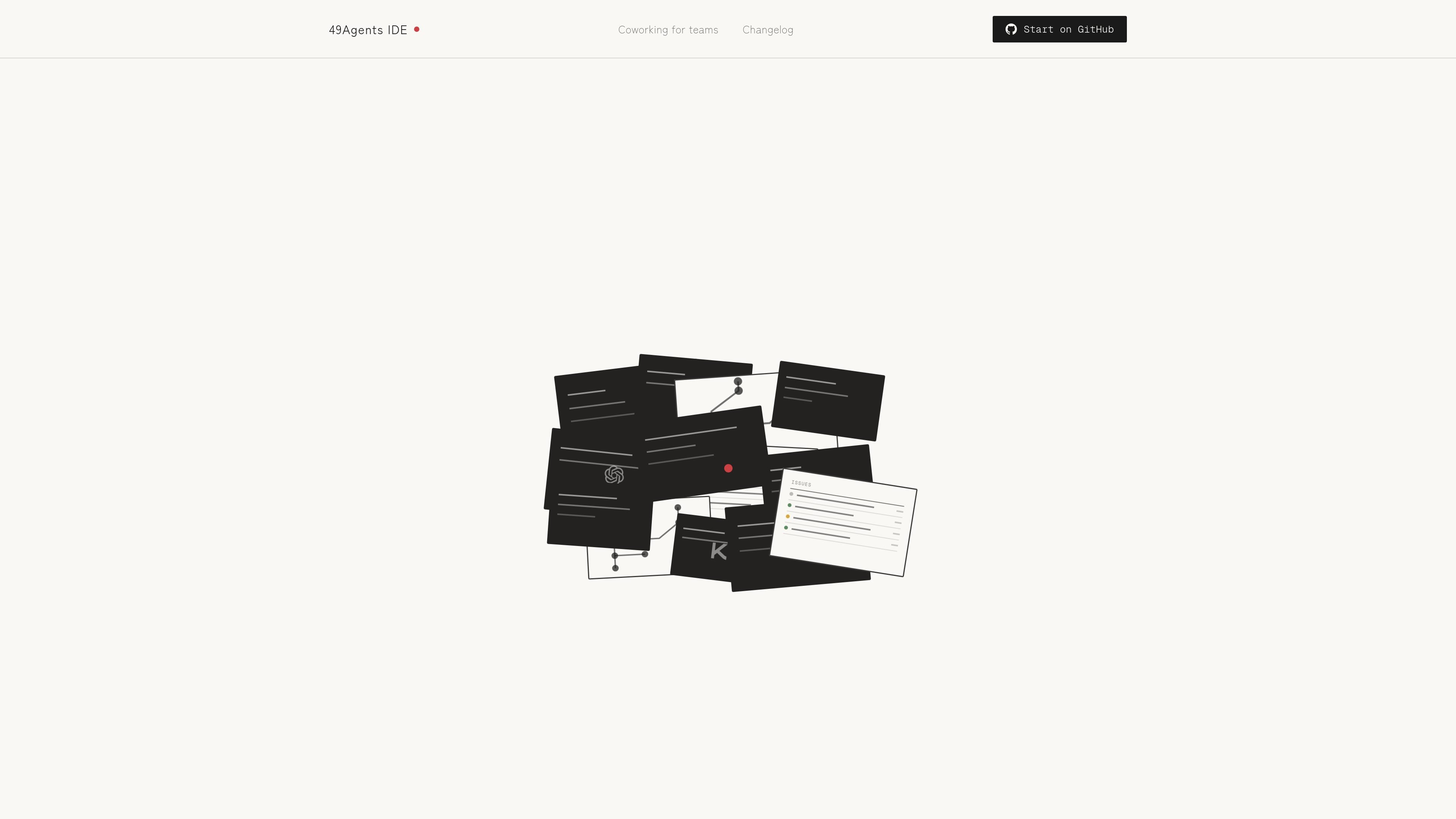
49Agents is a 2D IDE for organizing AI agents, projects, terminals, repositories, and machines on one infinite canvas. Instead of switching between a stack of terminal tabs, users can arrange their active work on a pannable, zoomable plane.
The product is designed for people running agents across local computers and cloud machines. Connected machines expose terminals from the canvas and show live CPU and RAM information, while visual pane states indicate when Claude is working or needs permission. 49Agents is open source and self-hostable, with a hosted app available for users who do not want to manage a local installation.
Place terminals, repositories, and agents together on a single canvas rather than managing them through a stack of terminal tabs.
Pan and zoom across the workspace to see multiple running agents and projects in one visual layout.
Open terminals on connected laptops, desktops, and cloud machines directly from the canvas.
Show live CPU and RAM information for each connected machine through an on-canvas HUD.
Use visual state cues to monitor activity: panes glow blue while Claude is working and pulse vermillion when permission is required.
Run the product locally from its open-source repository with the included setup and start commands, or use the hosted application.
Arrange several active agents and their related repositories on one canvas so an individual can monitor parallel development work without jumping among terminal tabs.
Connect a laptop, desktop, or cloud server and open its terminal from the same workspace used to organize agents and projects.
Watch agent activity visually while working: blue pane glow indicates Claude is working, and a vermillion pulse signals that permission is needed.
Run the IDE on infrastructure you control using the repository setup commands, with no account, login, or token required for the local instance described by the site.
Businesses can discuss shared canvases, coworking mode, infrastructure hosting, and direct support with the 49Agents team, subject to the site's business offering.
49Agents can be self-hosted by cloning the GitHub repository, running `./49ctl setup`, then `./49ctl start`. The local app opens at `http://localhost:1071`. The documented requirements are Node.js 18 or later, tmux, and ttyd.
The site describes 49Agents as an open-source, self-hostable IDE. It also provides a hosted app at app.49agents.com for users who prefer not to run it themselves.
The canvas can display terminals, repositories, and agents on one zoomable plane. Machine connections can expose terminals directly from the canvas, with CPU and RAM information shown for each connected machine.
The site lists a free individual option for self-hosting on your own machines. Business use is described as paid and may include shared canvases, coworking mode, hosting on your infrastructure, and direct support; the source does not provide prices or plan limits.

CreateOS Sandbox is an isolated compute environment for running code and agent workloads in Firecracker micro-VMs with private networking and SDK, CLI, or MCP control.

ByteAsk is a terminal-first AI coding agent for C and C++ that edits repos and verifies changes with compilers, debuggers, sanitizers, and tests.

Goldfish is an AI memory app for macOS that helps you reply, write, summarize, and continue with context already on your Mac. It stores memory locally and writes in your tone.

ArtDeck is a visual reference board app for iPhone, iPad, and Mac. Collect mixed references on one canvas and study them with ToolBox lenses. Offline, optional iCloud sync, one-time purchase.

Biji is a versatile platform designed to enhance productivity through innovative tools and features.

Malyatko is a baby tracker for feeding, sleep, growth, teething, and milestones. Use it on iPhone, Apple Watch, and widgets offline, with iCloud sharing.