
Shared live stream
SUB/WAVE streams a single Icecast broadcast that every listener hears simultaneously. The interface is built around live radio behavior rather than a private on-demand queue.

SUB/WAVE is a personal internet radio station with an LLM-driven DJ on one shared Icecast stream for live listening via apps, web, and stream links.
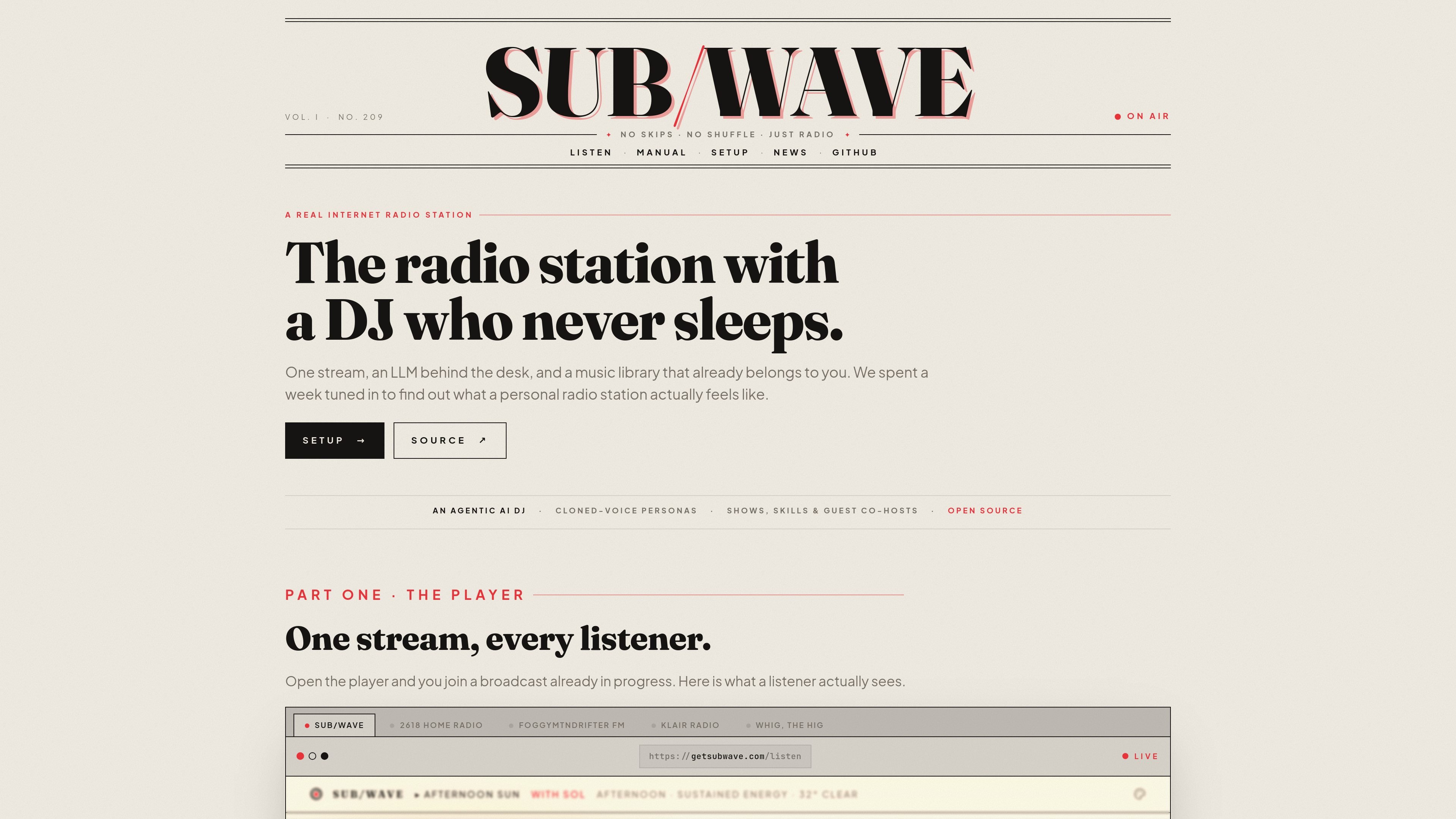
SUB/WAVE is a personal internet radio station built around one shared Icecast stream. Instead of giving each listener a private queue, it keeps everyone on the same live broadcast while an LLM-driven DJ selects tracks and speaks between them.
The product is aimed at people who want to run a station from their own music library and model/voice stack. The setup page says you can connect a Navidrome library and an LLM provider, then bring the station on air through the CLI or a manual Docker Compose path.
SUB/WAVE streams a single Icecast broadcast that every listener hears simultaneously. The interface is built around live radio behavior rather than a private on-demand queue.
The DJ reads from a connected music library, then chooses what comes next with help from an LLM. The station uses metadata and acoustic analysis to map tracks by mood, energy, and similar attributes.
The DJ speaks between songs with live intros, time checks, weather reads, station IDs, and other segments. These lines are written in the persona's voice and spoken aloud rather than pre-recorded.
Operators can choose from local or hosted models, including an OpenAI-compatible route, and can set daily token budgets for hosted usage. The setup page says the station can be connected to Navidrome and an LLM provider in about ten minutes.
SUB/WAVE includes native apps, a desktop player, a web player that installs as a PWA, keyboard shortcuts, and support for `.m3u` and `.pls` stream links. That makes it usable across phones, desktops, browsers, VLC, Sonos, and internet radios.
The station supports skins and themes, custom skills from `SKILL.md`, scheduled shows, guest co-hosts, and an operator console for status, logs, restarts, and updates.
Connect your own Navidrome library, choose a model and voice engine, and let SUB/WAVE run a station that sounds like a live radio broadcast instead of a playlist app.
Use the operator console, scheduled shows, personas, and guest co-hosts to organize a station with different voices and time slots.
Listen through native mobile apps, a desktop player, the web player, or legacy stream URLs when you want the same broadcast on different devices.
Let listeners request a song, artist, or mood while keeping the current broadcast intact for everyone else.
Add custom between-track segments with `SKILL.md`, or adjust models and voices to match a preferred tone or local deployment.
SUB/WAVE is designed around a single Icecast stream. Listeners tune in to the same broadcast at the same time, and there is no skip control for individual listeners.
The setup guide says the fast path is to install the CLI, run `subwave init`, then `subwave setup`, which connects a Navidrome library and an LLM provider and brings the station on air. Manual install is also available with plain Docker Compose.
According to the manual, listeners can request a song, artist, or mood. Requests do not jump the current track for one listener; they become part of the shared broadcast.
The manual says the player can be used in native iOS and Android apps, a desktop player for macOS, Windows, and Linux, the web player as a PWA, and legacy stream clients through `/listen.m3u` or `/listen.pls`.
The manual and home page describe the DJ as an LLM-driven persona with selectable voice engines. The station can use local or hosted models, and voices can come from local engines, cloud services, or a cloned reference clip.

Flunkey is a voice-first productivity layer for Windows that turns speech into text, AI outputs, and remembered context without leaving your app.

An All-In-One AI Platform that combines tools for image, video, voice, writing, and chat to enhance creativity and collaboration.

Gemma AI is a phone call reminder app that calls you with scheduled reminders instead of push notifications, with Google Calendar sync and natural voice interaction.

Wallie is an open-source AI streamer that watches your screen, hears chat, and delivers live commentary in a configurable persona. Runs locally with your own keys.

Claude Overlay is a Windows desktop overlay for Claude Code that reads your screen, so you can ask questions, inspect content, and request edits without leaving the app. Uses your existing Claude subscription via Claude CLI.

SpeakoFlow is a free, open-source desktop voice-to-text app for Windows, macOS, and Linux. Dictate into any app, use Flow, cleanup, translation, and a screen-aware assistant.