
Slack-native workflow
Tadata runs in Slack and surfaces digests, drafted messages, and answers there, so teams do not have to switch into another app to use it.

Tadata is an AI employee in Slack for sales and GTM teams, handling research, prep, and follow-ups while drafting work for review and gathering context.
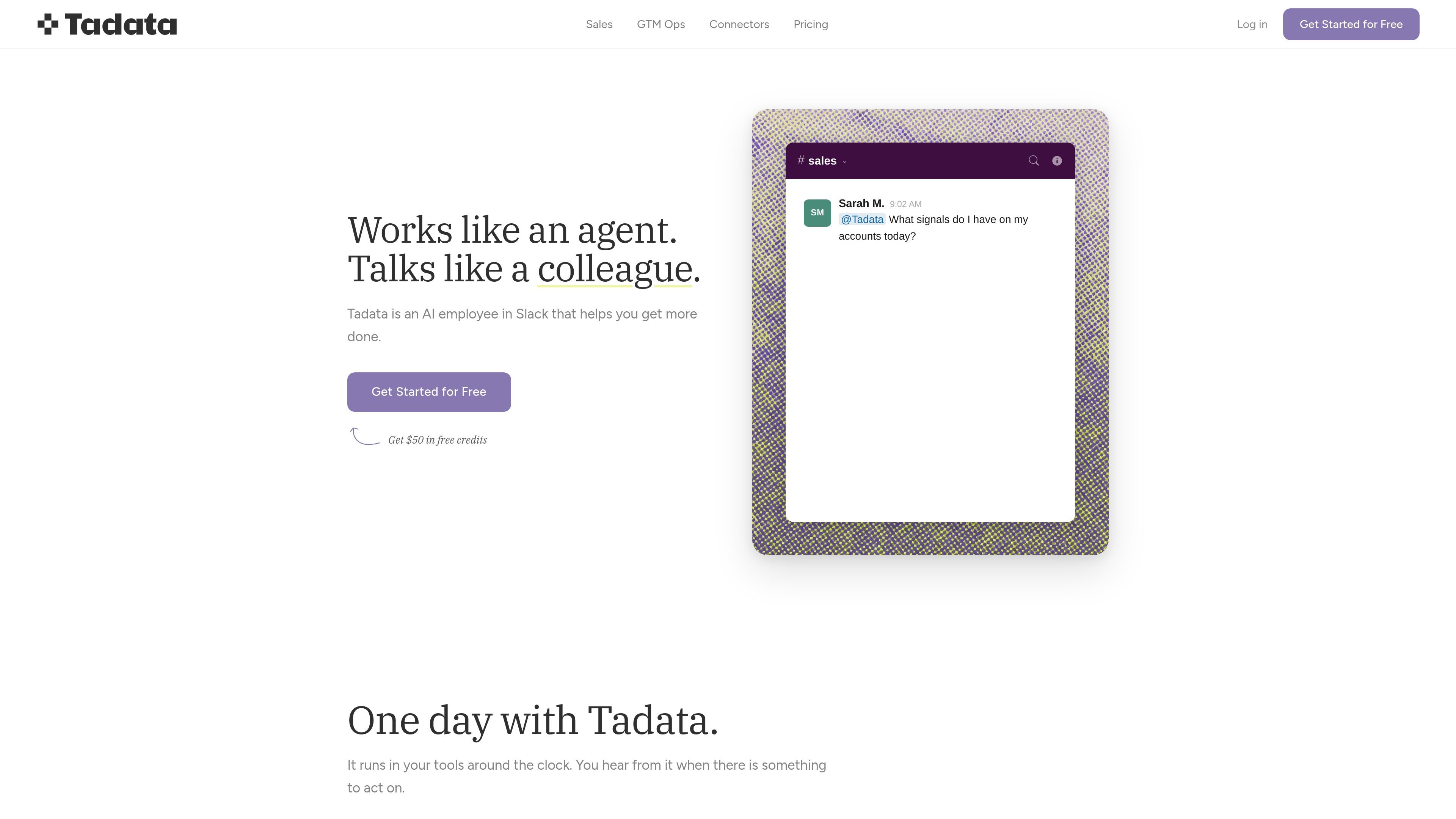
Tadata is an AI employee that works in Slack and helps teams delegate research, preparation, and repetitive follow-up work without opening another tab. The product description positions it as an assistant that reads the room, notices what repeats, and surfaces work when there is something to act on.
The source materials show Tadata being used for sales and GTM operations, with pre-built agents for outreach personalization, warm intro finding, call preparation, LinkedIn monitoring, new hire detection, and conference prep. Users review and approve the output, while the system connects to their existing tools and external sources to assemble context, draft work, and update records.
Tadata runs in Slack and surfaces digests, drafted messages, and answers there, so teams do not have to switch into another app to use it.
It can prepare meeting briefs, draft follow-up emails, fill CRM fields, and answer questions mid-call using connected company context.
The product includes pre-built agents such as outreach personalization, warm intro finder, call preparation, LinkedIn listener, new hire finder, and conference prep.
Tadata can connect to company systems and web sources including CRM, calendar, email, docs, and external context such as company sites, LinkedIn, Google Maps, job boards, and filings.
The product says users can export, version, and carry their automations, preferences, exceptions, and learned recipes if they switch models or add new ones.
Tadata describes itself as model-agnostic and says it sits between your work and frontier models so teams are not locked into a single provider.
Use Tadata to prepare a rep before a meeting with a digest of recent account activity, company updates, and relevant history pulled into Slack.
Use the AI sales assistant to draft personalized outreach, suggest openers, and identify warm intro paths before sending anything to prospects.
Let GTM operations teams set up repeatable workflows for recurring research, enrichment, and follow-up tasks so reps can delegate them from Slack.
Use the product to monitor signals such as ICP posts, new hires, or conference attendee lists and turn them into prioritized actions for the team.
Use Tadata after a call to draft follow-up emails, next steps, and CRM updates while the conversation is still fresh.
Tadata is designed to work inside Slack. The source says it connects Slack and then lets team members call on it from there, with drafts and answers arriving in Slack rather than a separate dashboard.
Tadata does not send actions automatically by default. It drafts outreach, follow-ups, and CRM updates for review, and the user approves before anything goes out.
The source says setup takes about 5 minutes: connect Slack and any tools you already use, then the team can start delegating work right away.
Tadata supports identity-based connectors such as Gmail where each teammate typically connects their own account, while team-wide connectors such as enrichment providers can be shared. The source also says permissions are under your control.
No. The solution page says Tadata does not train underlying models on company data; your data is used to run your team's work instead.

Podium is an AI lead generation and lead management platform for local businesses. Centralize conversations, follow-up, reviews, payments, and booking with a 24/7 AI Employee add-on.

AgentMail is an email inbox API for AI agents to create, send, receive, and search messages via REST APIs and SDKs. Built for threaded workflows, verification, support, scheduling, and approvals.

Volanea is an email platform for transactional email, campaigns, and lifecycle automation, with sending, tracking, and deliverability monitoring in one contact graph.

Lasso is an ecommerce product data platform for enriching catalog records, processing supplier files, generating product content, and tracking competitors. It includes a web app, REST API, SDK, and MCP server.

Liam is an AI copilot for inbox management, email replies, prioritizing messages, and scheduling meetings. Free for individuals; custom pricing for teams and enterprise.

topple.lol is a public pay-to-rank leaderboard where listings start at $1 and bid balance decays over time and clicks for short-term visibility.