
Voice-to-post generation
Turn a short voice note into a carousel or text post. The homepage describes a workflow where you speak your idea and AI turns it into copy and slides.

Reframe turns spoken ideas into ready-to-post Instagram and LinkedIn carousels or text posts for solo creators on iOS.
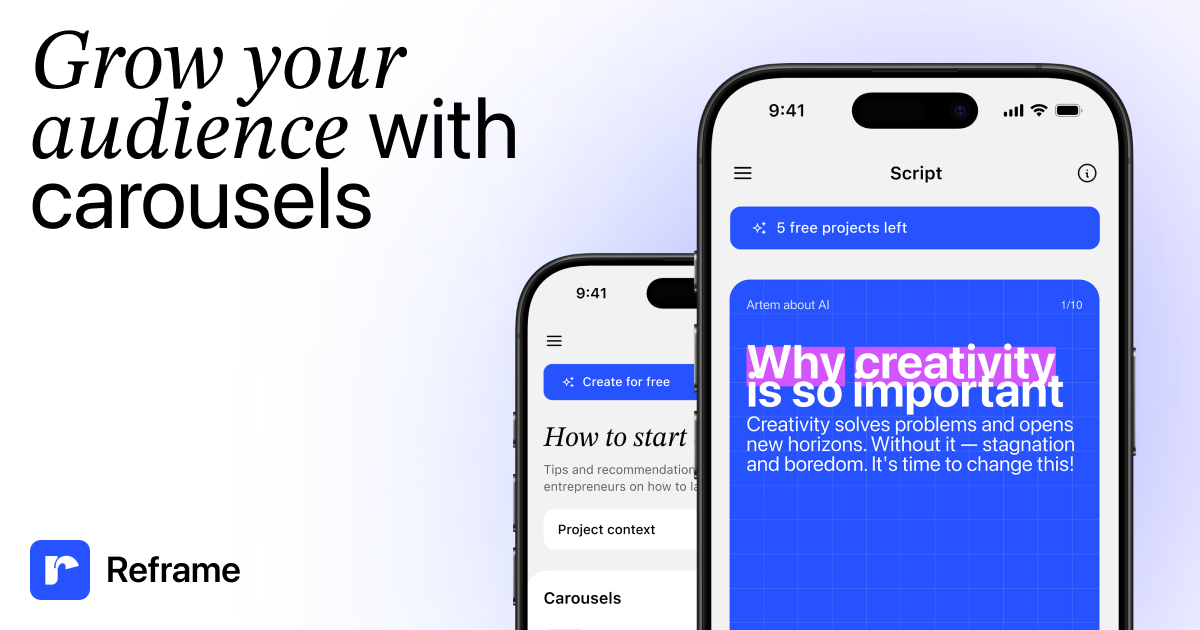
Reframe is a carousel designer for creating Instagram and LinkedIn posts from a spoken idea or a short text prompt. Its homepage positions the product around a fast workflow: dictate an idea, let AI write the copy, and receive a designed carousel or text post that is ready to publish.
The product emphasizes speed and lightweight editing for solo creators. The site shows a flow for choosing a format, editing carousel text via chat, customizing the visual style with fonts and colors, and exporting the result as images or PDF files. The blog also describes Reframe as a native iOS app and notes that Android and web are still on the roadmap.
Turn a short voice note into a carousel or text post. The homepage describes a workflow where you speak your idea and AI turns it into copy and slides.
Choose between visual carousels and text posts depending on the format that fits your idea. The site presents both as output options.
Refine generated copy through chat instead of editing each slide manually. The product page shows AI-assisted text editing as part of the workflow.
Adjust fonts, colors, and layouts to match a brand style. The page shows controls for typography, text color, and applying settings across slides.
Export finished work as images or PDF files ready to share. The homepage explicitly calls out export in both formats.
Use ready-made templates to start faster when you do not want to build a layout from scratch. The page shows template-based starting points for carousel design.
Draft a carousel from a quick voice note when you have an idea but do not want to write and lay out every slide manually.
Turn a spoken outline into a LinkedIn document-style post or Instagram carousel when you need content for either channel.
Refine the wording of a generated carousel through chat so the final copy reads the way you want before export.
Apply fonts, colors, and layout settings to keep recurring posts aligned with a brand style or visual system.
Export a finished carousel as images or a PDF when you are ready to share or publish it through another workflow.
Reframe turns a short voice note or typed idea into a designed carousel or text post. The home page says you can dictate an idea for about 30 seconds and get ready-to-post content for Instagram and LinkedIn.
The source material describes Reframe as an app for Instagram and LinkedIn carousel creation. It is positioned for creators who want to turn ideas into posts quickly without a team or designer.
The site says you can edit carousel text via chat, choose between carousels and text posts, and export your work as images or PDF files.
The available evidence shows Reframe is available on iOS and mentions the App Store. The blog also says Android and web are on the roadmap, not shipping yet.
The pricing page returned a 404 in the collected evidence, so there is no confirmed pricing detail to report from the source material.

An All-In-One AI Platform that combines tools for image, video, voice, writing, and chat to enhance creativity and collaboration.

Slidesgo is a presentation template platform for Google Slides, PowerPoint and Canva workflows, with free and Premium templates plus AI-assisted creation.

Tavus is an AI video platform for real-time face-to-face agents, digital twins, and AI companions, with APIs and multilingual workflows for developers.

SpeakoFlow is a free, open-source desktop voice-to-text app for Windows, macOS, and Linux. Dictate into any app, use Flow, cleanup, translation, and a screen-aware assistant.

Wysera is an AI business platform with PostWyse for content and OpsWyse for CRM and revenue workflows, powered by shared Wyse AI and approval-first automation.

Grok is a free AI assistant developed by xAI, engineered to prioritize truth and objectivity while offering advanced capabilities like real-time information access and image generation.