
Website-based service detection
Enter your website and service area, and the system reads the site to understand what kinds of services you offer. The homepage says there is no keyword list or taxonomy to configure.

ThroughTheGrapevine.ai scans public social posts for nearby service requests and emails matched leads to local businesses.
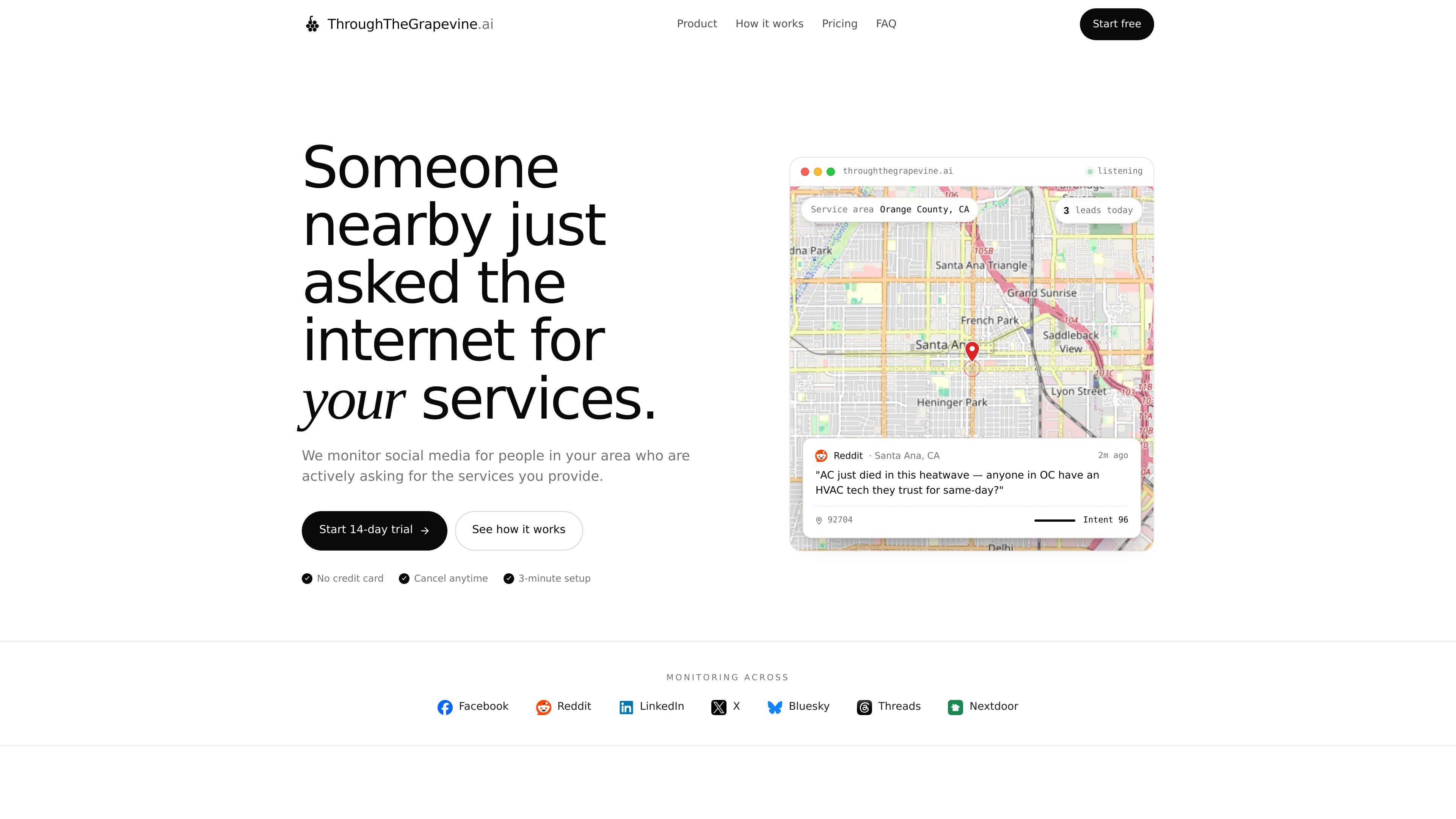
ThroughTheGrapevine.ai is a local-first social listening tool for service businesses. It looks for public posts where nearby people are actively asking for help, recommendations, or same-day service, then turns those posts into qualified leads.
The homepage shows the product being used for local categories such as plumbing, HVAC, roofing, landscaping, tree service, and other service trades. Users paste in their website and service area, and the system continuously scans supported social platforms for matching requests inside that area.
Enter your website and service area, and the system reads the site to understand what kinds of services you offer. The homepage says there is no keyword list or taxonomy to configure.
The product scans public posts across Facebook, Reddit, LinkedIn, X, Bluesky, Threads, and Nextdoor for service requests and recommendation threads.
It extracts city names, ZIP codes, neighborhood references, and account locations to keep leads within the area you actually serve.
Each post is scored from 0 to 100 for buying intent and urgency, with the option to mark leads up or down so the model can learn your judgment.
Qualified leads are sent by email with the post text, a direct link, the location, the intent score, and a suggested reply.
The homepage shows a filter threshold and a “skip” path for lower-intent or research-only posts, which suggests the product is meant to reduce irrelevant alerts.
A plumber, HVAC company, roofer, or similar trade can track people posting urgent requests in the neighborhoods they serve, then reply quickly while the job is still open.
A service business can monitor recommendation threads and “anyone know a good ___?” posts to find warm leads that are already comparing providers.
A company serving a specific city or county can filter out leads from outside its radius so the inbox stays focused on the area it can actually work in.
A small team can use the intent score and suggested reply to triage posts quickly, prioritizing urgent jobs over research-only or low-intent conversations.
An owner or marketer can use the daily email alerts and digest-style summaries to keep up with new opportunities without manually monitoring multiple social networks.
It appears to be designed for local service businesses that want to find people publicly asking for services in a defined service area. The homepage examples focus on plumbers, HVAC, roofing, and similar local providers.
The site says you paste your website and the area you serve, then the system watches public conversations on supported social platforms and sends matching leads to your inbox.
The homepage says it monitors Facebook, Reddit, LinkedIn, X, Bluesky, Threads, and Nextdoor, but the source does not show whether all sources are available on every plan or whether any setup beyond account creation is required.
Each lead email includes the post, a direct link, the location, an intent score, and a suggested reply, based on the homepage copy.
The pricing page was not available in the collected sources, so pricing, plan structure, and trial terms should be confirmed on the site before signing up.

Liam is an AI copilot for inbox management, email replies, prioritizing messages, and scheduling meetings. Free for individuals; custom pricing for teams and enterprise.

Podium is an AI lead generation and lead management platform for local businesses. Centralize conversations, follow-up, reviews, payments, and booking with a 24/7 AI Employee add-on.

Dirac is an AI email assistant for Gmail that prepares a morning brief, prioritizes important threads, and drafts replies in your voice.

AgentMail is an email inbox API for AI agents to create, send, receive, and search messages via REST APIs and SDKs. Built for threaded workflows, verification, support, scheduling, and approvals.

ClawCard gives AI agents a dedicated identity stack: email, US phone number, virtual cards, wallet, on-chain identity, and paid API access.

Blinked is a free Chrome extension for LinkedIn outreach to research leads, draft personalized messages, and manage follow-ups locally in your browser.