
One-glance worktree overview
Shows a calm, translucent view of active Codex worktrees so you can see what is running without leaving your desktop.

Treebar is a macOS app for Codex users that shows active worktrees, branches, and Git changes in a compact view below the MacBook notch.
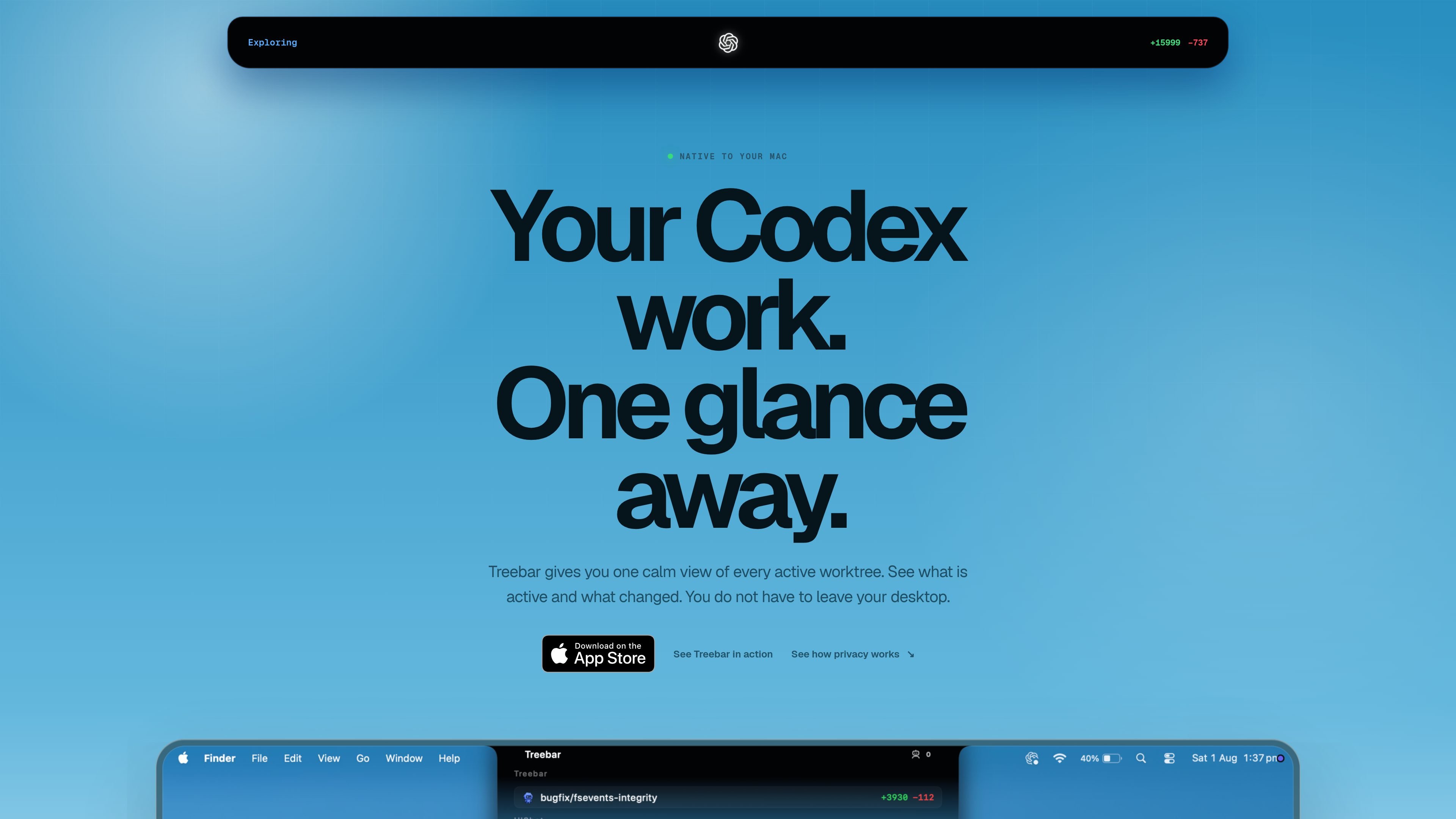
Treebar is a macOS utility for people using Codex who want a single, compact place to monitor active worktrees. It sits below the MacBook notch and shows worktree status, branch information, and recent Git changes in a calm, translucent interface.
Its purpose is to reduce context switching during parallel work. Treebar is presented as read-only and local-first: it reads metadata from folders you select, shows diffs on demand, and does not switch branches, stage changes, or read prompts, messages, or transcripts.
Shows a calm, translucent view of active Codex worktrees so you can see what is running without leaving your desktop.
Groups worktrees by project and surfaces each branch with its changed files, helping you keep parallel work organized.
Lets you inspect diffs from the worktree view, so you can review a change without switching branches or opening a separate workflow.
Uses native macOS states such as compact, peek, and expanded views to balance a quick glance with a deeper look at project and Git details.
Reads only local metadata from selected folders and avoids prompts, messages, or transcripts, which keeps the product focused on repository state.
Opens from the MacBook notch and closes after you finish, which keeps the interface present when needed and out of the way otherwise.
Use Treebar when you are running multiple Codex tasks at once and want a quick view of which worktrees are active and how they differ.
Use it while moving between projects so you can see each project’s branches and recent changes without opening separate windows for every repository.
Use Treebar when you need to inspect a change from the worktree list but do not want to switch branches or stage anything just to understand the diff.
Use the compact or peek states for quick checks, then expand the interface when you need more detail about projects, branches, Git changes, or controls.
Use it if you prefer a local, read-only view of repository state and want to keep prompts, messages, and transcripts outside the app’s scope.
Treebar is built for people using Codex on macOS who want a compact view of active worktrees. It is aimed at keeping parallel work visible without opening another full-size window.
The product page says Treebar opens from the Mac notch and shows active worktrees, branches, and Git changes. It is presented as a Mac-native app rather than a web-based workflow tool.
Treebar reads local metadata from folders you choose so it can show active worktrees and their Git changes. It does not read prompts, messages, or transcripts.
The page says Treebar is read-only for repositories. It shows diffs on demand, and it does not switch branches or stage changes.
The pricing page was not available from the collected sources, so the source material does not confirm a pricing model, trial, or plan structure.

ByteAsk is a terminal-first AI coding agent for C and C++ that edits repos and verifies changes with compilers, debuggers, sanitizers, and tests.

Ghost is a terminal-based AI assistant for chatting, code generation, and CLI tasks. Includes free models, supports Linux, macOS, Windows, and is open source.

Vi3ecode is a maintained development environment for AI coding agents, keeping project context, terminal, Git, memory, flows and review connected.

Lucid Train is a local-first AI coding harness that turns repo code into architecture diagrams for coding agents. Desktop app and Rust CLI, local models or API keys.

CreateOS Sandbox is an isolated compute environment for running code and agent workloads in Firecracker micro-VMs with private networking and SDK, CLI, or MCP control.

hob is an independent workspace for coding agents, with local control over sessions, terminals, history, routing, and follow-up work.