
AI itinerary generation
Add a destination, dates, and trip intent, then let TripSuite build a realistic itinerary with flights, hotels, meetings, and buffers.

TripSuite is an AI-powered business travel planner for iPhone, iPad, and Mac that builds structured itineraries and detects scheduling conflicts.
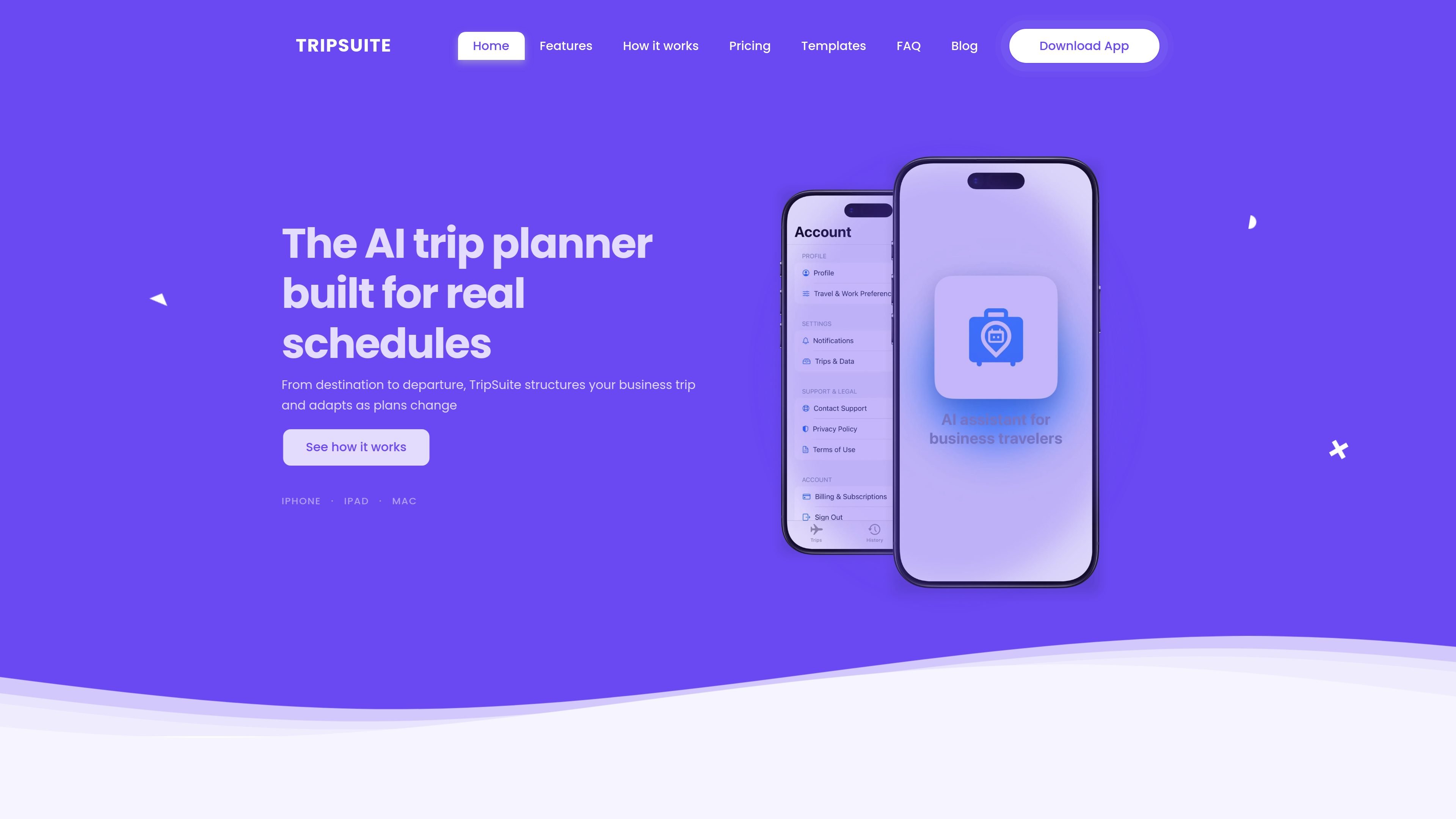
TripSuite is an AI-powered business travel planner that turns destination, date, and intent inputs into a structured trip timeline. It is designed to help business travelers organize flights, hotels, meetings, and buffers in one place instead of juggling separate confirmations and notes.
The product focuses on keeping itineraries realistic and editable as plans change. It includes conflict detection, schedule refinement, offline access, and a draft-to-planned workflow, with a free core product and a Pro tier for deeper planning intelligence and PDF exports.
Add a destination, dates, and trip intent, then let TripSuite build a realistic itinerary with flights, hotels, meetings, and buffers.
The app detects clashes in the plan and gives resolution suggestions so you can adjust the schedule before conflicts become problems.
TripSuite keeps everything in a single timeline instead of scattered confirmations, which makes the trip easier to review and edit.
When flights or meetings shift, you can refine the itinerary cleanly instead of rebuilding the whole plan from scratch.
Access the full trip plan while offline, with changes syncing automatically when you reconnect.
Free and Pro plans both support full timeline editing, trip history, and manual expense entry; Pro adds deeper intelligence and export options.
Plan a conference trip with arrival logistics, conference days, networking time, and a clean departure in a structured itinerary.
Organize a client visit with prep time, meetings, entertainment, and follow-up tasks without losing the surrounding travel details.
Lay out a headquarters or office visit for internal meetings, workshops, team dinners, and departure timing.
Build a fundraising roadshow with back-to-back investor meetings, prep, debrief, and follow-up time.
Create a business trip that later extends into leisure time, keeping the work portion and personal extension in the same city timeline.
TripSuite starts with a destination, dates, and trip intent, then generates a structured timeline that includes flights, hotels, meetings, and buffers. You can then adjust items and resolve conflicts as plans change.
TripSuite is positioned for business travel and structured trip planning, especially when you need a realistic itinerary instead of a leisure-focused trip organizer.
Yes. The source says TripSuite is free to start and is available on iPhone, iPad, and Mac. A Pro plan adds deeper planning intelligence and export features.
TripSuite can export a professional day-by-day timeline as a PDF, and Pro also adds an expense report PDF for business workflows.
TripSuite uses conflict detection and offers resolution suggestions, but the source says it does not make automatic changes without user approval.

Liam is an AI copilot for inbox management, email replies, prioritizing messages, and scheduling meetings. Free for individuals; custom pricing for teams and enterprise.

MeetStream is a meeting bot API for Zoom, Google Meet, Microsoft Teams, and Webex. Record, stream, and analyze meetings with usage-based pricing and $5 free credit.

Gemma AI is a phone call reminder app that calls you with scheduled reminders instead of push notifications, with Google Calendar sync and natural voice interaction.

Tactiq is an AI note taker for Google Meet, Zoom, and Microsoft Teams that transcribes meetings live into summaries, action items, and follow-up outputs.

garden-md is an open-source Node.js CLI that turns meeting transcripts into a local company wiki, linking entities and preserving the original text.

ClawTick is an AI agent automation platform for scheduling jobs from the CLI, dashboard, or REST API. Built for developers and teams using LangChain, CrewAI, webhooks, or custom workflows with monitoring, alerts, and logs.