
Save notes as local Markdown files
Start a Markdown document and save it directly to any folder you choose, so meeting notes fit into an existing folder structure instead of a separate app database.

Ulpaso is a free, open-source Mac app for on-device meeting transcription, saving notes and transcripts as local Markdown files with no account or subscription.
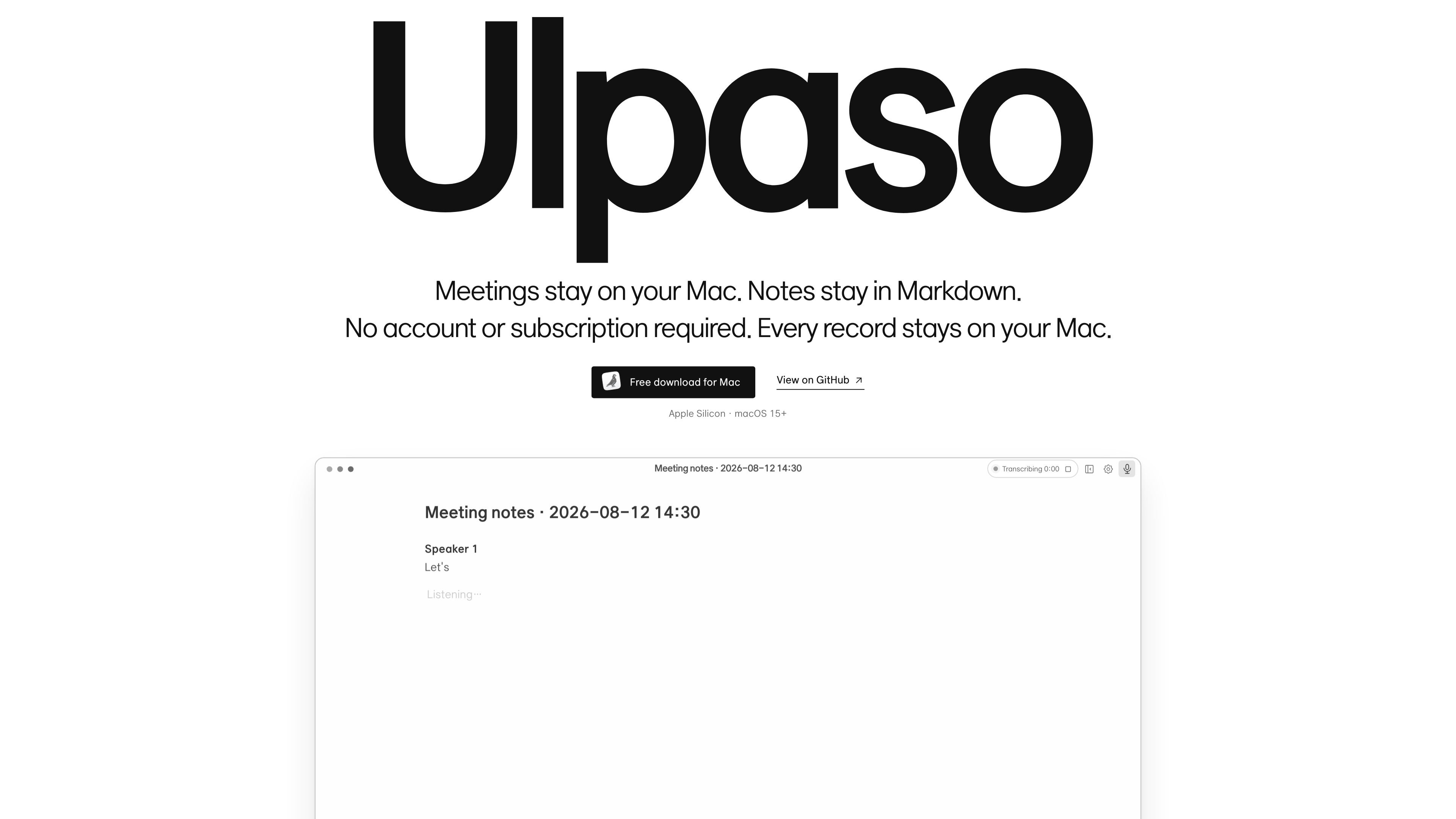
Ulpaso is a Mac app for recording meeting notes in Markdown while keeping the transcript workflow local to the device. It is described as free and open source, with no account or subscription required.
The app transcribes meeting audio on-device, organizes the result into a Markdown document, and saves every .md file on the user’s Mac. The site also says meeting audio, transcripts, settings, and the search index stay local, and that the files can open normally in other editors.
Start a Markdown document and save it directly to any folder you choose, so meeting notes fit into an existing folder structure instead of a separate app database.
Transcribe meeting audio directly on your Mac and turn the conversation into an organized note without sending audio to an external server.
Work from familiar .md files that open normally in other editors, which makes the notes easier to reuse outside Ulpaso.
Keep app settings and the search index stored locally on your Mac, along with the notes and transcripts themselves.
Use the source code under the MIT License and inspect how the app handles data end to end.
Clone the repository and run the app from source with the provided development commands on Apple Silicon Macs running macOS 15+.
Capture a meeting on your Mac, then turn the conversation into a Markdown note you can keep in a folder that matches the rest of your work files.
Keep transcripts and notes off external services when the meeting content should stay on the device for privacy or policy reasons.
Exporting is not described as a separate feature, but the .md output can be opened in other editors, making it useful if you want notes you can reuse later.
Use the open-source codebase and the published run-from-source commands if you want to inspect or modify the app before relying on it.
The source says Ulpaso is a free Mac app that can be downloaded and run locally on Apple Silicon Macs with macOS 15 or later. The site also provides a GitHub repository and a terminal-based setup path for running it from source.
Ulpaso is presented as a Mac app for meeting notes. The site specifically mentions Apple Silicon and macOS 15+, so it is aimed at compatible Macs rather than a cross-platform desktop release.
The site shows Ulpaso converting spoken conversation into an organized Markdown note with headings and checklist items. It saves .md files locally, which means the output can be opened in other editors.
The source emphasizes that meeting audio and transcripts are processed on-device and are never sent to an external server. App settings and the search index also stay local.
The available pages describe a free, open-source product for an individual Mac. They do not describe shared workspaces, team accounts, or collaborative editing features.

SpeakoFlow is a free, open-source desktop voice-to-text app for Windows, macOS, and Linux. Dictate into any app, use Flow, cleanup, translation, and a screen-aware assistant.

Notewarp is an AI note-taking tool that turns voice notes, uploads, or pasted text into cleaner notes, transcripts, summaries, and action items.

Flunkey is a voice-first productivity layer for Windows that turns speech into text, AI outputs, and remembered context without leaving your app.

MeetStream is a meeting bot API for Zoom, Google Meet, Microsoft Teams, and Webex. Record, stream, and analyze meetings with usage-based pricing and $5 free credit.

Tactiq is an AI note taker for Google Meet, Zoom, and Microsoft Teams that transcribes meetings live into summaries, action items, and follow-up outputs.

CAKIE is a Mac app for recording your screen and voice for an AI agent, with transcripts, screenshot highlights, and easy prompt copying.