
Browser companion
Nimbus is described as an AI-native browser companion, which suggests it works alongside web browsing rather than as a separate standalone app experience.

Nimbus is an AI-native browser companion for web navigation, form filling, and data extraction on Windows, macOS, and Linux.
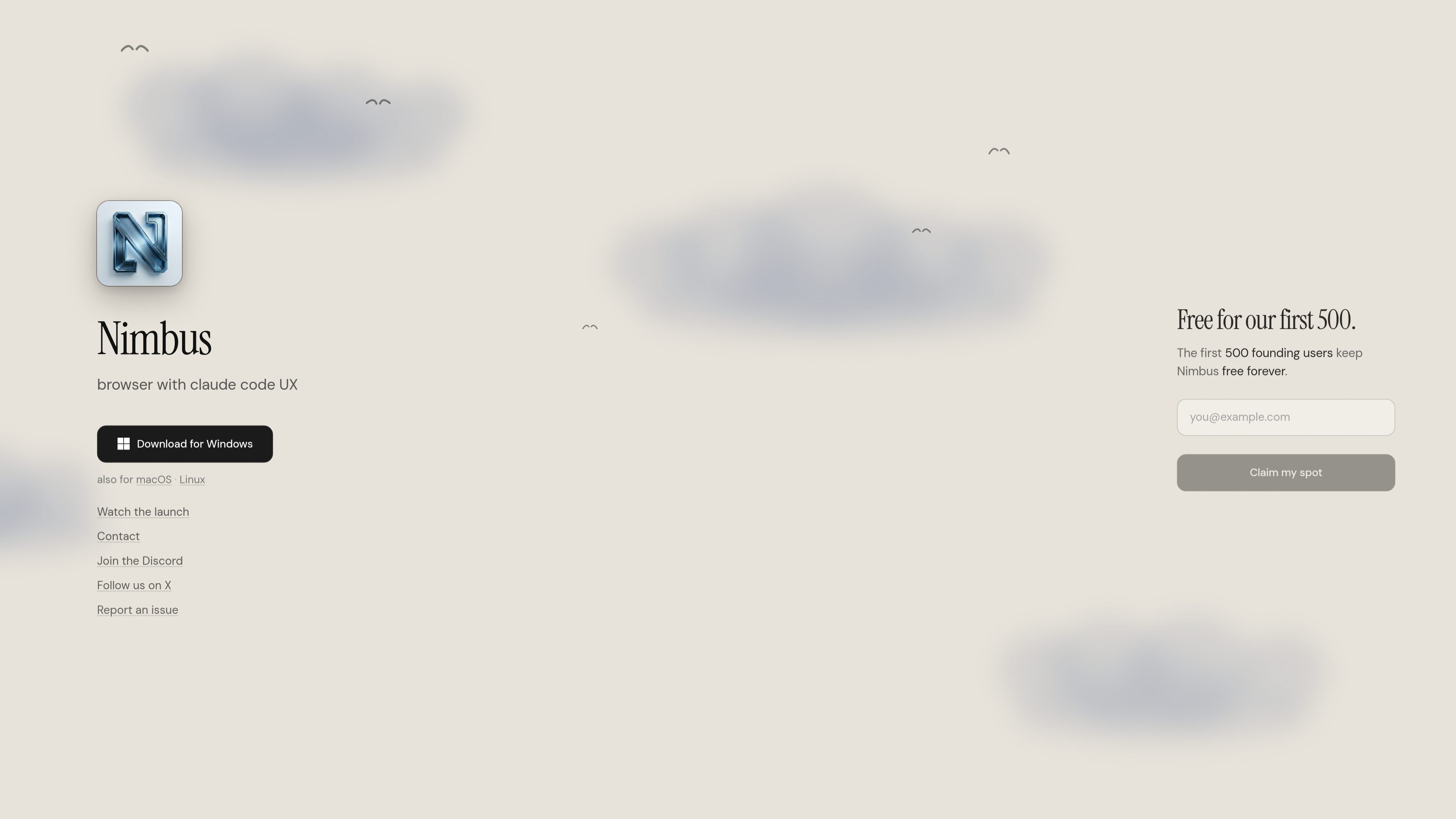
Nimbus is an AI-native browser companion for the web. It is positioned to help users navigate websites, fill out forms, and extract information so they can spend less time on routine web tasks and more time on decisions and review.
The homepage presents Nimbus as a downloadable desktop product, with availability noted for Windows and also for macOS and Linux. The page also highlights a founding-user offer, stating that the first 500 users can keep Nimbus free forever.
Nimbus is described as an AI-native browser companion, which suggests it works alongside web browsing rather than as a separate standalone app experience.
The product is designed to navigate pages on the web, helping users move through sites and complete tasks without manual step-by-step work.
Nimbus can fill forms, which makes it useful for repetitive web workflows where accuracy and speed matter.
Nimbus can extract data from web pages, making it easier to capture information for review or later use.
The homepage mentions a browser experience with Claude Code UX, indicating an interface shaped around a familiar AI-assisted workflow.
Download options are listed for Windows, with support also noted for macOS and Linux, making the product accessible across major desktop platforms.
Use Nimbus when you need help moving through web pages and completing multi-step browsing tasks without handling each interaction manually.
Use Nimbus for repetitive online forms where structured inputs need to be entered accurately and consistently.
Use Nimbus to pull information from web pages when you need to collect data for review, comparison, or follow-up work.
Use Nimbus as a desktop browser companion when you want an AI-assisted workflow on Windows, macOS, or Linux.
Nimbus is presented as an AI-native browser companion that helps with web navigation, form filling, and data extraction.
The homepage says Nimbus is available for Windows, with support also listed for macOS and Linux.
The homepage invites users to download the product and also includes links for Discord, X, and reporting issues.
The pricing page at the provided URL returns “Not found,” so the available page text does not confirm plans, limits, or paid tiers.

Mindcase is a web data API and console for extracting structured data from websites and major platforms, with prompt or API access and prepaid per-record billing.

Happenstance is an AI-powered network search tool to find people, mutual connections, and warm introductions across connected accounts, with API, MCP, Slack, and team integrations.

ClawEase is an AI business operator that captures requests across calls, email, SMS, WhatsApp, LINE, and web forms, then completes booking workflows in existing web systems.

VForms lets you place questionnaires inside YouTube videos, capturing feedback in context with timestamped, embeddable video forms.

Octen is a search infrastructure for AI apps needing live web context, structured answers, and retrieval tools via API, SDKs, Skills, MCP, and CLI.

Skayle researches topics, publishes structured CMS content, and tracks AI search citations for teams needing one system for visibility.