
Live page analysis
Scans the live DOM for CSS custom properties, computed styles, fonts, shadows, border radii, animations, spacing, and UI patterns, then turns those findings into a prompt you can paste into an AI coding tool.

VibeDesign Chrome extension and web app turns a website’s design into structured AI coding prompts, extracting live design tokens for Claude Design, Replit, Bolt, Lovable, and Figma Make.
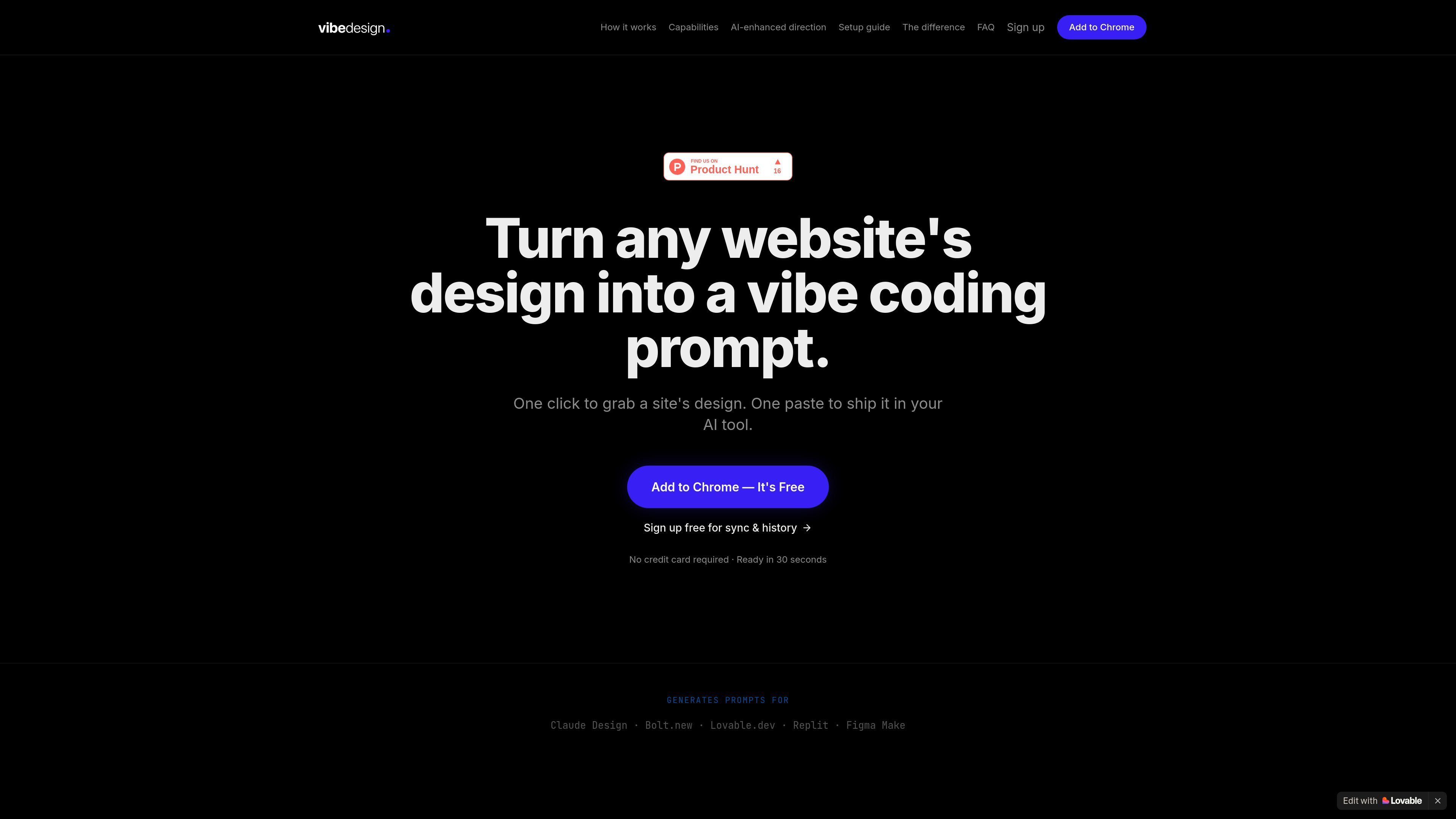
VibeDesign is a Chrome extension and companion web app that turns a website’s visual design into a structured prompt for AI coding tools. It analyzes the live page to extract design tokens such as colors, typography, shadows, border radii, animations, spacing, and detected UI patterns, then prepares output you can paste into tools like Claude Design, Replit, Bolt, Lovable, or Figma Make.
The product is built for people who want to recreate or translate a site’s look more precisely than a vague prompt allows. It can generate prompts without an API key, and it also supports optional AI-enhanced direction when you connect Gemini, Claude, or OpenAI for a more written design brief.
Scans the live DOM for CSS custom properties, computed styles, fonts, shadows, border radii, animations, spacing, and UI patterns, then turns those findings into a prompt you can paste into an AI coding tool.
Produces structured prompts from the extracted design tokens and lets you copy them to the clipboard or download the JSON for reuse in tools like Claude Design, Replit, Bolt, Lovable, and Figma Make.
Lets you narrow analysis to colors, typography, shadows, motion, layout, or components when you only need part of a design system.
Saves analyses per domain so reopening the extension on the same site restores the previous prompt automatically.
Keeps history locally for anonymous use, and offers a free account for cross-device sync plus a dashboard where past analyses can be viewed, accessed, and deleted.
Can add a written Design Direction section through an optional Gemini, Claude, or OpenAI key, while still working without any AI key at all.
Capture a site’s visual language, then paste the generated prompt into an AI builder to recreate the look with more specific direction than a plain-text description.
Analyze only colors, typography, shadows, motion, layout, or components when you need to understand one part of a system before designing around it.
Keep a running record of analysis across multiple sites, then revisit or delete entries from the dashboard when working through inspiration or references.
Use the free anonymous mode for quick one-off analyses, or sign in when you want cross-device sync and access to past work from the dashboard.
Add a Gemini, Claude, or OpenAI key when you want the generated prompt to include a written design-direction brief alongside the raw token extraction.
No. The site says the extension works without an API key, and the rule-based engine can extract design tokens and generate a structured prompt on its own. An optional API key adds a written design-direction section.
Yes. The home page says anonymous mode works without an account, with local history and a limit of 5 prompts per month. Signing in enables synced history across devices and access to the dashboard.
The setup guide lists Gemini, Claude, and OpenAI as supported AI providers for the optional direction feature. The generated prompt can be copied into Claude Design, Replit, Bolt, Lovable, and Figma Make.
The privacy policy says API keys are stored only in your browser’s local storage and are not sent to VibeDesign’s servers. When you use an AI provider, tokens are sent directly from your browser to the provider you selected using your own key.
The extension analyzes the live DOM for design tokens such as colors, fonts, shadows, border radii, animations, and UI patterns. The FAQ and privacy policy both indicate it does not collect page text, form inputs, or browsing history outside the sites you choose to analyze.

Refero MCP for AI agents connects an MCP-compatible agent to Refero’s curated library of web and iOS product interfaces and user flows. It helps agents research real design patterns before generating UI, with access included in the Refero Pro plan.

Pixso is a next-generation AI-native UI design tool that allows users to generate design drafts and code with a single click, serving as a domestic alternative to Figma.

Make Real is a Next.js app that turns hand-drawn wireframes into working HTML prototypes using the tldraw SDK and AI models. It helps users sketch on a canvas, generate code, and review the result in an embedded preview.

Napkin AI turns text into editable visuals for presentations, documents, and shareable content. Text-first generation, collaboration, and export to PPT, PNG, SVG, or PDF.

Wowable is an AI website builder that turns Google Maps listings, social profiles and screenshots into an editable site you can preview and publish.

okkslides is an AI presentation maker that creates and edits business slide decks from prompts, documents, outlines, or existing PowerPoint files. It supports template-based generation, natural-language edits, and export to PowerPoint.