
Save words and phrases
Add a single foreign word or a longer phrase from a show, podcast, book, or conversation. The app accepts slang, idioms, and rare vocabulary as well as common terms.

VibeLing is a mobile vocabulary app for saving foreign words and phrases, with translation, pronunciation, example sentences, and spaced repetition on iOS and Android.
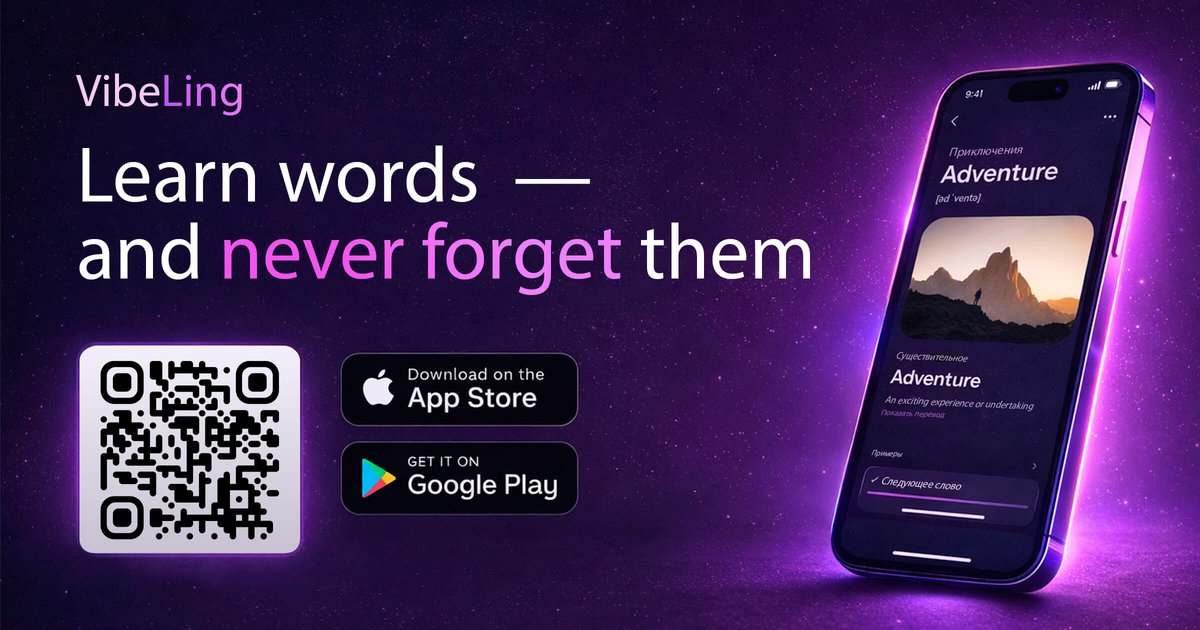
VibeLing is a mobile vocabulary builder for learning foreign words and phrases that you actually want to remember. The app is designed for moments when you encounter an unknown word in real life and want to save it quickly, understand it, and come back to it later.
When you add an item, VibeLing provides a translation, pronunciation, and example sentences, then uses spaced repetition to schedule reviews before the word is likely to fade. The product is available on iOS and Android, offers a free plan with no registration required, and includes a paid Pro tier for heavier use.
Add a single foreign word or a longer phrase from a show, podcast, book, or conversation. The app accepts slang, idioms, and rare vocabulary as well as common terms.
The app generates a translation, native pronunciation, and three example sentences for each entry, so you can learn a word in context instead of as a bare translation.
Review modes include recall, spelling, pronunciation, context, and quick yes/no, giving you different ways to practice the same vocabulary item.
VibeLing uses spaced repetition to decide when to bring a word back for review, removing the need to schedule sessions yourself.
The app supports seven learning languages: English, Spanish, German, French, Romanian, Serbian, and Russian.
Audio playback uses native-speaker pronunciation, which helps with listening and speaking practice alongside translation and examples.
Save a word or phrase you hear in a show, podcast, conversation, or book and get immediate translation, pronunciation, and example sentences.
Use recall, spelling, pronunciation, context, and quick yes/no drills to turn new vocabulary into something you can actively produce and recognize.
Review a small set of words for 10–15 minutes a day when you want a lightweight routine that fits a commute or break.
Keep phrases, slang, and idioms in one place when standard course vocab is too generic for what you need to remember.
Rely on the app’s spaced-repetition reminders instead of manually deciding when to revisit each word.
Yes. The app is available on iOS and Android, and the site says no registration is required to start using the free plan.
The source describes VibeLing as a vocabulary app for foreign words and phrases. It is built around adding words you encounter in real life and reviewing them with spaced repetition, so it fits independent language learners rather than general course-based study.
After you add a word or phrase, the app provides translation, pronunciation, and example sentences, then schedules review sessions based on spaced repetition. Training types mentioned include recall, spelling, pronunciation, context, and quick yes/no.
The source does not mention desktop, classroom, or team features, so the app appears focused on individual mobile study.
The site and app-store listings present a free plan with an upgrade to Pro for unlimited words, AI, and audio.

LangPanda is a browser extension for learning languages from streaming video with instant subtitle lookup, flashcards, vocabulary tracking, and SRS for 36 languages.

Talkpal is an AI language learning app for web and mobile with speaking, listening, writing, pronunciation practice, guided courses, roleplays, and 130+ languages.

Microsoft Translator is a Bing translation web app for short text between English and 100+ languages, with image translation, listen and copy.

Toku Reader - 読 is an iPhone app for Japanese and Chinese reading with tap-to-define lookups, reading support, and study tools. Free plan includes 50 lookups/day.

Lingofable is a story-based language learning app for reading at your level and reviewing new vocabulary in context. Spanish available; Android coming soon.

Yokoso is a Japanese-learning app for life in Japan, with practical daily language, adaptive lessons, and offline learning from real-world content.