
Mood-based menu matching
Users can state a craving, dietary preference, or dining situation, such as wanting something spicy or vegetarian.

What to Order helps you choose dishes by mood, cravings, dietary needs, or occasion from menus at The Cheesecake Factory, Olive Garden, IHOP, Chipotle, and more.
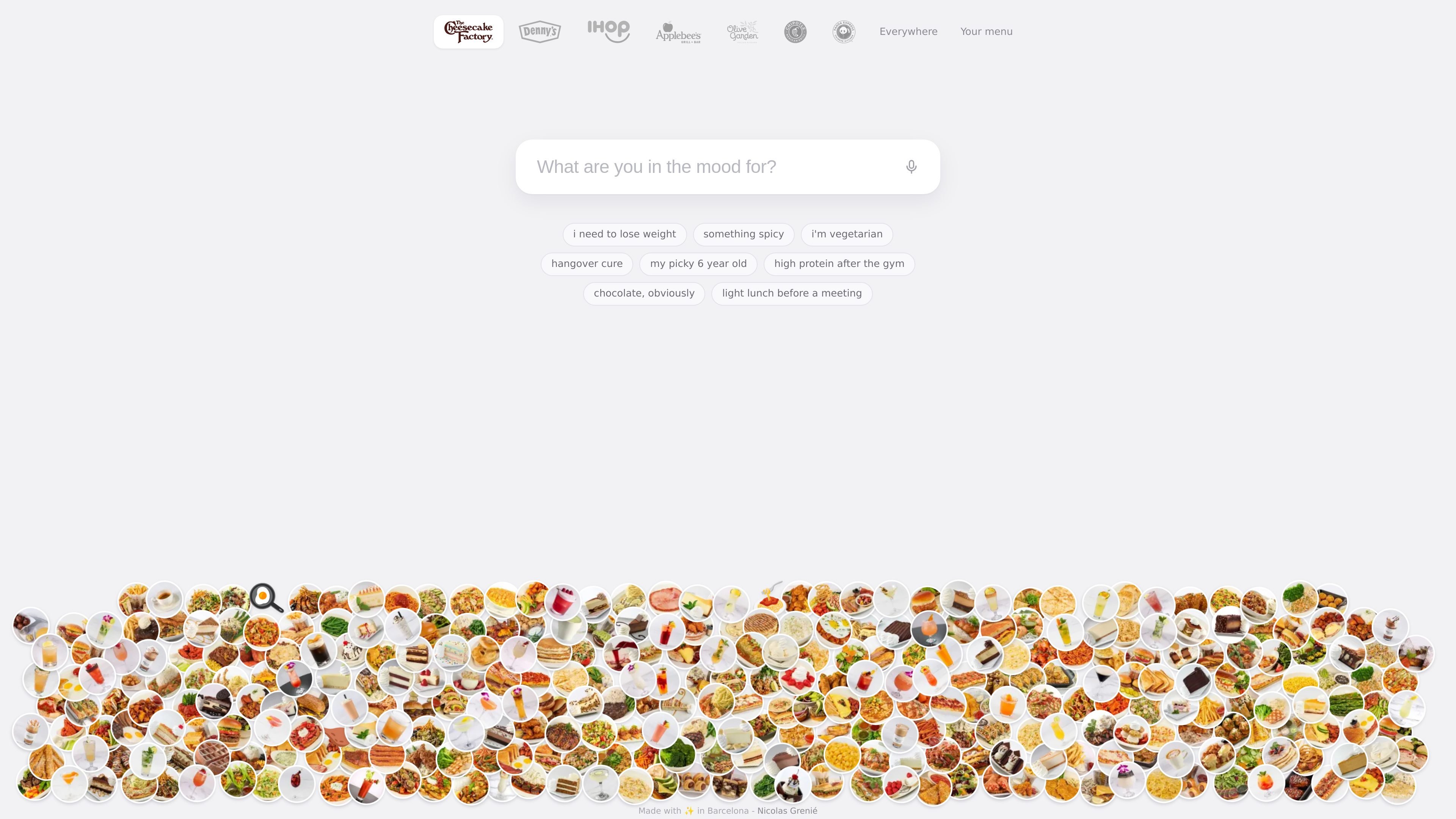
What to Order is a menu-discovery tool for choosing dishes based on what a diner wants at the moment. Users describe a preference, craving, or situation, and dishes that fit are surfaced from a restaurant menu.
The site highlights menus from The Cheesecake Factory, Olive Garden, IHOP, Chipotle, and other restaurants. It also says that users can provide any menu they photograph, making the product relevant both for browsing listed restaurants and for deciding what to order from a menu already in front of them.
Users can state a craving, dietary preference, or dining situation, such as wanting something spicy or vegetarian.
Matching dishes are presented from the selected menu so users can narrow a broad restaurant menu around a specific need.
The product lists The Cheesecake Factory, Olive Garden, IHOP, and Chipotle among its restaurant menus, with “and more” indicated on the site.
The site says users can use a menu they photograph, extending the service beyond the named restaurant menus.
Preset examples include weight-loss-oriented choices, a hangover cure, food for a picky child, post-gym high-protein food, and a light lunch before a meeting.
Describe a preference such as vegetarian, spicy, or wanting to lose weight to focus attention on dishes that appear to fit.
Use prompts such as “high protein after the gym” or “light lunch before a meeting” when the choice depends on the occasion rather than a specific cuisine.
Ask for something sweet or indulgent, including the site’s example “chocolate, obviously,” when deciding based on a craving.
Use the product’s picky-child example to look for a more suitable option when ordering for someone with a narrow set of preferences.
Photograph a menu when it is not one of the restaurant menus highlighted on the home page, then use the service to help interpret the available choices.
What to Order lets you describe what you are in the mood for and shows dishes that fit from a restaurant menu. The site also says it can work with a menu you photograph.
The site presents menus from The Cheesecake Factory, Olive Garden, IHOP, Chipotle and other restaurants. It also describes support for a menu photograph, although the available source does not specify the full list of supported restaurants or menu formats.
The home page provides example prompts such as vegetarian, spicy, high protein after the gym, light lunch before a meeting, and chocolate. These examples indicate that users can express preferences or a dining situation in ordinary language.
The available pages do not provide pricing details. The pricing URL does not show plans or rates, so visitors should verify current availability and pricing directly on the site.

Revy is a fashion app for organizing your wardrobe, generating outfit ideas, and recreating looks with clothes you already own.

Ask My Wardrobe is a browser-based virtual try-on and outfit planner that previews clothes on your photo, saves looks, and organizes outfits by date. Free to start, no download, no account needed.

RightCard: Credit Card Rewards helps you choose the best credit card for purchases and activate eligible bank offers—no bank login needed.

CraveLens identifies dishes in supported videos or webpage areas with on-device AI, matches them to nearby Swiggy listings, and prepares a cart to review.

NUDE is a private digital showroom and virtual fitting room for 10 lingerie pieces. Compare construction, share wearing needs, and review a reasoned Fit Receipt.

Scran is a mobile cooking app that saves recipes from websites, social media and photos, then turns them into simpler steps and organized shopping lists.