
Hotkey-driven dictation
Use a hotkey to start dictation, speak naturally, and release to paste formatted text into the active Windows app.
Wispro is a Windows voice-writing app for fast dictation, automatic cleanup, and polished text pasted into other apps.
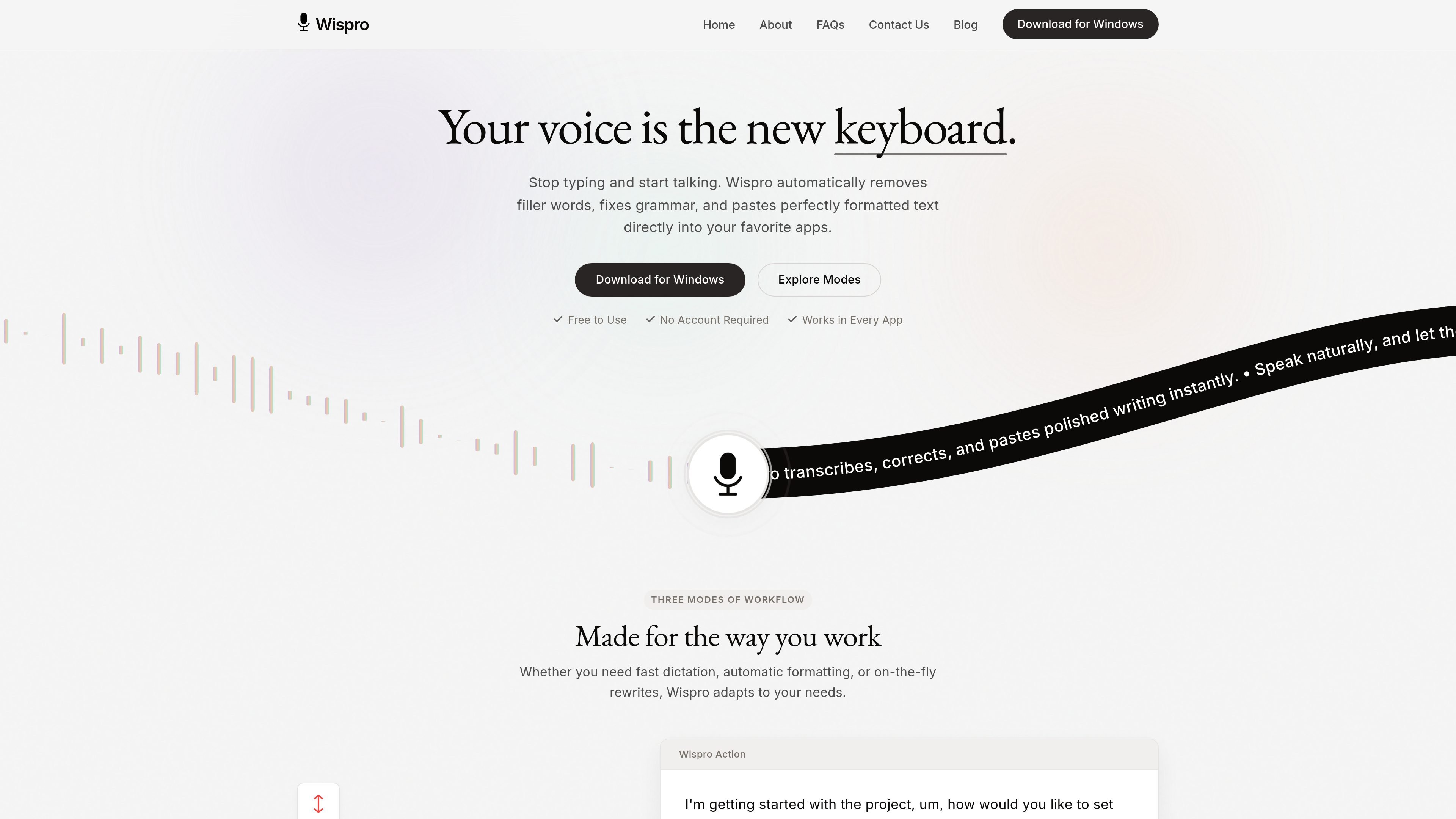
Wispro is a Windows voice-writing app that turns spoken input into text you can paste into any app. Its core workflow is simple: press a hotkey, speak naturally, and let the app transcribe, clean up, and insert the result into the active window.
The product is built for fast drafting as well as cleanup and rewriting. The site highlights three modes: Basic Mode for raw speech-to-text, Smart Mode for automatic editing and formatting, and Command Mode for voice-based text generation. It also supports custom dictionaries, voice snippets, context-aware formatting, and local control over API credentials and recordings.
Use a hotkey to start dictation, speak naturally, and release to paste formatted text into the active Windows app.
Basic Mode provides fast speech-to-text with minimal filtering so you can get words on the screen quickly.
Smart Mode removes filler words, corrects typos, and formats rough speech into cleaner prose.
Command Mode lets you speak instructions such as drafting an email or writing a polite decline, then generates the text for you.
Wispro can recognize the application you are typing in and adjust tone and formatting to fit the environment.
Users can add custom names, acronyms, templates, and formatting rules, and the app supports encrypted local API keys and local data control.
Capture notes or drafts quickly by speaking naturally and letting Basic Mode place raw text into the current app.
Turn rough spoken thoughts into cleaner messages, documents, or posts with filler-word removal and automatic formatting in Smart Mode.
Ask for a specific output, such as an email draft or a polite decline, using Command Mode instead of dictating every word.
Keep domain terms consistent by teaching the app names, acronyms, and jargon through the personal dictionary.
Reuse common text blocks with voice snippets and apply formatting rules when writing in different app contexts.
Yes. The site says Wispro is a native Windows application that works in every app where you can type, including email clients, coding IDEs, chat apps, documents, and code editors.
Wispro says your API credentials stay on your local machine and audio is sent over encrypted connections to processing endpoints. The site also says it does not store or monitor conversations.
No. The product is designed to run in the background and paste text into the currently active window when you release the hotkey.
The site says it can help writers, developers, students, and other professionals who want to turn spoken ideas into structured text faster.
Wispro says it automatically detects and supports over 90 languages, and the page also mentions more than 100 languages in its feature list. The source does not clarify the difference between those figures.

Sanota turns spoken memories and interviews into clear written stories for personal storytelling, family history and shared memories, with guided prompts and subscriptions.

Dictro is a private AI dictation app for Mac that turns speech into polished text in any editable app. Runs locally on Apple Silicon Mac by default, with optional Fast Mode.

QuickQuill is a local-first macOS dictation and transcription app to record meetings, summarize audio, and export notes without the cloud.

Goldfish is an AI memory app for macOS that helps you reply, write, summarize, and continue with context already on your Mac. It stores memory locally and writes in your tone.

Tactiq is an AI note taker for Google Meet, Zoom, and Microsoft Teams that transcribes meetings live into summaries, action items, and follow-up outputs.

ProWritingAid is a writing assistant for storytellers with grammar checking, style editing, paraphrasing, and story analysis in popular writing apps.