
23+ AI models
Generate image variations directly inside Adobe Photoshop using more than 23 AI models, including Stable Diffusion, Flux, and Gwen Image.

ABrush is an AI image-generation plugin for Adobe Photoshop to generate, edit, and upscale images with 23+ AI models and guided creative controls.
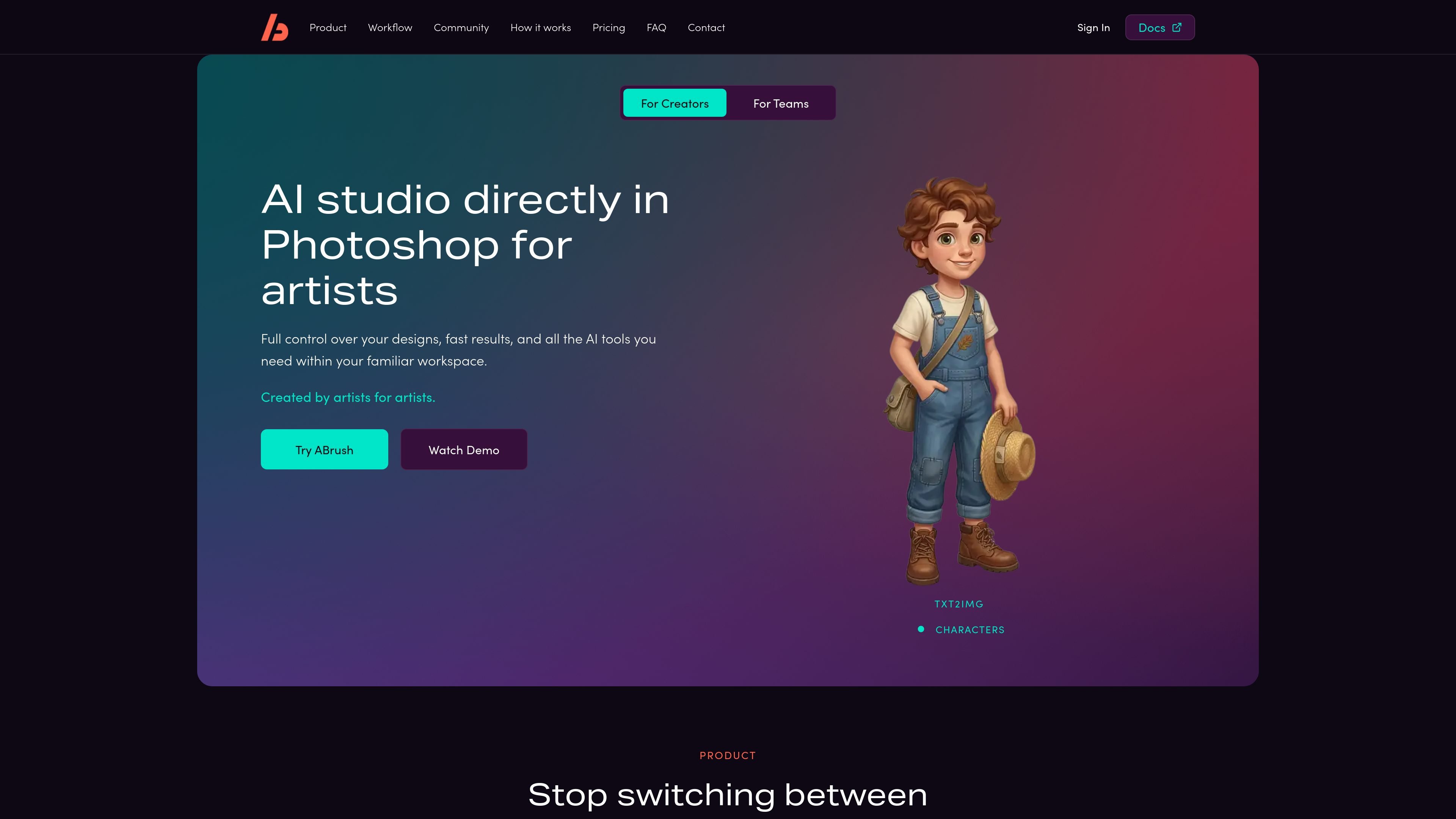
ABrush is an AI image-generation plugin for Adobe Photoshop. It brings image generation, editing, and upscaling into the Photoshop workspace, allowing artists to work with AI outputs without switching to a separate service.
The plugin is built around iterative creative work: users can generate multiple variations, make localized edits, refine results manually in Photoshop, and return to earlier generations through saved history and presets. Its model selection and control features are intended for users who need more direction over the result than a single prompt-and-download workflow provides.
Generate image variations directly inside Adobe Photoshop using more than 23 AI models, including Stable Diffusion, Flux, and Gwen Image.
Apply changes to selected areas of an image so edits can be focused on the parts that need refinement.
Use ControlNet, IP-Adapter and reference images, LoRA styles, and other professional controls to guide generation.
Keep generation, editing, and manual Photoshop adjustments in one workspace instead of moving between separate services.
Save generation history, prompts, settings, and presets, with support for sharing presets for repeatable workflows.
Generate, edit, and upscale images as part of a Photoshop-based creative process.
Create several image directions in Photoshop, compare the results, and select an option for further development.
Replace or refine a specific area of an existing document while leaving the rest of the composition intact.
Use references, ControlNet, IP-Adapter, or LoRA styles to guide generated content toward a particular structure or visual treatment.
Combine AI-generated elements with hand editing, compositing, and detail adjustments in the same Photoshop document.
Save prompts, settings, and prior generations so recurring creative tasks can be revisited without rebuilding the workflow from the beginning.
ABrush is an AI-powered tool that integrates directly into Adobe Photoshop for image generation and editing. It is designed to support artists without replacing their existing creative workflow.
The site invites users to try ABrush, watch a demo, or request a demo. Specific installation steps are not provided in the available page content.
The site states that users own every image they generate and that their data is not used to train models, supporting use in commercial projects. Specific licensing terms are not provided.
The site states: “No training on your data.” This indicates that user data is not used to train the models, although further data-handling details are not provided.
The available content does not specify minimum PC requirements, installation troubleshooting steps, internet requirements, or whether the plugin will be paid after release.

Pixelcut is an AI photo editor for product images, social content and video assets. Free and paid plans; mobile app and browser access for individuals and teams.

Upscale.media is an AI image upscaling and enhancement tool by Pixelbin that sharpens low-resolution images in the browser, with bulk processing and API support.

Free browser-based AI image enlarger by PhotoAid for upscaling JPEG, WEBP, and PNG photos, especially portraits, without heavy blur.

An All-In-One AI Platform that combines tools for image, video, voice, writing, and chat to enhance creativity and collaboration.

Petalica Paint is a web service for automatic line-art coloring and tracing drawings from photos, with commercial use allowed under stated terms.

PixelDrive is a bulk image generation API for on-brand images from one template via browser editor, REST API, CSV batch, or MCP.