
Single-image photo animation
Upload a single photo and generate an animated video from it. The site shows examples for portraits, landscapes, pets, anime art, and product shots.

AnimatePhoto is a web-based AI photo animator that turns still images into short animated videos. Upload photos, choose a model, and download MP4.
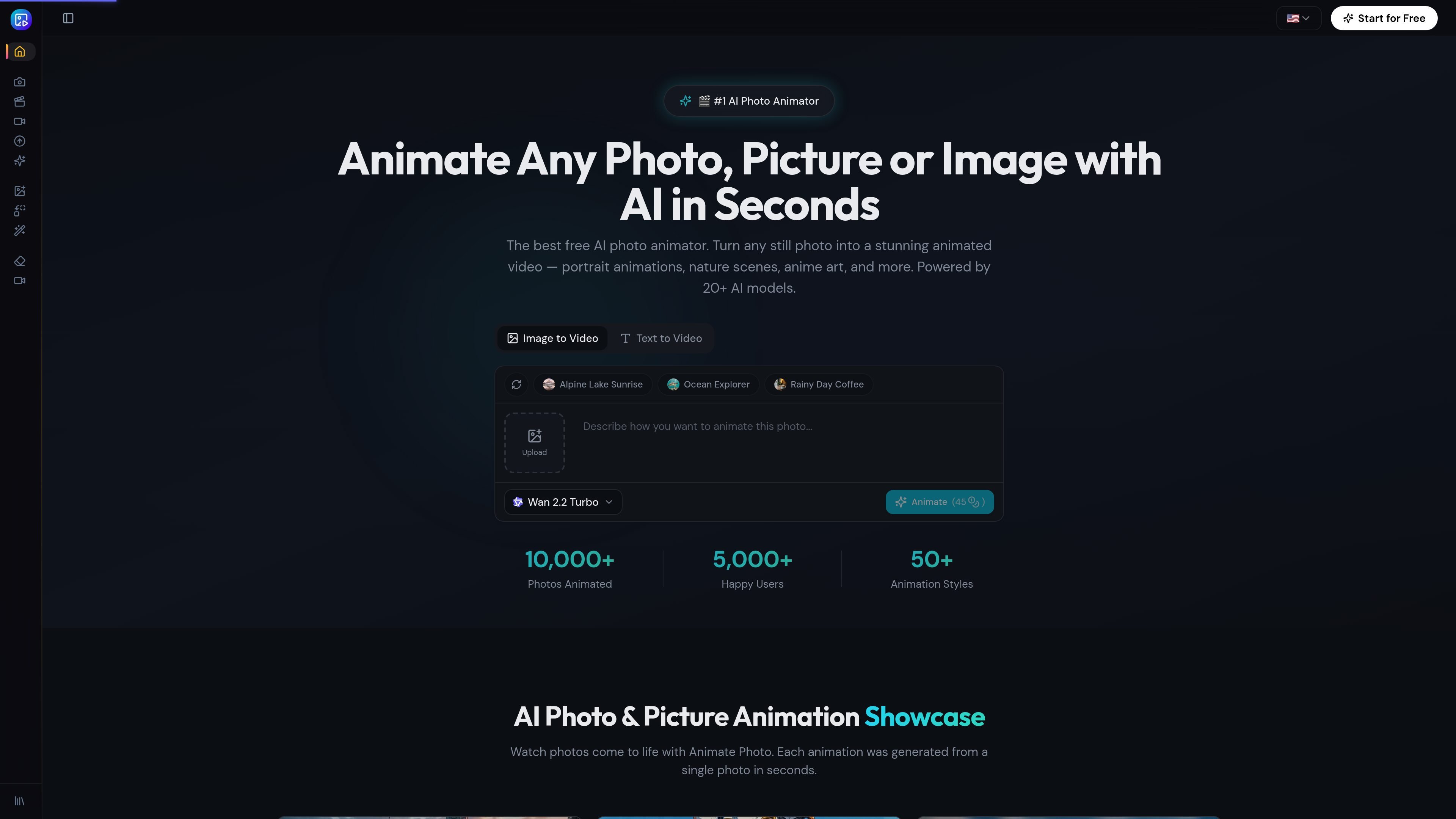
AnimatePhoto is a web-based AI photo animator that turns still photos and images into short animated videos. The site positions it for users who want to create motion from portraits, landscapes, pets, artwork, product photos, and other static images.
The product workflow shown on the site is straightforward: upload an image, optionally choose a model or describe the motion, generate the animation, and download the result as a video. The site also highlights specialized video effects such as AI Hug, AI Dance, AI Cartoon, Gender Swap, and AI Wedding for more targeted animation styles.
Upload a single photo and generate an animated video from it. The site shows examples for portraits, landscapes, pets, anime art, and product shots.
Describe the motion you want and the system generates the animation accordingly. This is presented as text-guided motion on the homepage and model-selection flow on the animation page.
The site presents multiple styles such as cinematic, gentle, and dynamic, so users can tailor the tone of the motion rather than rely on a single default effect.
Download finished animations as MP4 videos. The homepage also says exports are available in HD, and the animation page shows MP4 as the download format.
The pricing and model pages indicate access to multiple AI video models and providers, including Wan, Seedance, Kling, Hailuo, Veo, Sora, Grok, and LTX.
The pricing page lists private generation, AI video effects and tools, a commercial license, and priority support across paid plans.
Turn selfies, headshots, and portraits into short motion clips with natural facial movement, head turns, and hair movement for social content.
Animate product photos into dynamic video ads or showcase clips without a full production shoot.
Bring anime panels, digital illustrations, and concept art to life with motion and atmospheric effects.
Create moving memories from family photos and old black-and-white images to share with relatives.
Generate themed effect videos such as hugs, dances, weddings, or character-style transformations from uploaded photos.
AnimatePhoto is a web-based AI photo animator. You upload an image, optionally choose a model or describe motion, and generate an animated video for download.
The source shows a simple workflow: upload a photo, let the AI generate motion, then download and share the result. On the AI photo AI page, users can also choose a model and add a motion description.
The site shows support for JPG, PNG, and WebP uploads on the photo animation page, and it says any photo, portrait, landscape, pet image, artwork, or old family photo can be used.
The pricing page shows a free plan and paid plans, plus one-time credit packages. The free plan includes 100 credits for one month and access to basic models; paid plans include more credits and access to all AI models.
Yes. The pricing page states that generated animations include a commercial license, and paid plans also list commercial rights and priority support.

VIDEOAI.ME is an AI video generator for spokesperson videos, ads, explainers, and social content from a script without filming.

艺映AI is a free AI video creation tool for text-to-video, image-to-video, and video-to-video creation for short social and promo clips.

讯飞绘镜 (iFlytek Huijing) is an AI video creation platform that transforms creative ideas into scripts, storyboard images, and dynamic videos quickly and efficiently.

Topview AI is a web-based AI video creation platform for social ads, ecommerce creatives, avatar videos, and short drama workflows.

MIRA vision develops synthetic-data-driven AI for pathology image analysis, with privacy-compliant training data, automatic annotations and controlled data generation.

DANCING CATS App turns cat photos into dancing kitty clips. Simple, focused, and easy to use for playful pet-image edits.