

Ask Ellie
Ask Ellie is an AI assistant for engineering leadership—answering Slack Q&A with context from code, releases, incidents, and on-demand reports.
What is Ask Ellie?
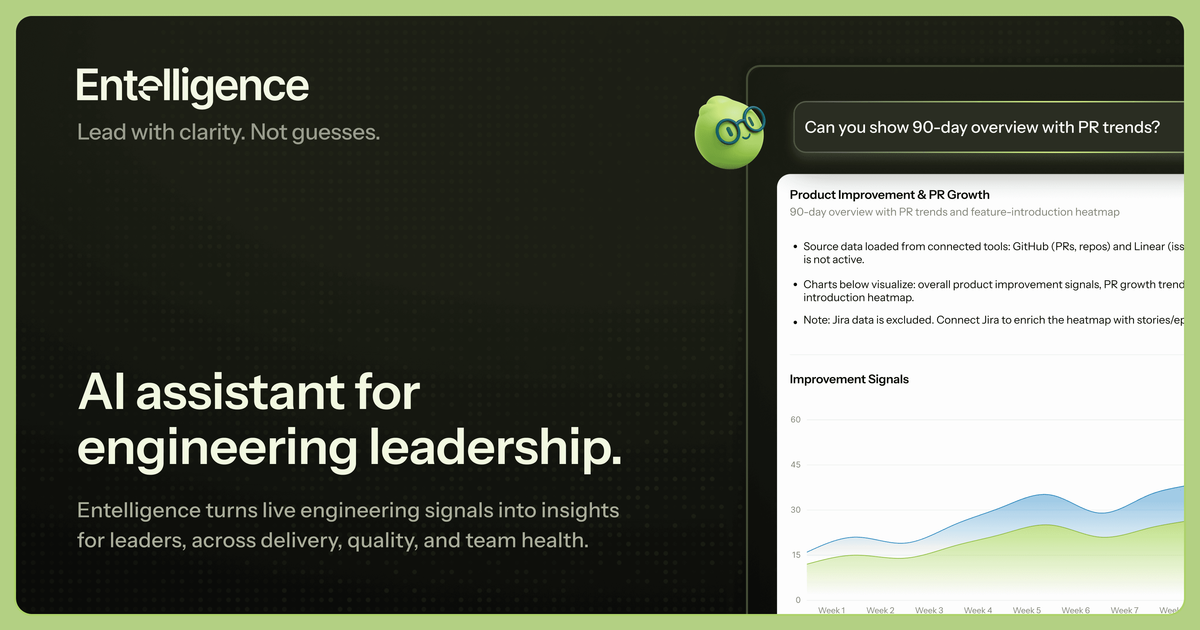
Ask Ellie is an AI assistant for engineering leadership that answers engineering questions by pulling from team and product signals. The core idea is “one place to ask” with “one clear answer,” reducing the need to dig through separate dashboards, tickets, and incident reports.
Ellie composes responses from multiple sources such as code, releases, and incidents, and it can update as those underlying changes evolve. Instead of presenting only raw metrics, it aims to connect what’s happening to what it means in context.
Key Features
- Answers built from engineering signals (code, releases, incidents, and product signals) to give context rather than isolated numbers.
- Answers that update as code and releases change, keeping responses aligned with the current state of the system.
- Report generation on demand, so users can request structured summaries when they need them.
- Understanding of GitHub and Linear artifacts (PRs, reviews, commits, and delivery flow) to help explain what changed, what slowed down, and why.
- Slack-based Q&A workflow, described as: ask in Slack and receive a direct response, with a chart included only when it helps.
- Production-focused explanations by connecting releases, errors, and incidents to clarify what changed and what broke.
How to Use Ask Ellie
Start by asking Ellie an engineering leadership question in the intended interface (the page specifically describes asking in Slack). Use a question format like cycle time comparisons, release risk, user impact after the last release, backlog trends, or codebase risk areas.
If you need a deeper view, request a report or ask follow-up questions that tie the current signals together (for example, connecting delivery changes to outcomes, or linking an upcoming release to known incident patterns). Because responses are described as updating as code and releases change, re-asking after changes may help keep answers current.
Use Cases
- Engineering leadership cycle-time review: “Which teams have the best vs worst cycle time?” with answers tied to ongoing delivery signals rather than standalone charts.
- Release risk planning: “What are the top risks for the upcoming release?” using the assistant’s access to code and release-related signals.
- Production impact assessment: “Are users affected after the last release?” by connecting releases, errors, and incidents.
- Delivery and backlog trend monitoring: “How has the team delivery impacted from the last quarter?” and “What’s our bug backlog trend right now?”
- Code and change risk visibility: “Which parts of the codebase are riskiest?” and “How much AI-generated code hit production?” to focus attention on higher-risk areas and outcomes.
FAQ
-
Where do I ask questions? The page states you can ask questions in Slack and receive a direct response.
-
What does Ellie use to form answers? It pulls from code, releases, incidents, and product signals, and it composes answers from multiple signals rather than surfacing raw metrics.
-
Does Ellie only show charts? The page describes direct responses with charts only when helpful, rather than requiring dashboards for every question.
-
Does the assistant stay current after changes? Answers are described as updating as code and releases change.
-
Which engineering tools does Ellie understand? It states Ellie understands PRs, reviews, commits, and delivery flow from GitHub and Linear.
Alternatives
- Dashboard-first analytics tools: Teams can use standard BI dashboards and monitoring views to answer questions, but they typically require manual cross-referencing across charts and systems.
- Engineering knowledge base and incident postmortems: Documentation can explain what happened historically, but it may not automatically connect current code changes, releases, and ongoing incidents.
- General-purpose AI chat assistants with manual context: Chat tools can answer questions, but they may require users to paste or supply the relevant code/incident/product context instead of composing answers from connected engineering signals.
- Workflow and issue-tracking analytics: Tools focused on tracking delivery and operational metrics can highlight trends, but they may not provide integrated “what changed and why” explanations from multiple signals in one response.
Alternatives

Falconer
Falconer is a self-updating knowledge platform for high-speed teams to write, share, and find reliable internal documentation and code context in one place.

skills-janitor
Audit, track usage, and compare your Claude Code skills with skills-janitor—nine focused slash commands and zero dependencies.

Studio CLI
Control WordPress Studio features from the terminal with Studio CLI—manage local sites, create/update/delete WordPress.com preview sites, and authenticate.

Lasso
Lasso is an AI-first PIM for ecommerce teams that enriches product attributes and descriptions, processes supplier data, and monitors competitors via app or API.

Struere
Struere is an AI-native operational system that replaces spreadsheet workflows with structured software—dashboards, alerts, and automations.

garden-md
Turn meeting transcripts into a structured, linked company wiki with local markdown and an HTML browser view. Sync from supported sources.